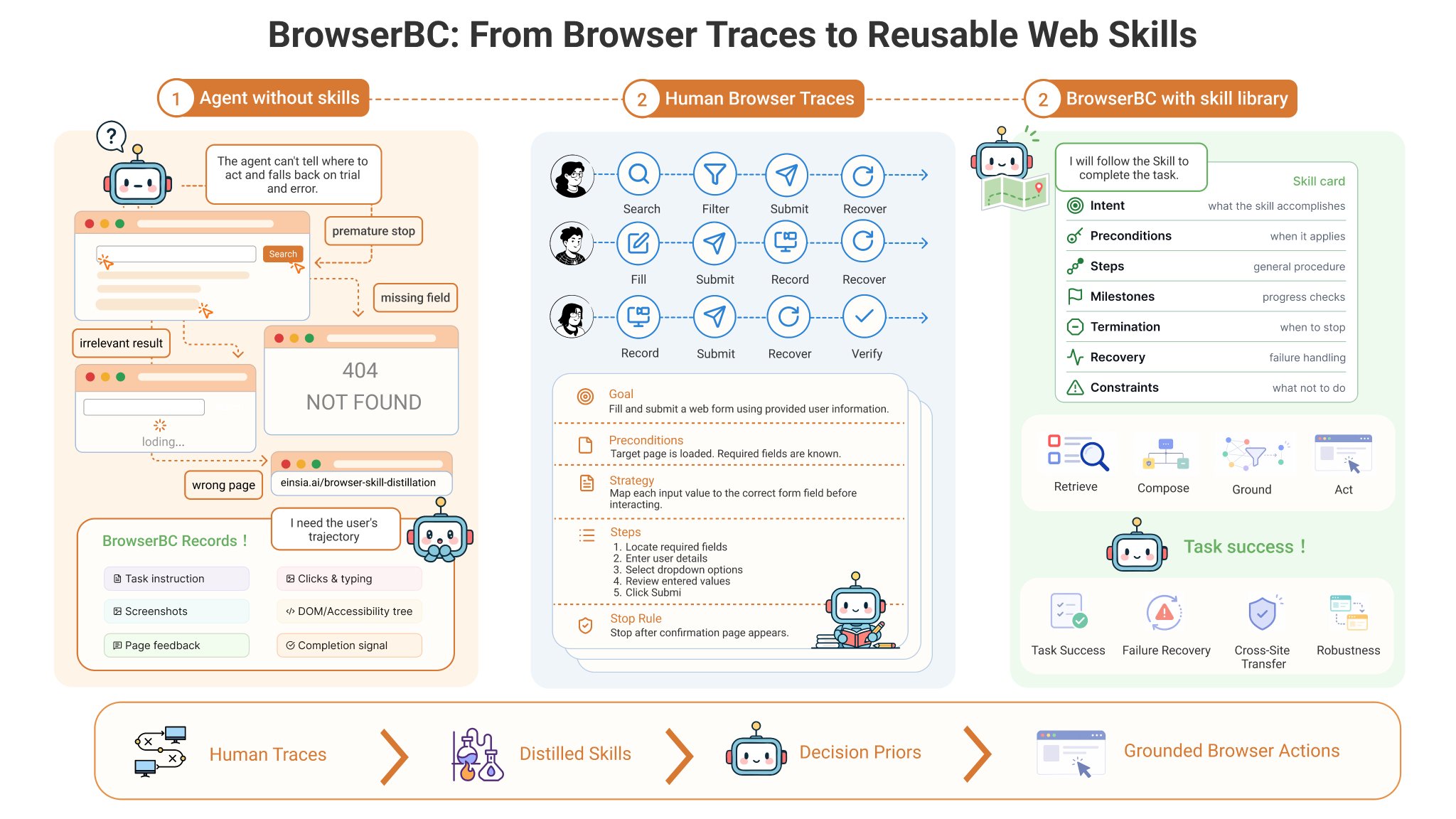
BrowserBC, a new open-source project from the ViDA team, explores a more efficient way to run web agents. Instead of using a frontier model for every step of an agent workflow, BrowserBC records a human web flow once with a stronger model, distills it into a reusable skill, and
TOOLS
-

GPT Image 2 Edit used to improve orders, offering replacements
By
–


Okay inputted that one and made a new one with GPT Image 2 Edit, if anyone who ordered likes this better, let me know and I'll replace your order 😀 x.com/levelsio/statu…
-
Using GPT Image 2 Edit to replace orders for customers
By
–
Okay inputted that one and made a new one with GPT Image 2 Edit, if anyone who ordered likes this better, let me know and I'll replace your order 😀
-
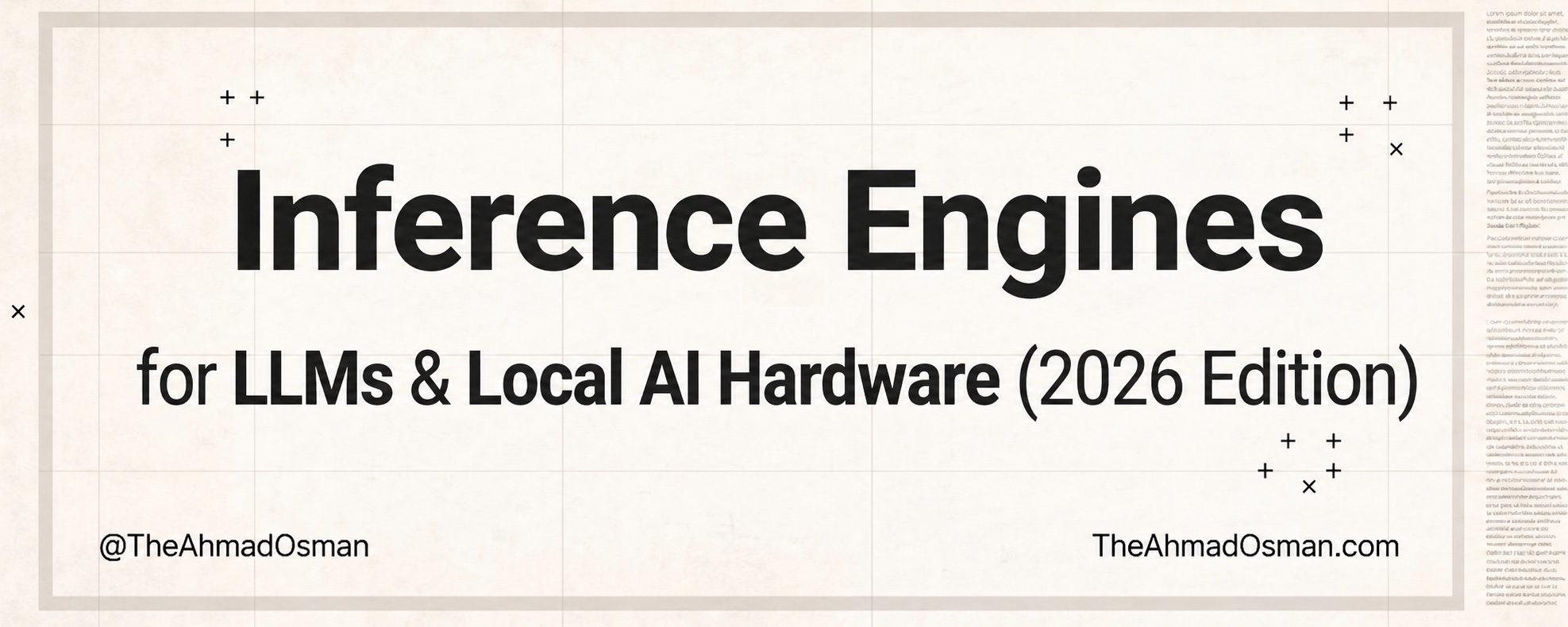
Free online guide for running LLMs locally on all hardware
By
–
Wanna replace Anthropic/OpenAI? START WITH THIS The bible for running LLMs locally is now available online to read for free Covers what to use on – Laptop / edge / odd hardware
– Mac-first workflows
– Single RTX GPUs
– 2-4+ NVIDIA / CUDA GPUs
– General production serving
– -
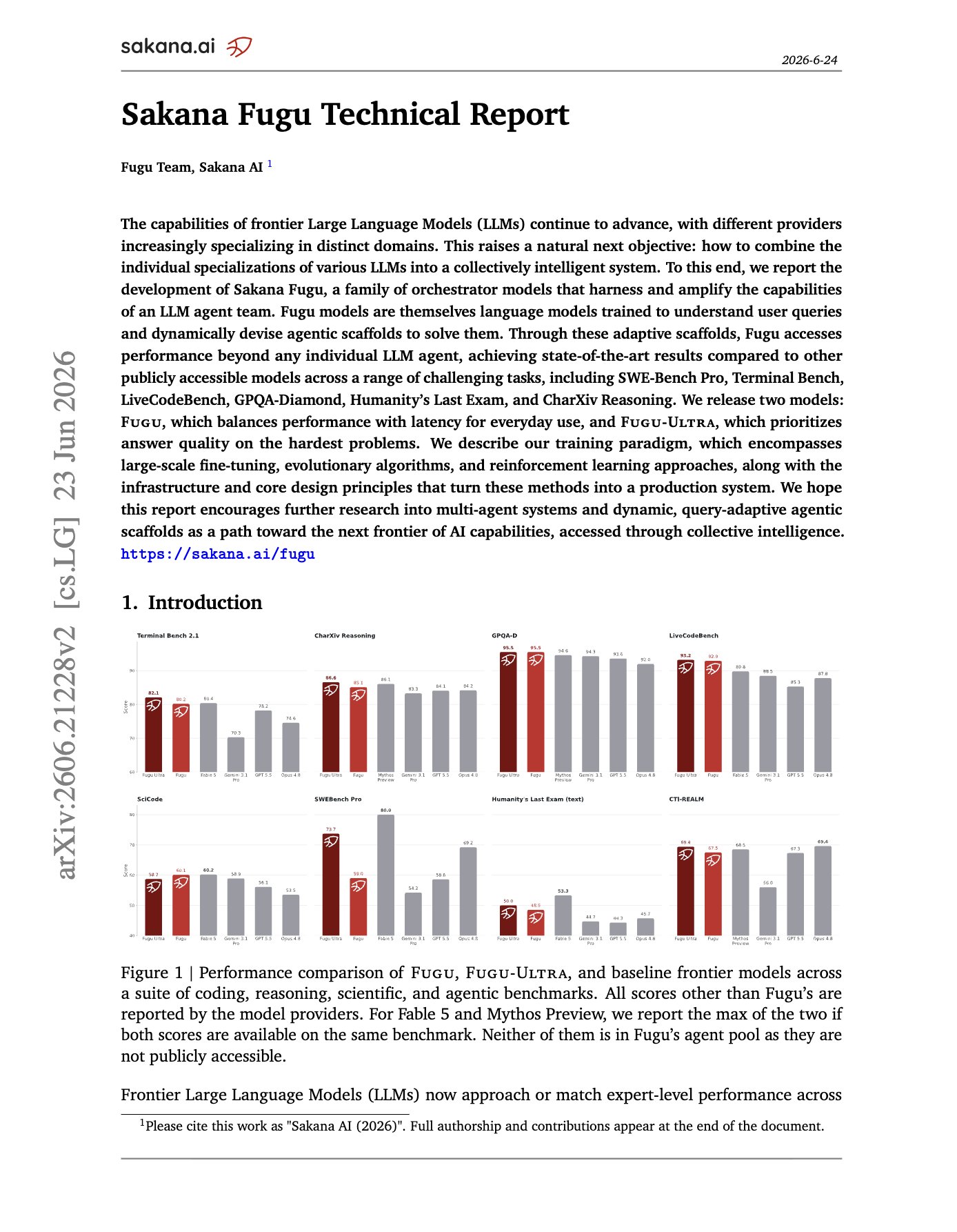
Sakana AI’s Fugu dynamically routes queries to multiple models
By
–
Sakana Fugu Technical Report Instead of training one larger model, Sakana AI trains an orchestrator that reads each query and dynamically routes or composes GPT-5.5, Gemini-3.1-Pro, Claude Opus 4.8 and other agents into query-specific workflows. With Fugu being the fast router,
-
Every enterprise will have its own model-harness-sandbox-eval flywheel
By
–
Every enterprise will have its own model-harness-sandbox-eval flywheel with token value per watt optimization. This is the future. Simple reason: tacit knowledge about the domain and customers and their workflows that the company uniquely understands and has built trust around.
-
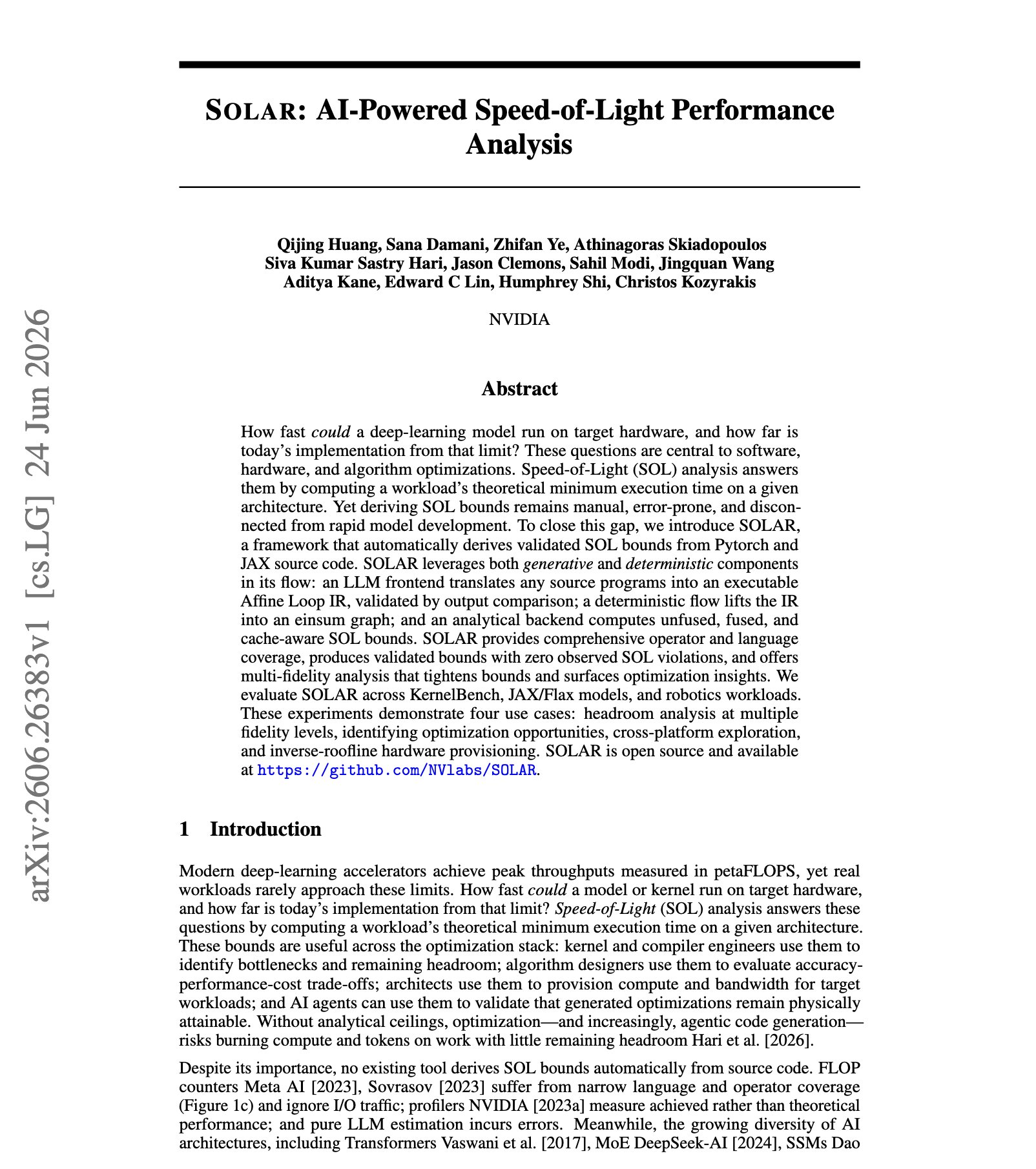
NVIDIA SOLAR automates speed-of-light performance analysis from PyTorch/JAX
By
–
NEW paper from NVIDIA. (bookmark it) Speed-of-light performance analysis tells you the theoretical floor of a workload, but teams still derive it by hand and freeze it. SOLAR automates the whole thing straight from PyTorch or JAX source. An LLM frontend translates arbitrary
-
Open source harness advances depend on model intelligence from few firms
By
–
Lots of advances coming from the open source harness movement (including Moltbook, RAG approaches back in the day, etc.) but they depend on the intelligence of the models created by a small handful of companies & the more intelligent those models, the more others can do with them
-
Voice-controlled transforms and blocking out with Unreal MCP
By
–
What if you used the new unreal MCP so a lot of the transforms and blocking out even is doing via voice and you can just tweak it
-
Claude Code burning 2x tokens of Codex is spiciest line
By
–
Claude Code burning 2x the tokens of Codex is the spiciest line in here haha.