5,000 new repos (models, datasets, spaces) are created every day on Hugging Face!
OPEN SOURCE
-
Awesome LLM Apps with RAG in GitHub Repository
By
–
Find all the awesome LLM Apps demo with RAG in the following Github Repo. P.S: Don't forget to star the repo to show your support
-
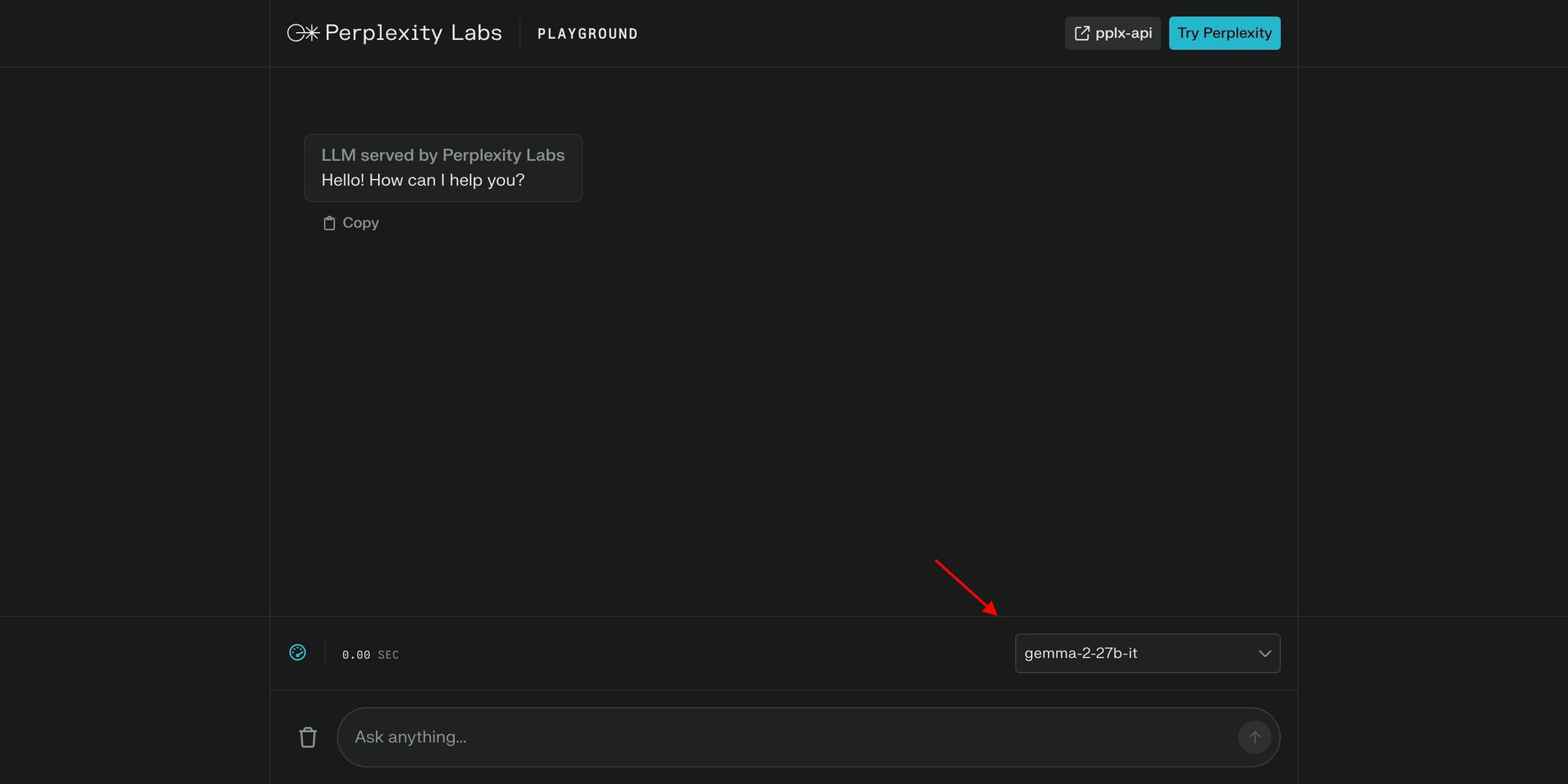
Gemma 2 27b and 9b now available on Perplexity Labs
By
–
Gemma 2 27b and Gemma 2 9b are now available on Perplexity Labs
-
Design Transparent Open Source AI Systems for Better Governance
By
–
This can be better than politicians because you will have a chance to design this AI system, to influence, to steer it. I am not talking about some black box AI system. I am talking about something that is open source, transparent, auditable.
-
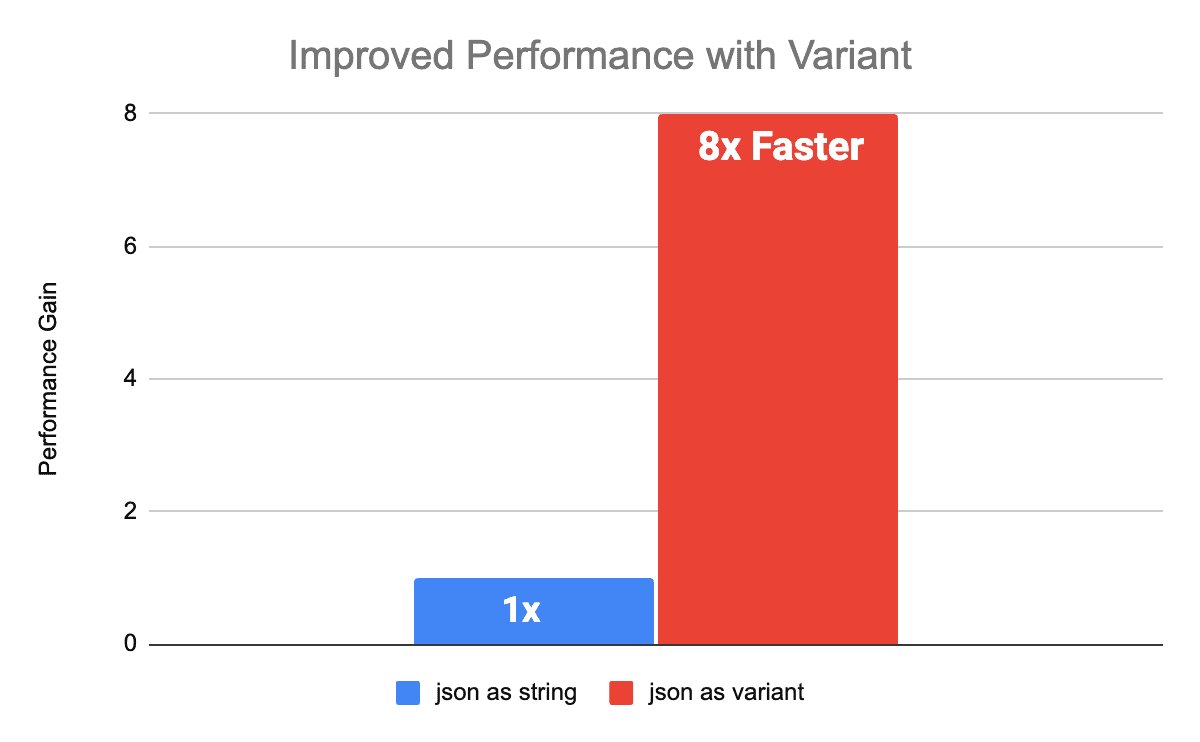
Open Variant Data Type Accelerates Semi-Structured Data Processing
By
–
Introducing a new data type for semi-structured data: open variant! 8x faster processing Flexibility for highly nested and evolving schema Open source Available in Delta Lake 4.0 and Apache Spark https://
bit.ly/45FvpOL -
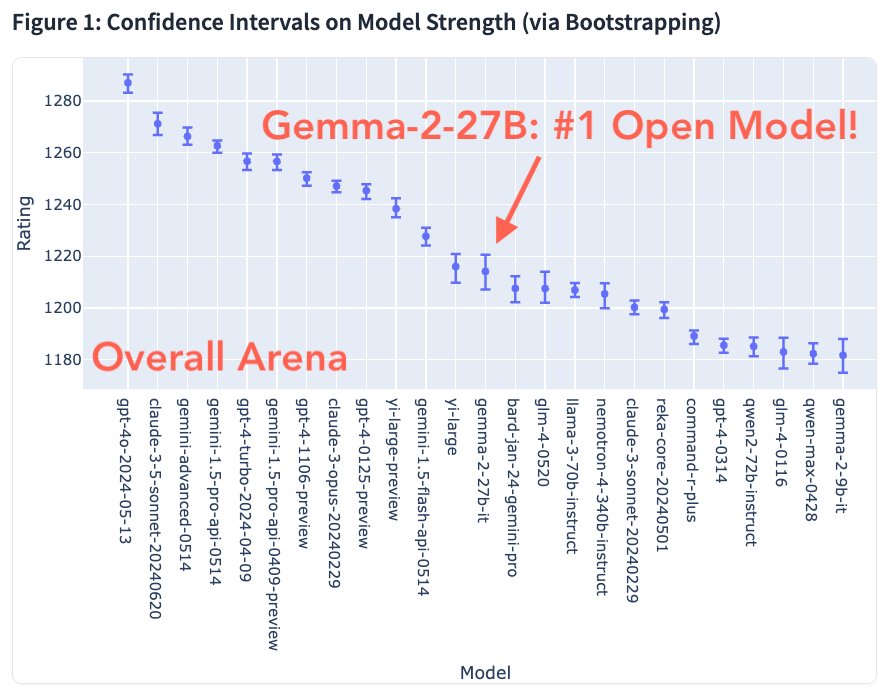
Gemma-2-27B Emerges as Top Open Model on LMSYS
By
–
Nice to see the new Gemma-2-27B model landing as the best open model on lmsys (beating out some considerably larger models). We think the 27B scale is a really great size for a lot of different deployment use cases and this is a quite good model!
-
Install Llama-3 locally with AIOS network client app
By
–
Here's how you can do it in 4 simple steps:
— Shubham Saboo (@Saboo_Shubham_) 30 juin 2024
Step 1: Go to https://t.co/AlfPDisHSl
Step 2: Simply install the client app on your laptop
Step 3: Open the app on your laptop
Step 4: Install "Llama-3" from AI models or use the model running on someone else's machine. pic.twitter.com/EnTDfubBVMHere's how you can do it in 4 simple steps: Step 1: Go to https://
aios.network
Step 2: Simply install the client app on your laptop
Step 3: Open the app on your laptop
Step 4: Install "Llama-3" from AI models or use the model running on someone else's machine. -
Run Llama-3 Free on Peer-to-Peer AI Network
By
–
Run Llama-3 on someone else's computer using world's largest peer-to-peer network for AI agents (100% free) pic.twitter.com/HtUpps1Jw6
— Shubham Saboo (@Saboo_Shubham_) 30 juin 2024Run Llama-3 on someone else's computer using world's largest peer-to-peer network for AI agents (100% free)
-
Command R+ Multi-Step Tool Use for Agents and RAG
By
–
Great session Sandra, loved it ⌘ R+ looks super interesting with the multi-step tool use. I would love to port my agents and RAG demos here to Command R+ Also, loved the fact that you opened the weights for ⌘ R and R+, now I can use it locally.
-
Gemma 2 Model Uses Merged Weights From Different Versions
By
–
It's a dense model. Apparently, they merged weights from different versions of Gemma 2.