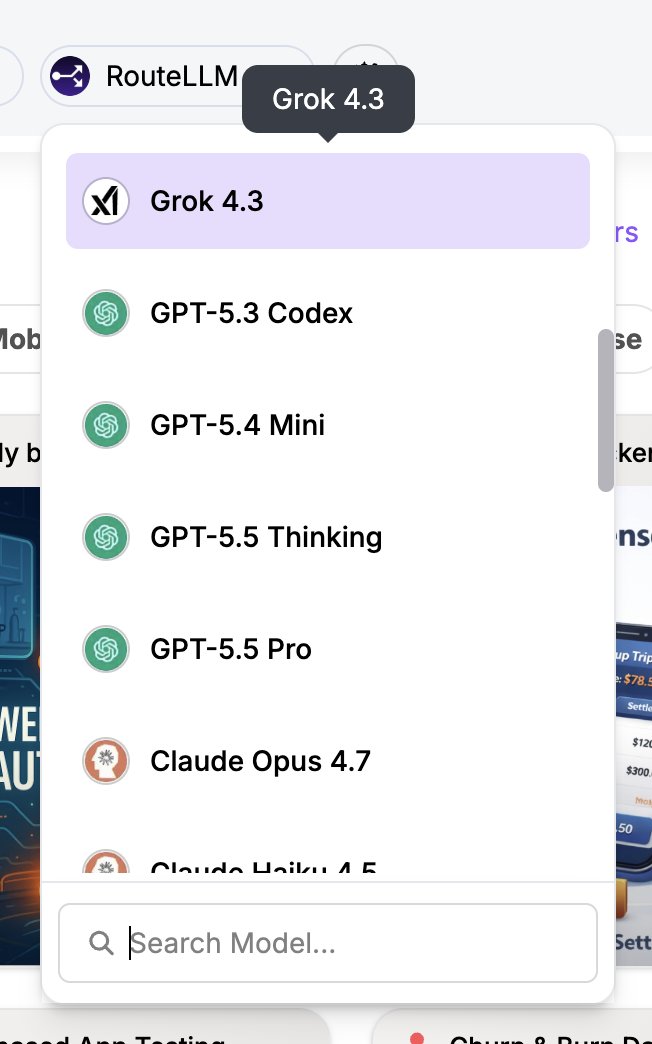
Grok 4.3 just landed on ChatLLM by Abacus AI Sonnet-level performance, ~5x cheaper, and faster in real use. Built for sharp reasoning and clean outputs. Worth testing.
LLMS
-
Run LLMs Locally on Your Own Hardware With RTX 3090s
By
–
re: Anthropic, Dario, OpenAI, etc Don’t let them control your Intelligence Utilization It is a MUST that you learn how to run your LLMs locally on your own hardware 2x RTX 3090s and Qwen 3.6 27B is all you need to get started
-
AI Agents Browsing the Web with DeepAgents and Browserbase
By
–
one future trend i'm very excited by:
— Harrison Chase (@hwchase17) 1 mai 2026
models getting good enough where they can power agents that browse the web
deepagents + @browserbase is a glimpse of that future
See the full example here: https://t.co/RTk0kOY8ML https://t.co/v5lDHiARph pic.twitter.com/7p7UbjkPyHone future trend i'm very excited by: models getting good enough where they can power agents that browse the web deepagents + @browserbase is a glimpse of that future See the full example here: https://
github.com/browserbase/in
tegrations/tree/main/examples/integrations/langchain/deepagents-browserbase
… -

RL Boosts Known Tasks But Causes Hallucinations on Unknown Ones
By
–
RL is a bit of a double edged sword: in known territory performance increases, but in unknown territory the model tends to hallucinate that it is performing a completely different task it was trained on
-
Weekly AI Roundup: DeepSeek V4, OpenAI vs Musk, AWS Expansion
By
–
This week had no shortage of AI drama, plus a few great new open source models were released too. Here are all the latest launches and stories: – @deepseek_ai released DeepSeek V4
– @OpenAI and @elonmusk face off in court
– OpenAI expanded models and agents on @AWS – -

Building Office Receptionist App with Reachy Mini and GPT
By
–
I'm trying to build an office receptionist app for my reachy mini today with ml intern + @OpenAI GPT 5.5. Wish me luck! You can follow my session agent traces live here: https://
huggingface.co/datasets/clem/
ml-intern-sessions/blob/main/sessions/2026-05-01/5eb4110b-756c-428a-88e5-17baef6074a7.jsonl
… -
Building an OS with Claude Code: Masterclass and GitHub Repo
By
–
This guy literally built an ENTIRE operating system with Claude Code 🤯
— Charly Wargnier (@DataChaz) 1 mai 2026
now he is showing you exactly how.
he dropped a 2+ hour masterclass *AND* a guide on the frameworks and included a free GitHub repo to get you coding right away.
you seriously need to check this out 👇 https://t.co/DwToTNzjwH pic.twitter.com/PUqWS5kZqsThis guy literally built an ENTIRE operating system with Claude Code now he is showing you exactly how. he dropped a 2+ hour masterclass *AND* a guide on the frameworks and included a free GitHub repo to get you coding right away. you seriously need to check this out
-
LLM Alignment Remains Unsolved Risk at Massive Deployment Scale
By
–
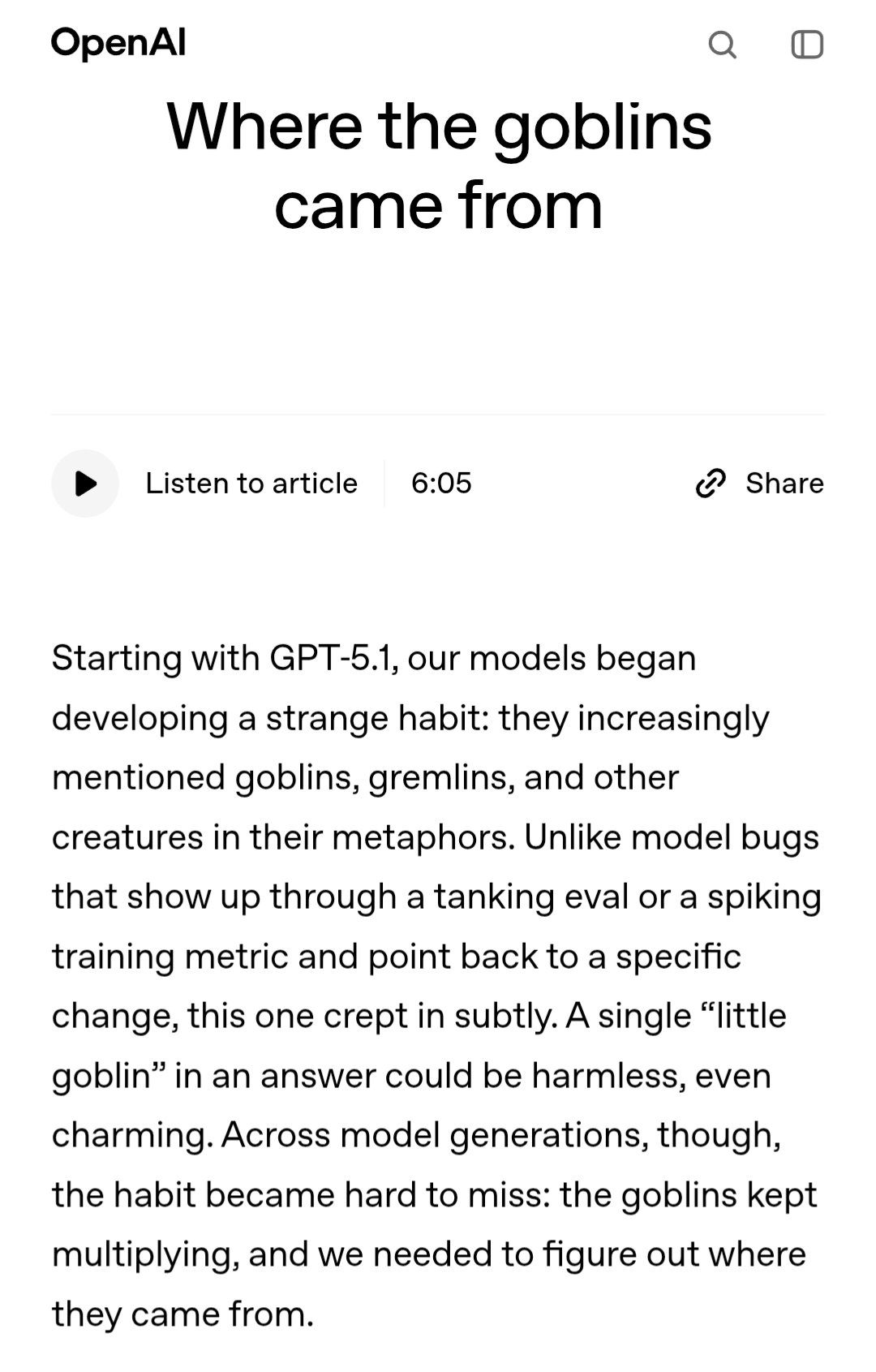
If you think you are going to get alignment out of LLMs you are sadly mistaken. If you live in a society in which people are rolling out LLMs at massive scale, without a robust solution to alignment (or even managing gremlins) you’re probably fucked. Resist the proliferation of
-
Pika Labs launches a Claude MCP plugin with Explainer, Podcast and UGC ads
By
–
We’re also releasing a Pika Skills Plugin for the Claude MCP, with three exciting Skills immediately built in: Explainer, Podcast, and UGC ads.
— Pika (@pika_labs) 1 mai 2026
First up, EXPLAINER: Your Pikafied Claude can describe a url, github repo, or even a written brief.
Input for this video → Product… pic.twitter.com/BlgwKbrRvpWe're also releasing a Pika Skills Plugin for the Claude MCP, with three exciting Skills immediately built in: Explainer, Podcast, and UGC ads. First up, EXPLAINER: Your Pikafied Claude can describe a url, github repo, or even a written brief. Input for this video → Product
-
How to connect Claude to the Pika MCP via settings and connector
By
–
How to connect Claude to the Pika MCP:
1. Open Claude settings and click on Connectors
2. Add a connector. Name it Pika and paste this url: https://
mcp.pika.me/api/mcp 3. Select Add → Connect and login to Pika. More details at http://
Pika.me/mcp