You can find Kling 2.1 Pro at https://
poe.com/Kling-2.1-Pro and across all platforms. We look forward to seeing what you create! (3/3)
CREATIVE AI
-
Kling 2.1 Pro Now Available Across All Platforms
By
–
-
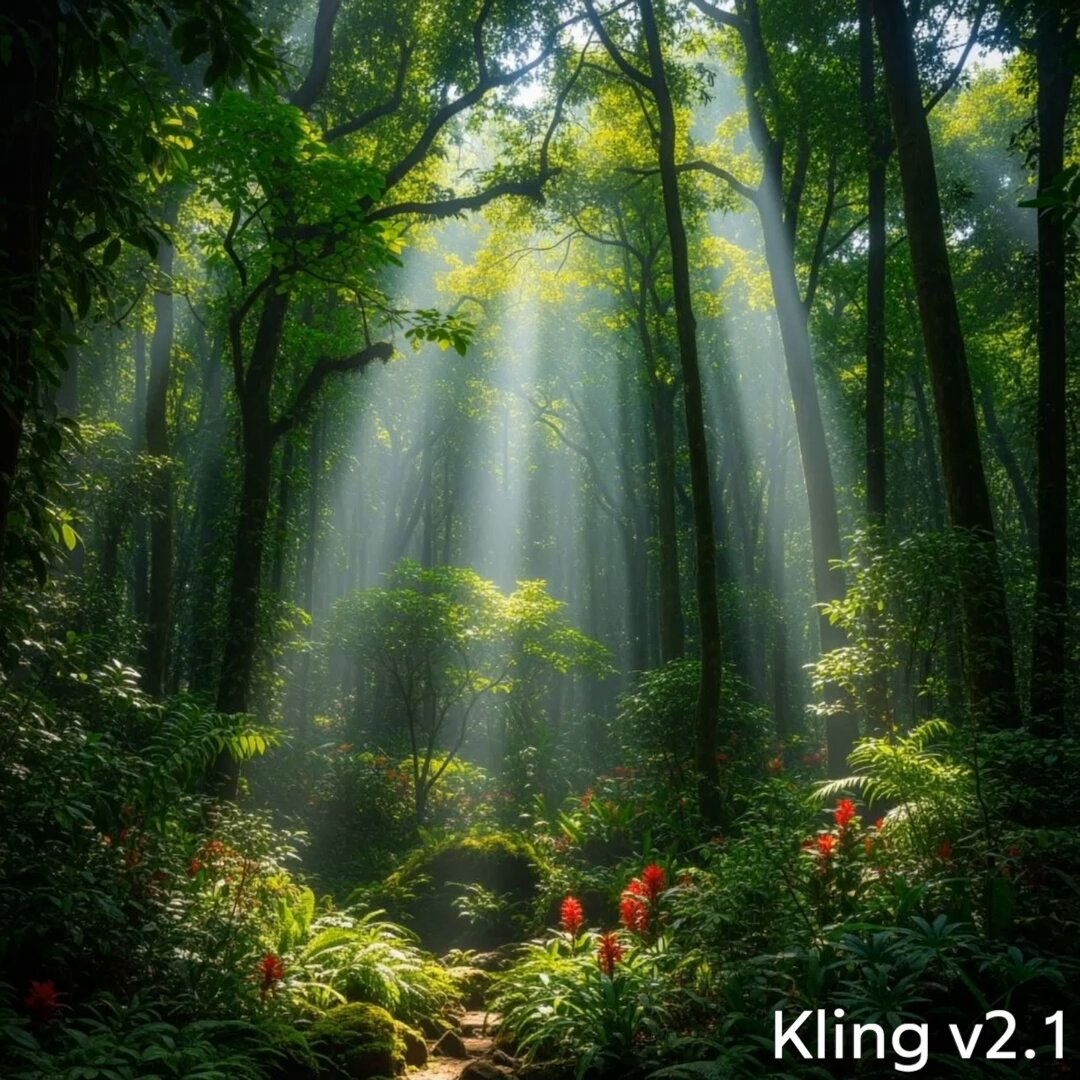
Kling 2.1 Pro vs v1.6: Image-to-Video Quality Improvements
By
–
Here’s a comparison of Kling 2.1 Pro and Kling v1.6 that produced improvements in quality and clarity when using this image-to-video prompt: The camera stays in place as a dinosaur emerges from the forest. The dinosaur looks around, then runs off. (2/3) pic.twitter.com/yqMoz19pcV
— Poe (@poe_platform) 3 juin 2025Here’s a comparison of Kling 2.1 Pro and Kling v1.6 that produced improvements in quality and clarity when using this image-to-video prompt: The camera stays in place as a dinosaur emerges from the forest. The dinosaur looks around, then runs off. (2/3)
-
Runway ML Launches Free Trial for Generative Video Platform
By
–
Try it free today at http://
runwayml.com (6/6) -
Gen-4 Images Launches High Fidelity Image Generation
By
–
Gen-4 Images lets you to generate high fidelity images with unprecedented stylistic control. (1/6)
-
Everyone Should Learn to Code with AI Assistance
By
–
Everyone should learn to code with AI! At AI Fund, everyone – not just engineers – can vibe code or use AI assistance to code. This has been great for our creativity and productivity. I hope more teams will empower everyone to build with AI. Please watch the video for details. pic.twitter.com/rsGC1QSKHL
— Andrew Ng (@AndrewYNg) 3 juin 2025Everyone should learn to code with AI! At AI Fund, everyone – not just engineers – can vibe code or use AI assistance to code. This has been great for our creativity and productivity. I hope more teams will empower everyone to build with AI. Please watch the video for details.
-
AI Filmmaking Workflow and Feedback Opportunity
By
–
Pick one template, swap the nouns, run it, iterate 3×, and post the best 8 s cut. Drop your first AI-generated video below. I’ll give feedback. Let’s push the frontier of AI filmmaking together.
-
Prompt Engineering Tips for Fixing Common Generative AI Visual Artifacts
By
–
Common fails → quick fixes Jerky motion ⇒ add “cinematic 24 fps with motion interpolation.” Melting faces ⇒ include “stable identity, photoreal human, no distortion.” Lighting mismatch ⇒ “global HDR grade” or relight with Runway “Relight” filter.
-
AI-Powered Video Post-Production Workflow
By
–
Post-production flow 1. Generate A-roll clips (4–8 s each).
2. Export to DaVinci/Premiere or Capcut; slice at beat markers.
3. Add LUT + grain overlay for cohesion.
4. Upscale to 4 K with Topaz or Runway Super-Res.
5. Caption burn-in with your brand font. -
Practical AI Editing and Remixing Workflows
By
–
7. Editing & remix hacks • Runway Motion Brush: draw where you want extra movement.
• Kling timeline: stitch multiple shots, automatic color match.
• Image-to-video: feed a keyframe into Sora/Kling for consistent characters across clips.
• Layer Veo 3 audio onto older silent -
Practical Prompting Techniques for Video Generation with Veo 3
By
–
6. Scene tweaking on the fly
— God of Prompt (@godofprompt) 3 juin 2025
Want night instead of day?
→ “Replace lighting: neon twilight, purple-blue hue.”
Need energy?
→ “Add dynamic handheld shake, subtle motion blur.”
Swap props?
→ “Change mushroom to floating lantern, preserve lighting response.”
Veo 3’s inline… pic.twitter.com/UW6nJIqp5b6. Scene tweaking on the fly Want night instead of day? → “Replace lighting: neon twilight, purple-blue hue.”
Need energy?
→ “Add dynamic handheld shake, subtle motion blur.”
Swap props?
→ “Change mushroom to floating lantern, preserve lighting response.” Veo 3’s inline