Find all the awesome LLM Apps demo with RAG in the following Github Repo. P.S: Don't forget to star the repo to show your support
@saboo_shubham_
-
Streamlit Travel Agent Application Demo Tutorial
By
–
Working Application demo using Streamlit
— Shubham Saboo (@Saboo_Shubham_) 8 juin 2024
Paste the above code in vscode or pycharm and run the following command: 'streamlit run travel_agent.py' pic.twitter.com/fPwqY5S9nKWorking Application demo using Streamlit Paste the above code in vscode or pycharm and run the following command: 'streamlit run travel_agent.py'
-
Build AI Travel Itinerary Generator with Streamlit and Assistant
By
–
5. Get User Input and Generate Itinerary • Create text inputs for the user to enter their travel destination and the number of days they want to travel for.
• When the button is clicked, run the Planner assistant to generate the itinerary and display it using 'st.write()' -
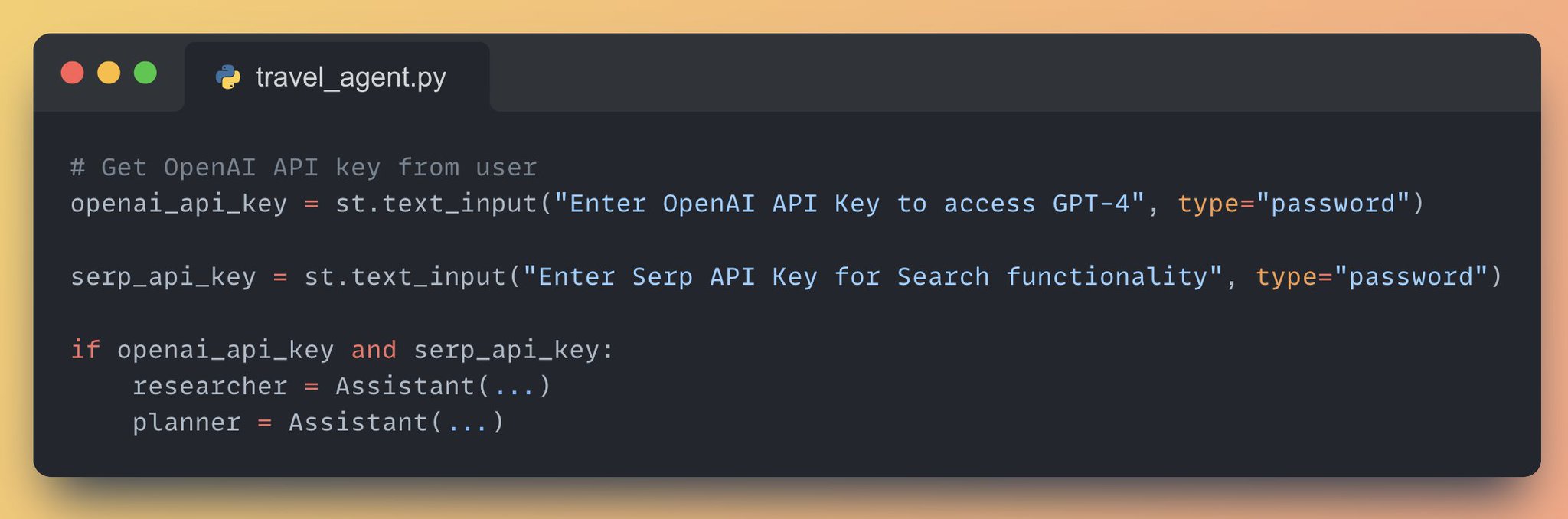
Creating AI Assistants: Researcher and Planner Instances
By
–
4. Create and Initialize the AI Assistants Create instances of Assistants:
• Researcher: Searches for travel destinations, activities, and accommodations based on user preferences
• Planner: Generates a draft itinerary based on user preferences and research results -
Building a Streamlit App With Title and Caption Setup
By
–
3. Set up the Streamlit App • Add a title to the app using 'st.title()'
• Add a description for the app using 'st.caption()' -
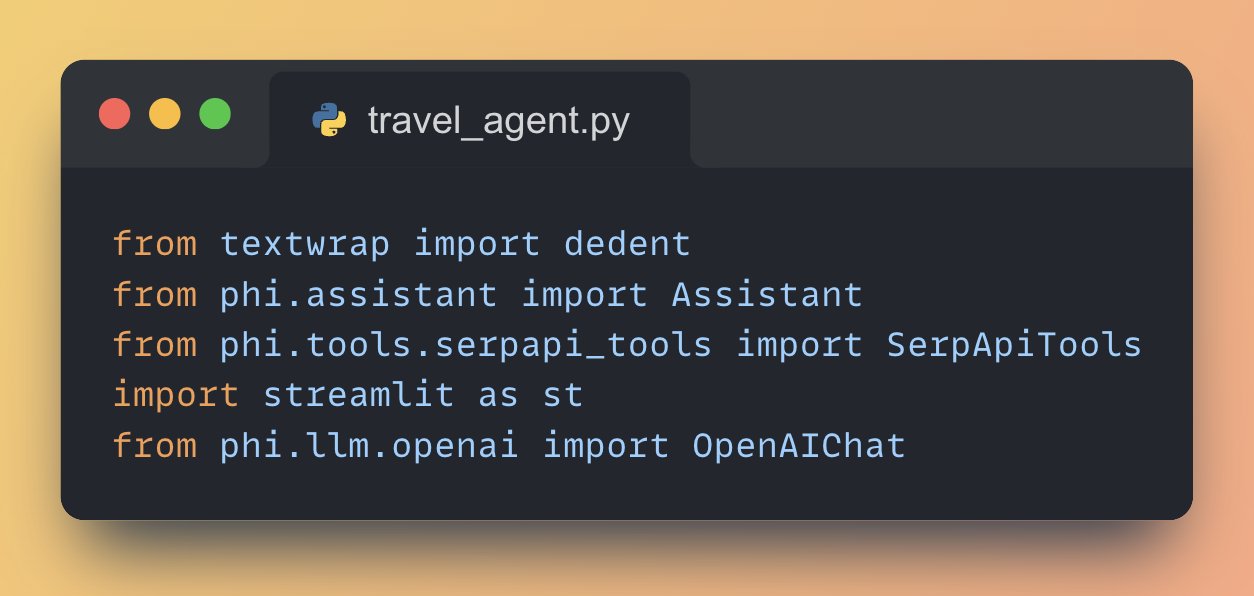
Essential Libraries for Building AI Agents with Streamlit
By
–
2. Import necessary libraries • Streamlit for building the web app
• phi for building AI agents and tools
• OpenAI for using GPT-4
• SerpAPI for web search functionality -
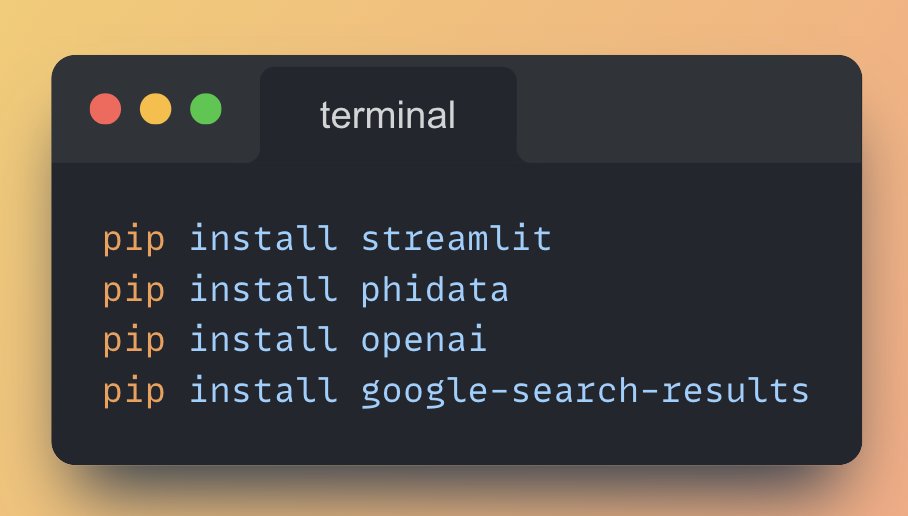
Installing Python Libraries for AI Development
By
–
1. Install the necessary Python Libraries Run the following commands from your terminal to install the required libraries:
-
Build AI Travel Agent GPT-4o 30 Lines Python
By
–
Build an AI Travel Agent with GPT-4o in just 30 lines of Python Code (step-by-step instructions):
-
LLM Tips and Tutorials Share
By
–
If you find this useful, RT to share it with your friends. Don't forget to follow me @Saboo_Shubham_ for more such LLMs tips and tutorials.
