AI Dynamics

Global AI News Aggregator

About

TOOLS

  • AI Shifts Focus from Creation to Decision-Making and Strategy

    AI is rapidly shifting roles from creators to decision-makers as tools now handle coding, design, and execution in minutes with minimal input. The real change isn’t just automation, it’s how quickly ideas can turn into fully working products without traditional skill barriers.

    → View original post on X — @learnopencv, 2026-04-04 13:32 UTC

  • 8 Building Blocks of Effective Claude Prompts
    8 Building Blocks of Effective Claude Prompts

    The anatomy of a Claude prompt: The difference between a mediocre Claude output and a great one almost always comes down to how you structure your prompt. Not the specific words you choose. Not some secret phrasing. Just a clear, repeatable structure that gives Claude exactly what it needs to do the job well. Here's how a well-built Claude prompt breaks down into 8 building blocks, each doing one job: 1️⃣ Role Tell Claude who it is before telling it what to do. "You are a [ROLE] with expertise in [DOMAIN]. Your tone should be [TONE]. Your audience is [AUDIENCE]." Setting a role in the system prompt changes how Claude reasons, what it prioritizes, and how it communicates. A "senior backend engineer" writes differently than a "technical copywriter," and Claude picks up on that distinction immediately. 2️⃣ Task State what you want and what success looks like, in the same breath. "I need you to [SPECIFIC TASK] so that [SUCCESS CRITERIA]." The "so that" part is what people skip, and it's the part that matters. It gives Claude a way to evaluate its own output. Without it, Claude is guessing what "good" means. Be direct, skip the preamble, and cut the fluff. 3️⃣ Context This is where you feed Claude everything it needs to do the job well. Wrap it in XML tags like <context> and </context>, then paste your documents, data, or background inside. One thing that dramatically improves quality: put long documents at the top of your prompt and your actual query at the end. Anthropic's own testing shows this can improve response quality by up to 30%, especially with complex, multi-document inputs. 4️⃣ Examples Nothing steers output quality like showing Claude what "good" looks like. Provide 3-5 input/output pairs. Cover normal cases AND edge cases. Wrap them in <examples> tags so Claude doesn't confuse them with instructions. Claude pays extremely close attention to examples. If your example has a quirk you didn't intend, Claude will replicate it. So make sure every example models the behavior you actually want. 5️⃣ Thinking For anything requiring reasoning, analysis, or multi-step logic, ask Claude to think before answering. "Before answering, think through this step by step. Use <thinking> tags for your reasoning. Put only your final answer in <answer> tags." This separates the messy reasoning from the clean output. You get to see how Claude arrived at its answer without that reasoning cluttering the final result. 6️⃣ Constraints Every good prompt has guardrails. "Never [thing to avoid]. Always [thing to ensure]. If you are about to break a rule, stop and tell me." That last line is underrated. It turns Claude into a collaborator instead of a blind executor. Instead of silently violating a constraint, Claude flags the conflict and lets you decide. 7️⃣ Output Format Don't leave the format to chance. "Return your response as [JSON / markdown / table / prose]. Use this exact structure: [structure template]." If you want JSON, show the exact schema. If you want markdown, show the heading structure. If you want a table, define the columns. The more specific you are about shape, the less time you spend reformatting afterward. 8️⃣ Prefill This one is API-specific, but incredibly powerful. You can pre-fill the start of Claude's response to skip preamble and lock in the format. Claude will continue from exactly where you left off. No "Sure, I'd be happy to help!" opening, no throat-clearing, just clean output from the first token. Here's the thing people get wrong about prompting: they think it's about finding the right words. It's actually about giving Claude the right structure. If you want to go deeper, I wrote a detailed article covering the anatomy of the .claude/ folder, a complete guide to CLAUDE(.)md, hooks, skills, agents, and permissions, and how to set them all up properly. Link in the next tweet.

    → View original post on X — @akshay_pachaar, 2026-04-04 13:02 UTC

  • OpenAI Reveals GPT-Image-2 with Flawless Text Rendering
    OpenAI Reveals GPT-Image-2 with Flawless Text Rendering

    🚨 LEAK ALERT 🚨 OpenAI's new image model GPT-Image-2 just quietly dropped on @arena. Early tests show INSANE world knowledge and flawless text rendering. Better than @NanoBanana Pro! It's on @arena under code names:
    → maskingtape-alpha
    → gaffertape-alpha
    → packingtape-alpha [Translated from EN to English]

    → View original post on X — @datachaz, 2026-04-04 12:41 UTC

  • 10 prompts that transformed my life with Claude

    After 3 years of using Claude, I can say that it's the technology that has revolutionized my life the most, along with the Internet. Here are 10 prompts that transformed my daily life and can do the same for you: [Bookmark so you don't lose it!]

    → View original post on X — @jouhatsu_ai

  • Introduction to Claude Agent Skills and Reusable Instructions
    Introduction to Claude Agent Skills and Reusable Instructions

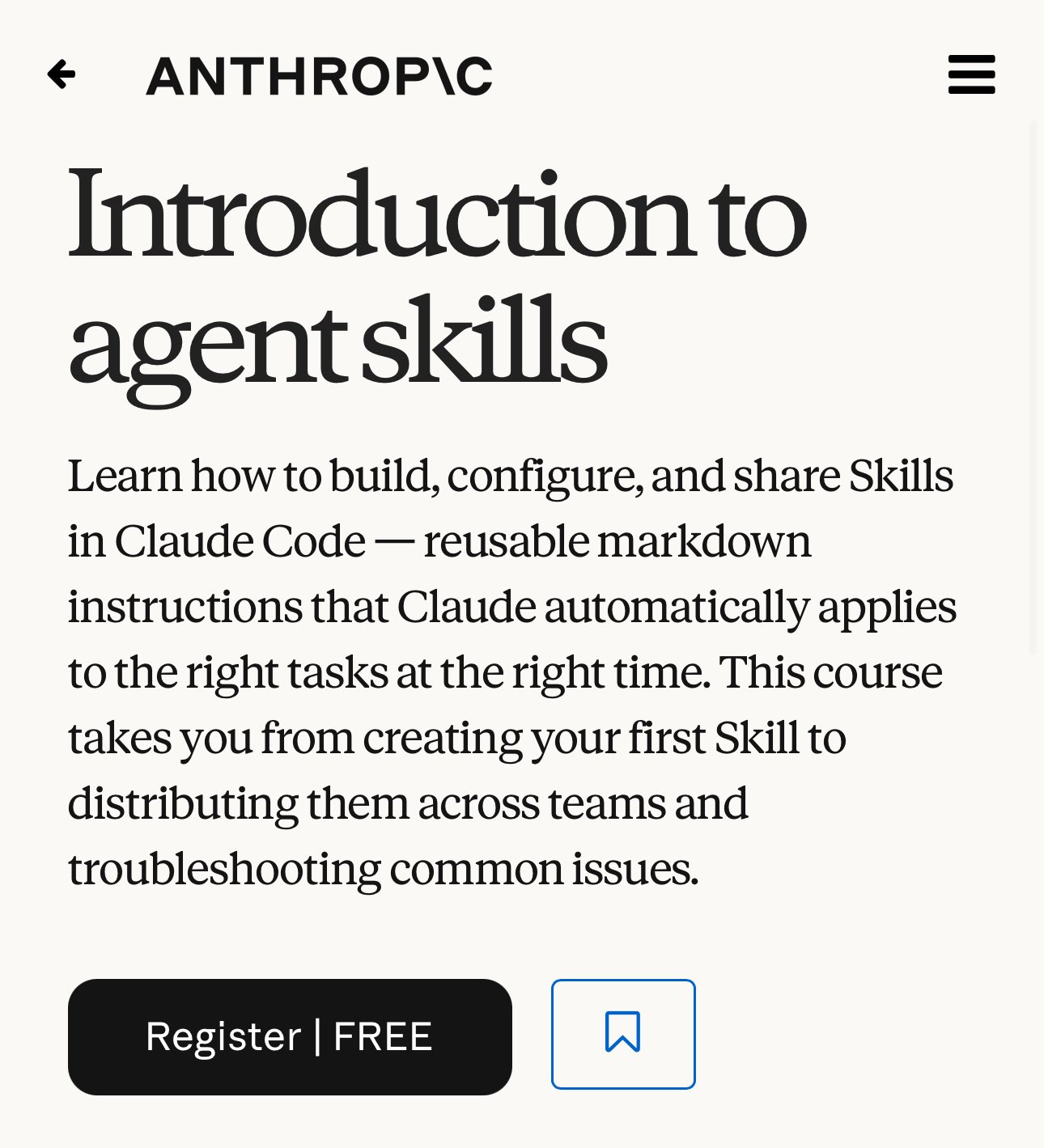
    → Introduction to Agent Skills Crea instrucciones reutilizables que Claude aplica automáticamente cuando las necesita. Una vez lo configuras, trabaja solo. Eso es automatización real. https://
    anthropic.skilljar.com/introduction-t
    o-agent-skills

    → View original post on X — @nicos_ai

  • Introduction to Claude Cowork: collaborative AI for real projects
    Introduction to Claude Cowork: collaborative AI for real projects

    → Introduction to Claude Cowork Claude trabajando directamente sobre tus archivos y proyectos reales. No es un chatbot. Es un colaborador que entiende tu contexto. Aquí deja de ser un juguete y se convierte en herramienta de trabajo real. https://
    anthropic.skilljar.com/introduction-t
    o-claude-cowork

    → View original post on X — @nicos_ai

  • AI Fluency Course for Students: Responsible Use and Collaboration
    AI Fluency Course for Students: Responsible Use and Collaboration

    → AI Fluency for Students Si estás estudiando, esto cambia las reglas. > Aprende a usar IA para mejorar tu rendimiento académico
    > Planifica tu carrera y colabora con Claude de forma responsable. https://
    anthropic.skilljar.com/ai-fluency-for
    -students

    → View original post on X — @nicos_ai

  • Commercial vs Open Source: Not Direct Competitors

    One’s a commercial product and one open source and free. Wouldn’t call that competitors.

    → View original post on X — @steipete

  • Genesis Energy Selects OPSWAT for Cybersecurity Solutions

    Genesis Energy chose OPSWAT after considering testimonials from customers nationally and internationally within the utility sector globally.

    → View original post on X — @fogoros

  • Fine-tuning vs Retrieval: Fixing Hallucinations About Company Docs

    If your model is hallucinating about your company docs, fine-tuning is usually not the fix. That’s the trap. A lot of teams see wrong answers about internal files and assume they need to retrain the model. But fine-tuning changes behavior, not factual recall of constantly changing company knowledge. It can help with tone, structure, or broad domain patterns. It is not the best tool for making a model reliably remember your latest return policy, pricing sheet, or product catalog. For that, you usually want retrieval. In other words: fine-tuning teaches patterns, retrieval supplies facts. So if the issue is accuracy on specific documents, give the model better access to the right context instead of trying to bake those facts into its parameters. It is cheaper, easier to update, and much more controllable. Mixing those two up is one of the fastest ways to waste time and budget in AI. Have you seen teams make this mistake already?

    → View original post on X — @whats_ai, 2026-04-04 12:01 UTC