PyTorch Documentary live stream!! https://
youtube.com/live/EjgTv6aSe
qk
… Much better than Euro soccer IMO with some @huggingface @PyTorch inside
CODE
-
PyTorch Documentary Live Stream with Hugging Face
By
–
-

Custom Instructions in Claude Projects for Tailored Responses
By
–
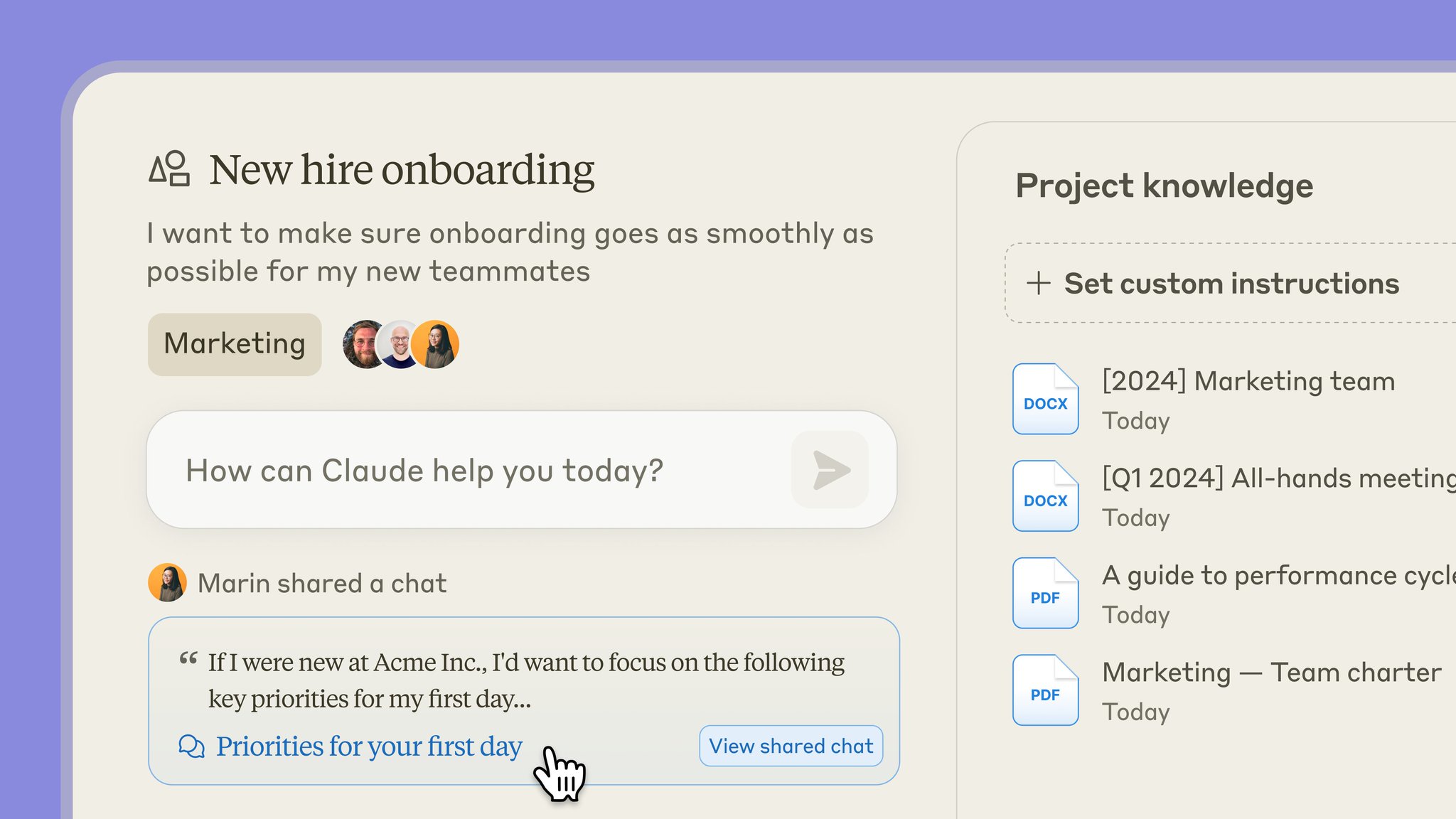
You can also set custom instructions within each project to further tailor Claude's responses.
-
Claude Team Plan Adds Shared Project Feed for Chat Snapshots
By
–
All chats with Claude are private by default. On the Claude Team plan, you can choose to share snapshots of conversations with Claude into your team’s shared project feed.
-
Claude Projects: Organize Shareable Chats with 200K Context
By
–
You can now organize chats with Claude into shareable Projects.
— Anthropic (@AnthropicAI) 25 juin 2024
Each project includes a 200K context window, so you can include relevant documents, code, and files. pic.twitter.com/em9QmYUMFiYou can now organize chats with Claude into shareable Projects. Each project includes a 200K context window, so you can include relevant documents, code, and files.
-
Daily Content on Python, Data Science, Machine Learning, and MLOps
By
–
That's a wrap! If you are interested in any of these topics: – Python – Data Science – Machine Learning – Data Analysis – LLMs – MLOps Find me → @Sumanth_077 I'm sharing daily content over here.
-
Upload PDF Research Paper Data to Clarifai App Vector Database
By
–
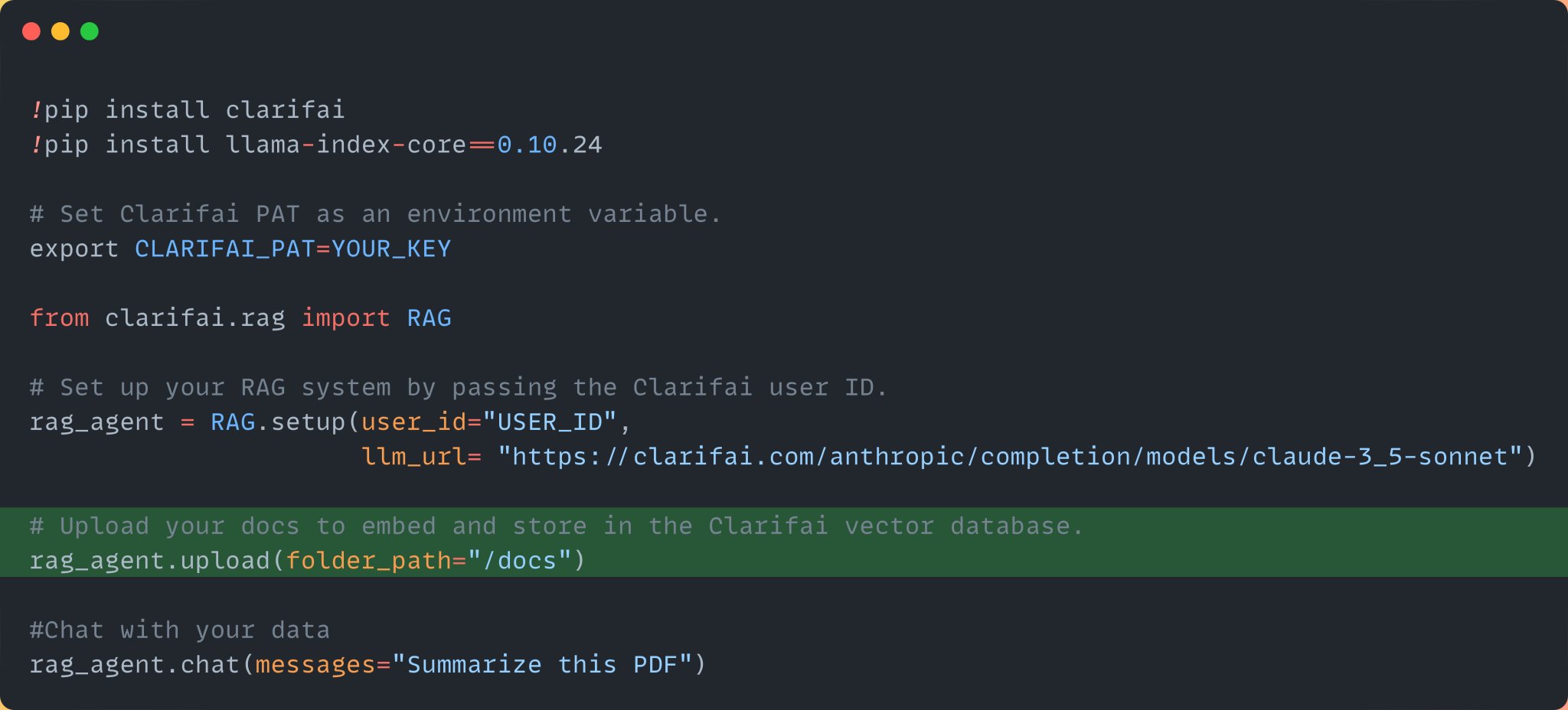
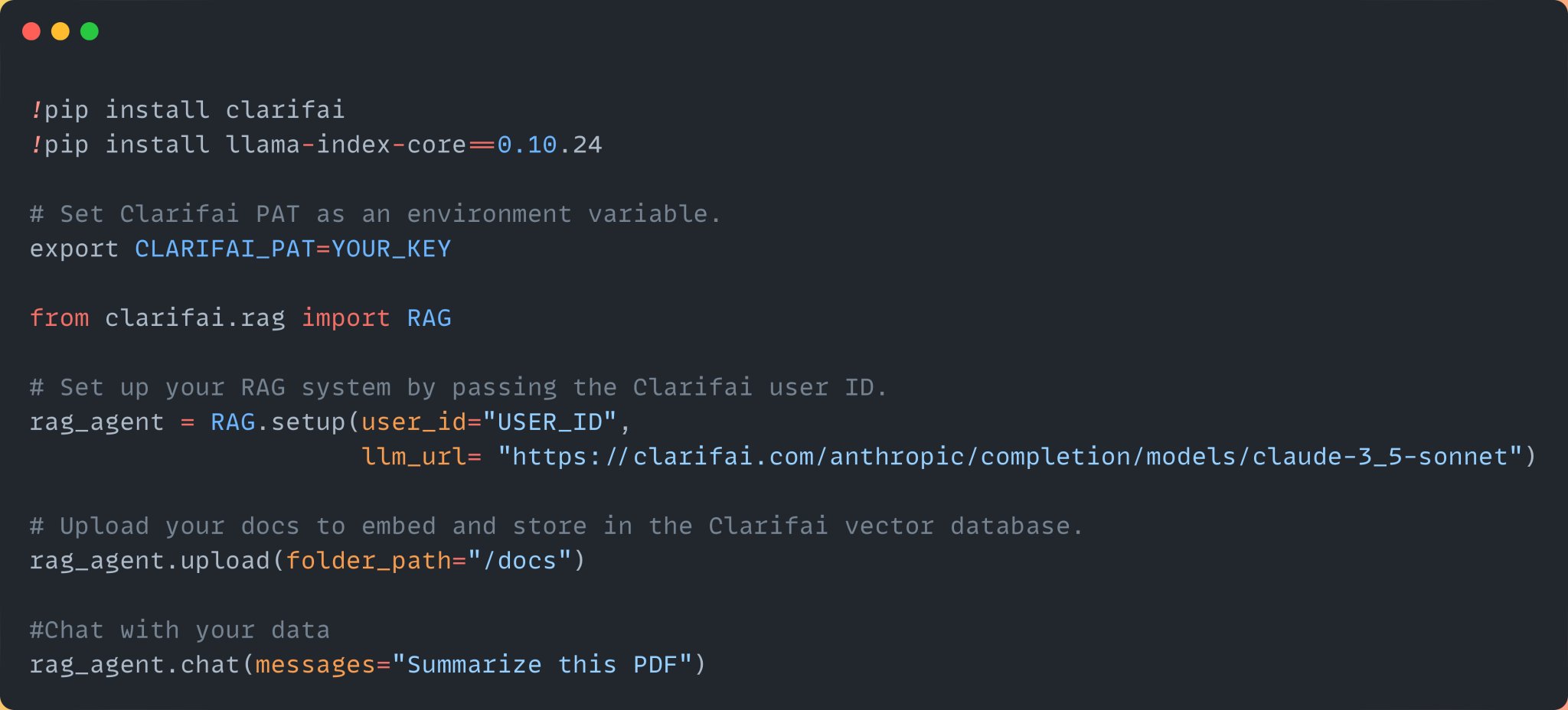
Step 3: Upload the data, Here we are uploading the pdf file of a research paper. Once you upload the data, it will embed and index the data into your Clarifai app. Clarifai Apps acts as your vector database.
-
Setting up RAG system with Clarifai and Claude 3.5 Sonnet
By
–
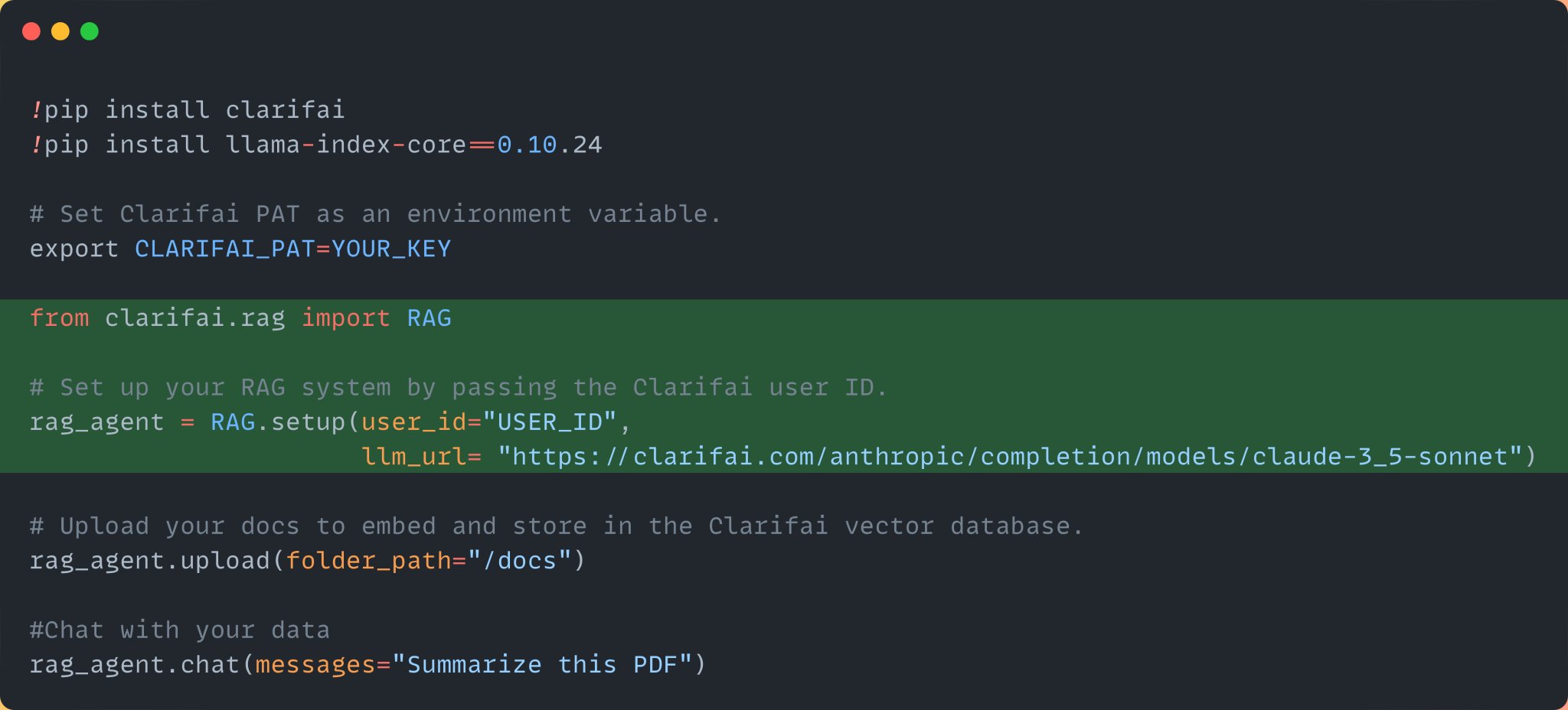
Step 2: Next, import the RAG class and set up the RAG system by passing your Clarifai user ID and the Claude 3.5 Sonnet model URL from the Clarifai community. You can find it here: https://
clarifai.com/anthropic/comp
letion/models/claude-3_5-sonnet
… Once you sign up, you can find your user ID here: -
Install Clarifai Python SDK and Llama-index Setup Guide
By
–
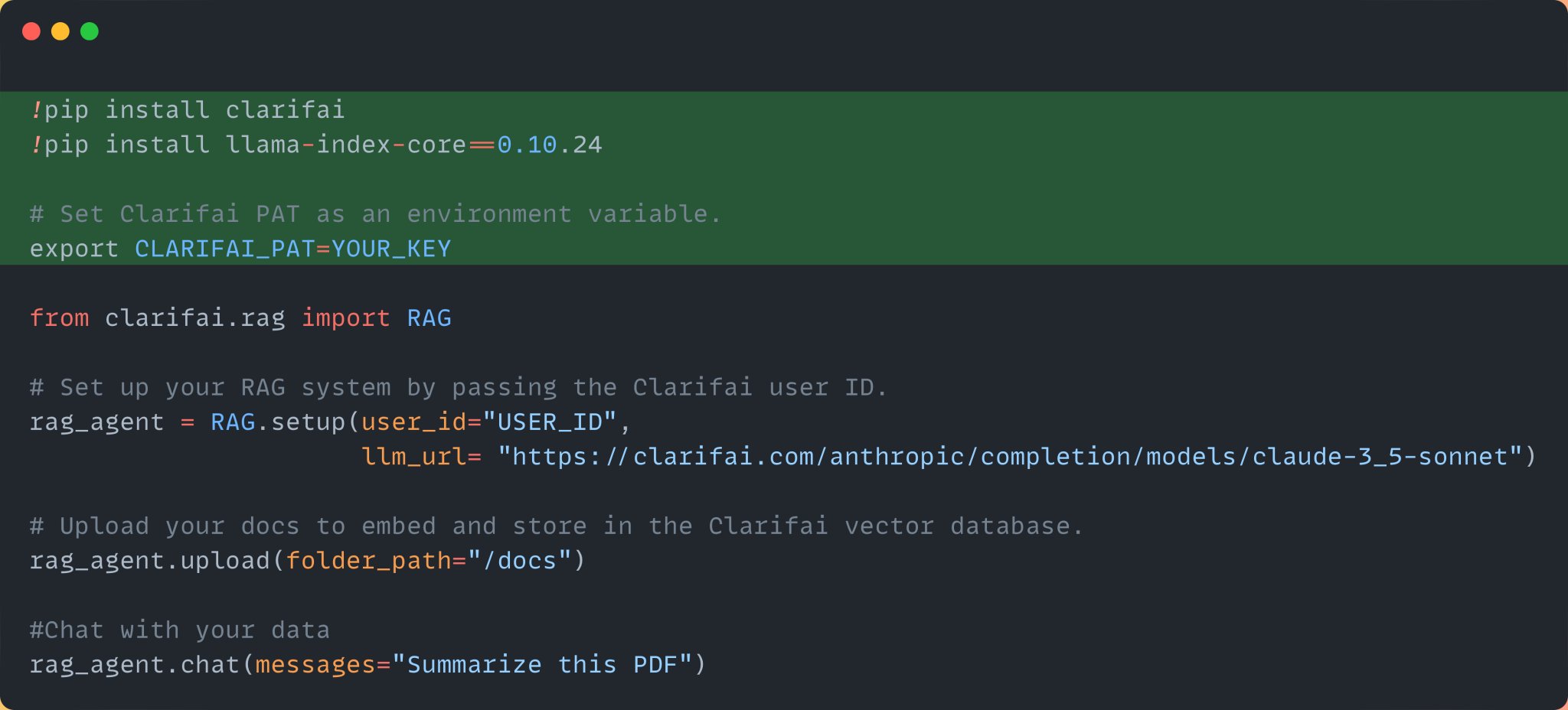
Step 1: Install the Clarifai Python SDK, Llama-index, and set your Clarifai Personal Access Token as an environment variable. Sign up for the platform, and you can access the PAT here: https://
clarifai.com/settings/secur
ity
… -
Build RAG System in 4 Lines Using Clarifai SDK
By
–
You can build a RAG system with just 4 lines of code using @clarifai Python SDK. Below is the entire code. Let's look at it step by step:
-
Build LLM RAG App Chat PDF Files Claude 3.5 Sonnet
By
–
Build a LLM app with RAG to chat with PDF files using the latest Claude 3.5 Sonnet in just 4 lines of Python code (step-by-step guide):