
The @OpenAI Responses API now supports PDFs! Just pass a PDF, and it’ll expose its content directly to the model. Perfect for apps that extract info or summarize docs. Great working with @jaredpalmer and @lgrammel on bringing new features like this and web search to the AI SDK!
CODE
-
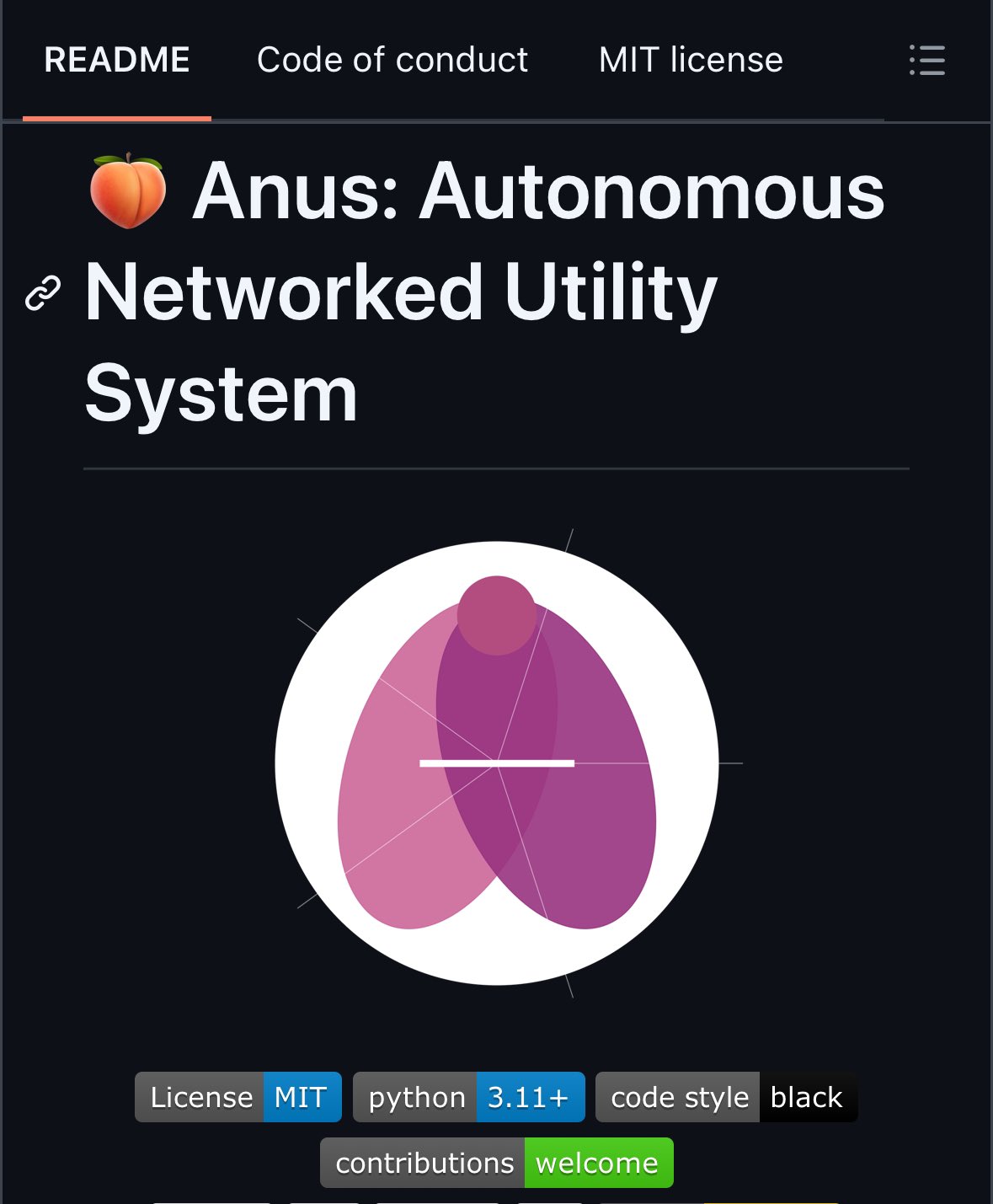
Manus AI: open source clone Anus AI appears in three days
By
–
That is the best lore I've seen in a long time in open source AI communities. There is a startup, Manus AI, that launched a product accessible only by invitation. And in three days, an open source replica of this startup, named Anus AI, has appeared.
-
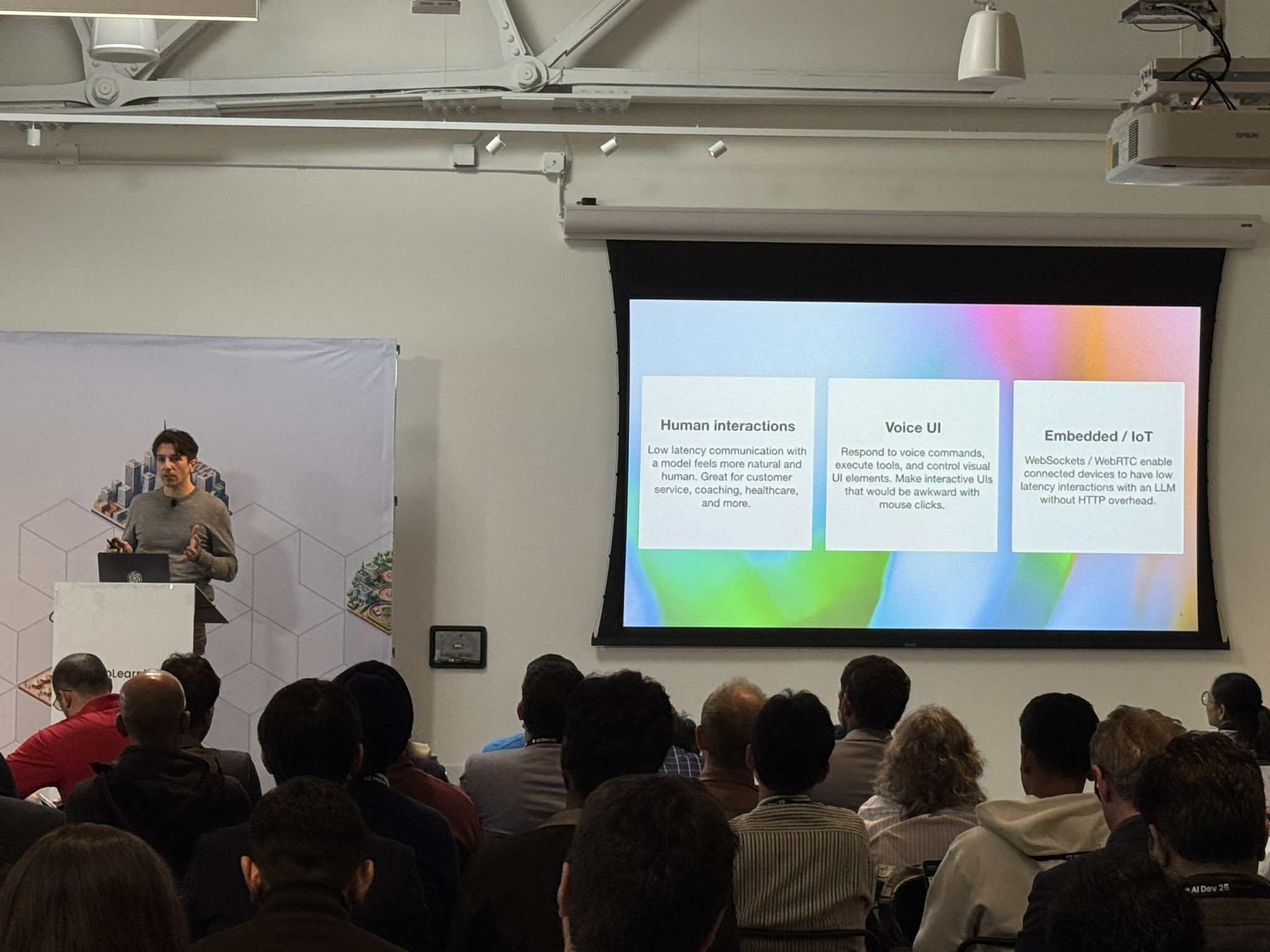
Building Voice Agents with OpenAI’s Realtime API
By
–
OpenAI’s Justin Uberti at AI Dev 25 showing how to build a voice agent using the Realtime API. Building on the voice stack is easier than most realize – worth trying out if you have a voice idea!
-

Debugging AI Code: Give LLMs Missing Context for Better Results
By
–
Good tip from Replit’s @mattyp at AI Dev 25 on debugging while vibe coding: Large part of it is looking at outputs to figure out what context you have that LLM does not, so that you can give it that context and help it get unstuck. Sometimes pasting in the error messages is
-
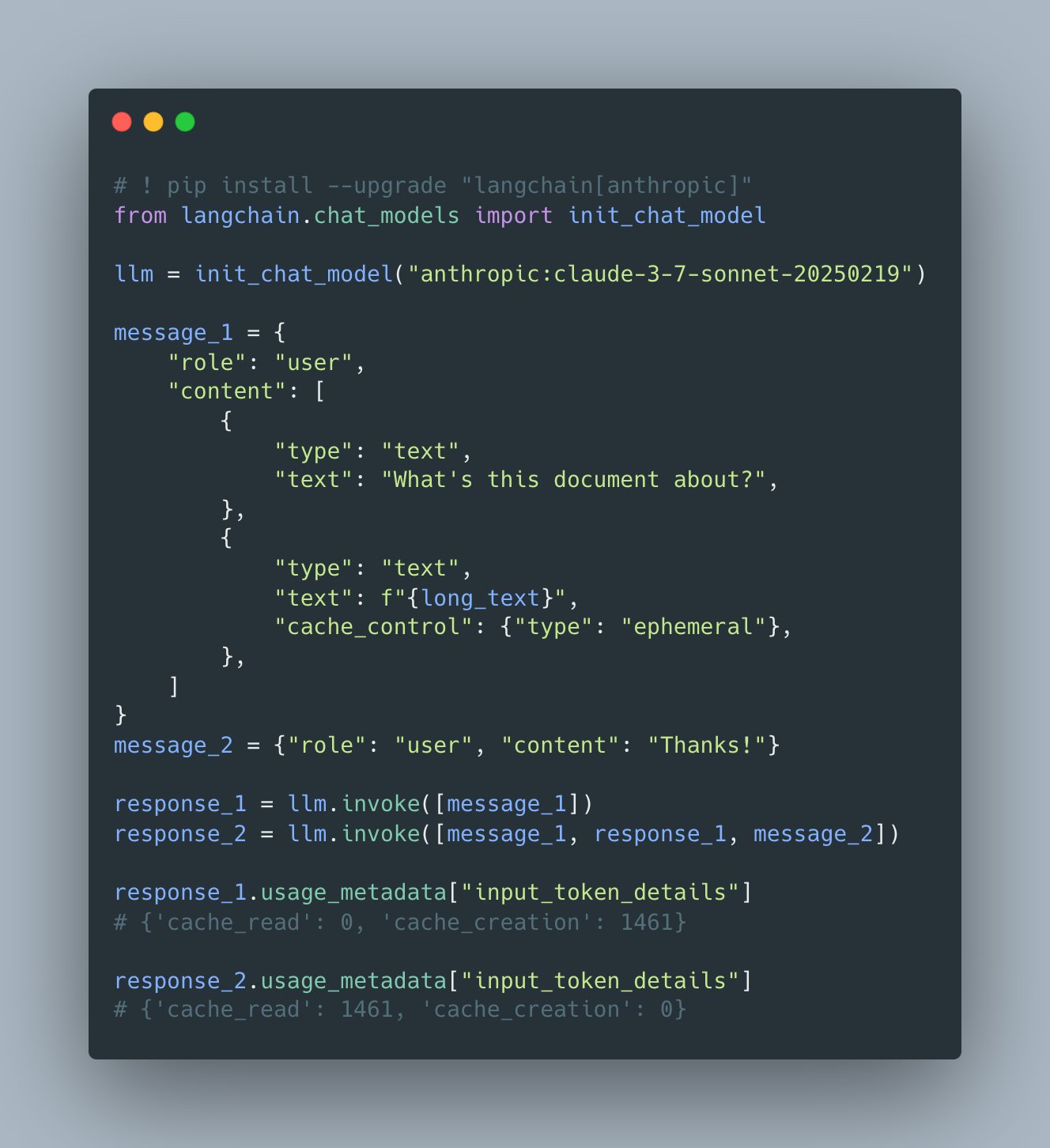
Anthropic releases token-saving updates and cache management
By
–
Anthropic token-saving updates Yesterday Anthropic released multiple token-saving updates, including simpler cache management and token-efficient tool use (and a new built-in tool)! We've updated our documentation to showcase these features, link in !
-

Panel on AI Application Building: Infrastructure and Agentic Workflows
By
–
Panel with Replit’s Michele Catasta, Stanford’s @percyliang , Nebius’ Roman Chernin and Hugging Face’s @Thom_Wolf
, moderated by @lmoroney
, on application building. Lots of tips on infra, open source, agentic workflows, benchmarking and code gen. Particular interest in how to take -
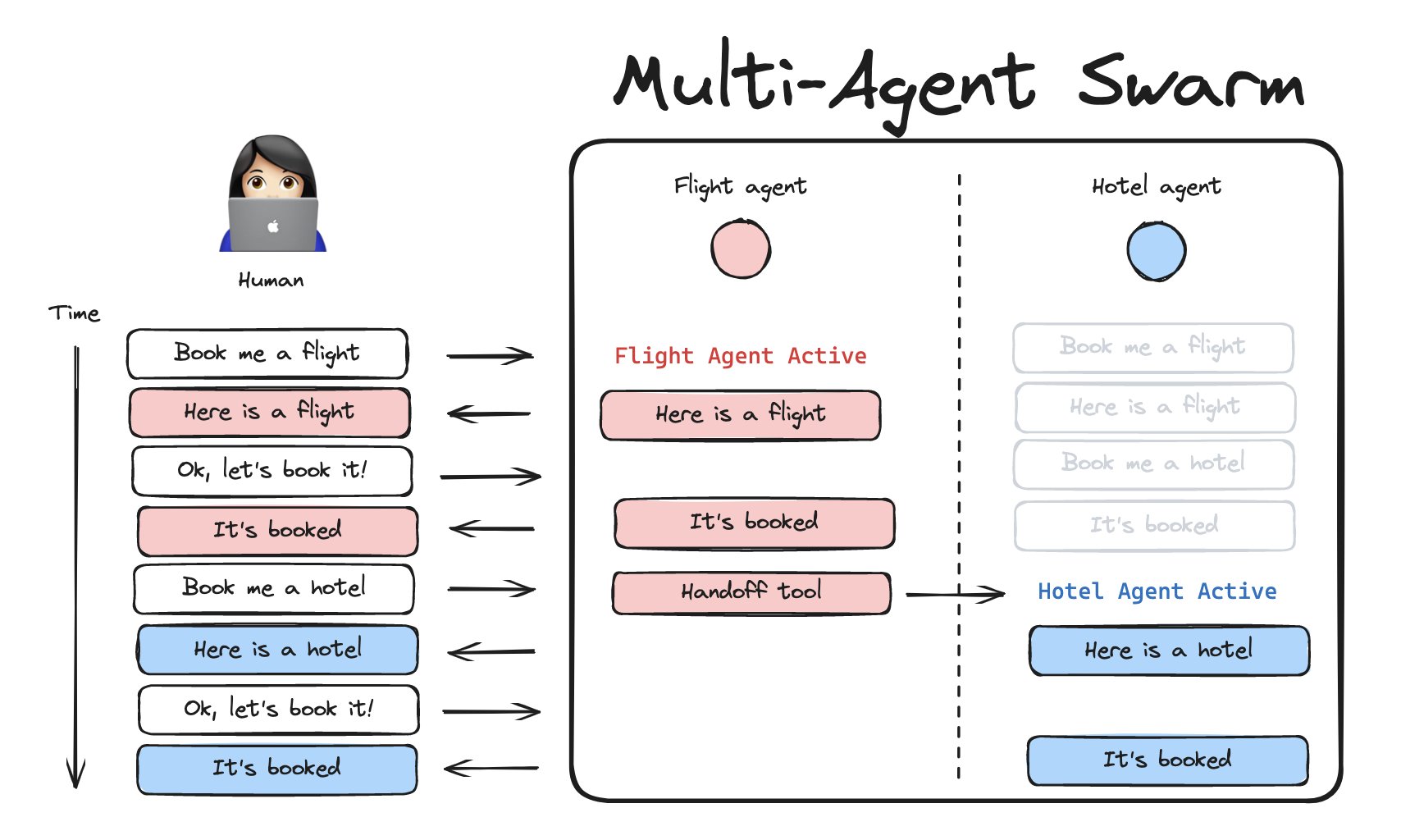
OpenAI Agents in JavaScript with Brace Sproul
By
–
Want to do things like openai agents in javascript??? @BraceSproul has you covered!
-
Setting Up Queue Mode in Flowise AI for Background Jobs
By
–
To set up Queue mode, it's pretty straightforward. pnpm run start & pnpm run start-worker This runs the main server and workers separately, enabling background job processing. Step-by-step guide: https://
docs.flowiseai.com/configuration/
running-flowise-using-queue
… Try it out and let us know your thoughts! -
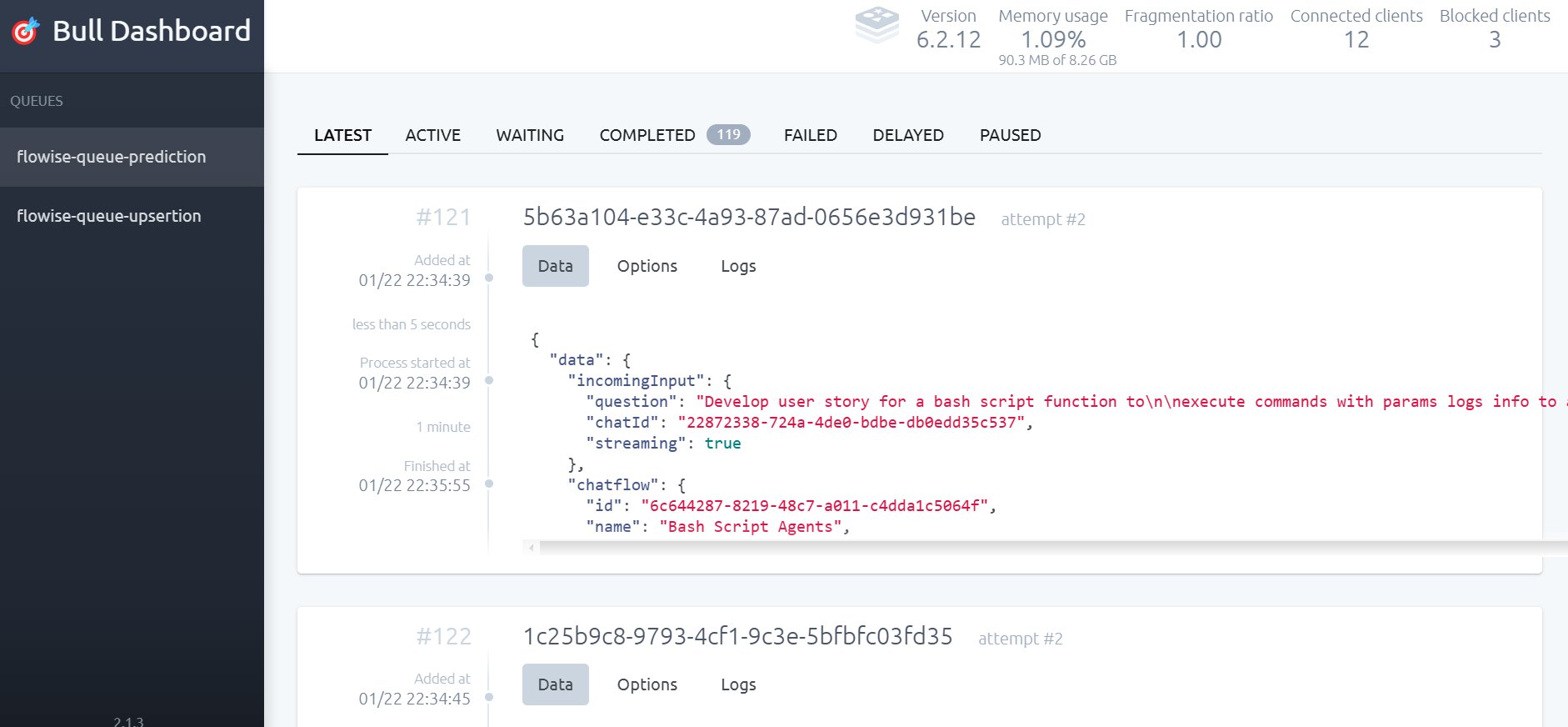
BullMQ Dashboard: Job Queue Monitoring and Observability
By
–
5) Better Observability BullMQ provides a built-in dashboard where you can: View queued, active, completed, and failed jobs Retry failed jobs manually Track job execution time & delays
-
Job Queue: Offloading Tasks to Background Workers
By
–
3) Why use Job Queue? Frees the main server by offloading long tasks to background workers. Scales easily by adding or removing workers based on load. Reliability – jobs stay in Redis, allowing recovery from crashes or restarts.