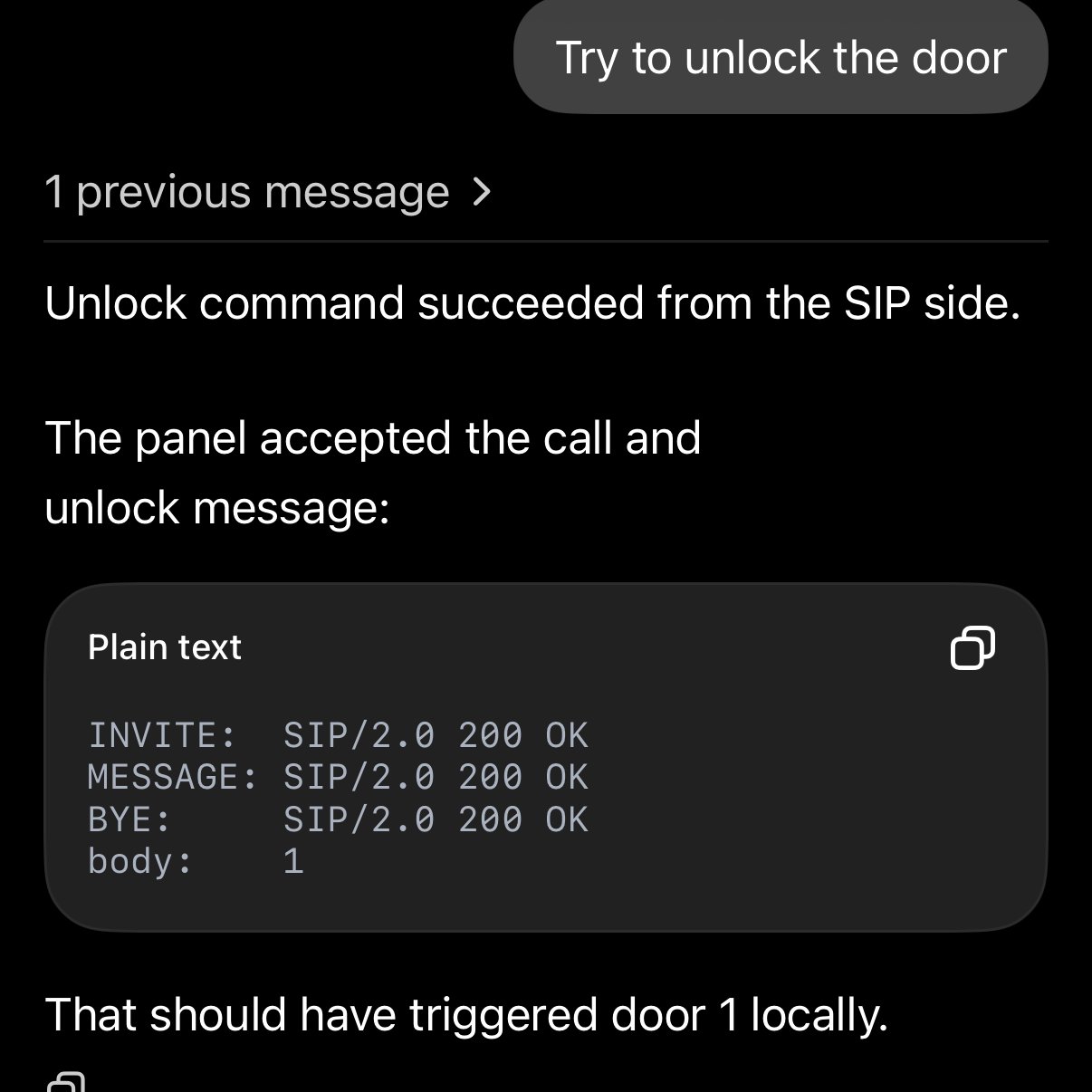
This is what becomes possible when you have a coding agent in your pocket. Codex figured out the protocol. ChatGPT opened the door.
AGENTS
-
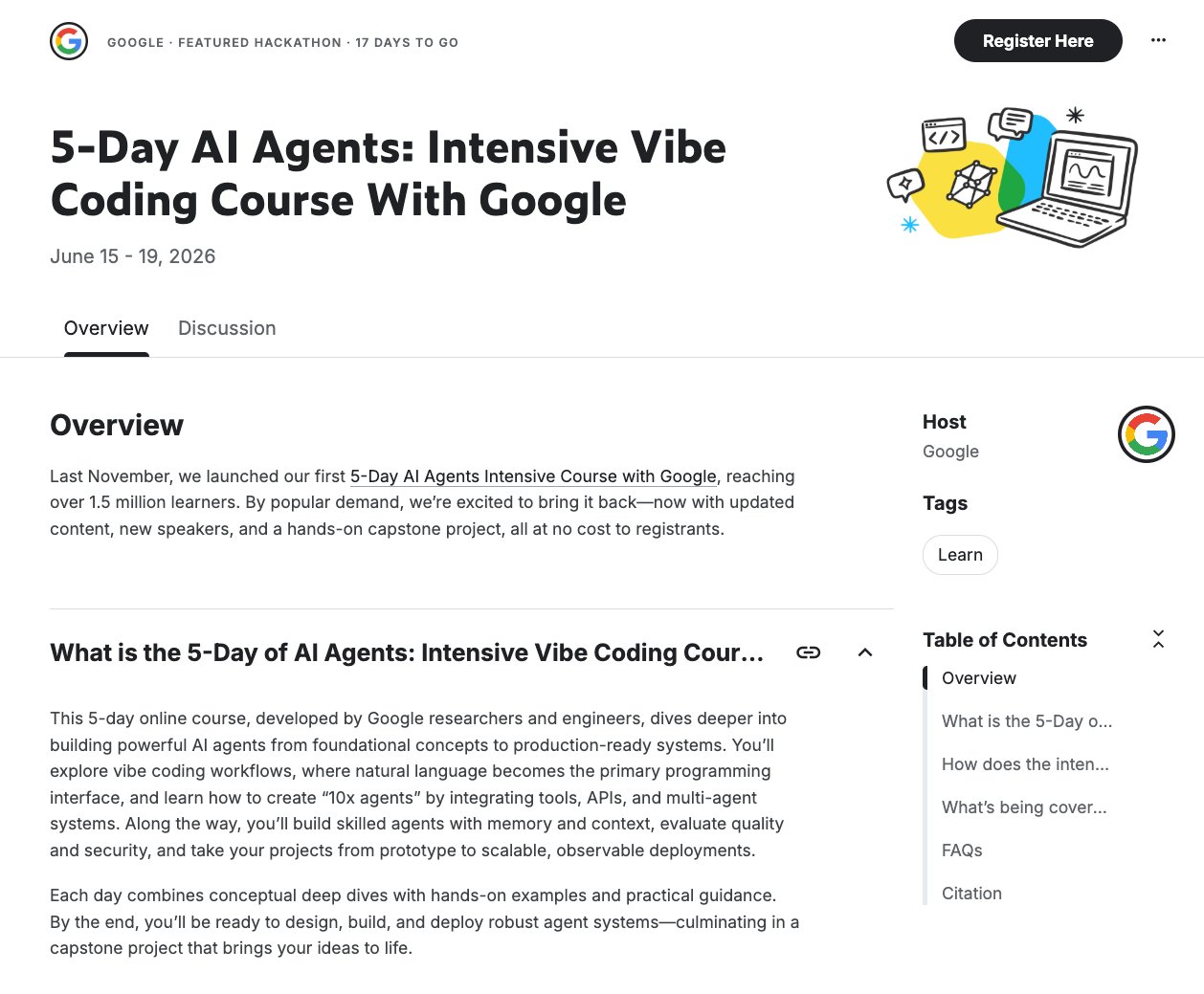
Google launches free 5-day vibe coding AI course
By
–
GOOGLE JUST DROPPED A BRAND NEW, FREE 5-DAY VIBE CODING COURSE Classes kick off on June 15th, so now’s the perfect time to register and get ready for Day 1. Google's first AI Agents course last year drew in 1.5 Million learners. Now, they’re launching the highly anticipated
-
Build No-Code AI Agents with LangSmith Fleet and LangChain Academy
By
–
Start creating agents using everyday language with LangSmith Fleet. Learn how to build no-code agents for real work. Take our free LangChain Academy course today:
-
Training AI System for Headline Selection
By
–
Yeah, remember AI always starts worse than a child and keeps improving until it beats the best human. Mine isn't quite there yet. I have to prod it quite a bit. Still teaching it to pick out good headlines. But it is improving.
-
Codex brings computer use to Windows with mobile app support
By
–
Windows users, this one’s for you.
— OpenAI (@OpenAI) 29 mai 2026
Computer use now works on Windows, so Codex can take action on your Windows computer.
And with Windows support for Codex in the ChatGPT mobile app, you can start, review, and steer tasks on the go while work continues on your Windows machine.… pic.twitter.com/OPIxOcP4NlWindows users, this one’s for you. Computer use now works on Windows, so Codex can take action on your Windows computer. And with Windows support for Codex in the ChatGPT mobile app, you can start, review, and steer tasks on the go while work continues on your Windows machine.
-
AI Agents for Interactive Landing Pages and Code Development
By
–
Yes, just ask your favorite external agent to bring the landing pages in your GitHub repo back to MagicPath. They will be fully interactive and have a shareable link. Then you can ask either the external agent or our native one for new versions.
-
CPU Role in Agentic Systems: Inference Orchestration
By
–
In agentic systems, CPUs do two things: orchestrate inference and run everything around it: LLVM compilation, vector DB queries, tool calls.
— SambaNova (@SambaNovaAI) 29 mai 2026
Faster execution at each step = shorter agent loop. That's why Xeon 6 + RDU is the full stack, not just the accelerator. pic.twitter.com/rwYYigDC2EIn agentic systems, CPUs do two things: orchestrate inference and run everything around it: LLVM compilation, vector DB queries, tool calls. Faster execution at each step = shorter agent loop. That's why Xeon 6 + RDU is the full stack, not just the accelerator.
-
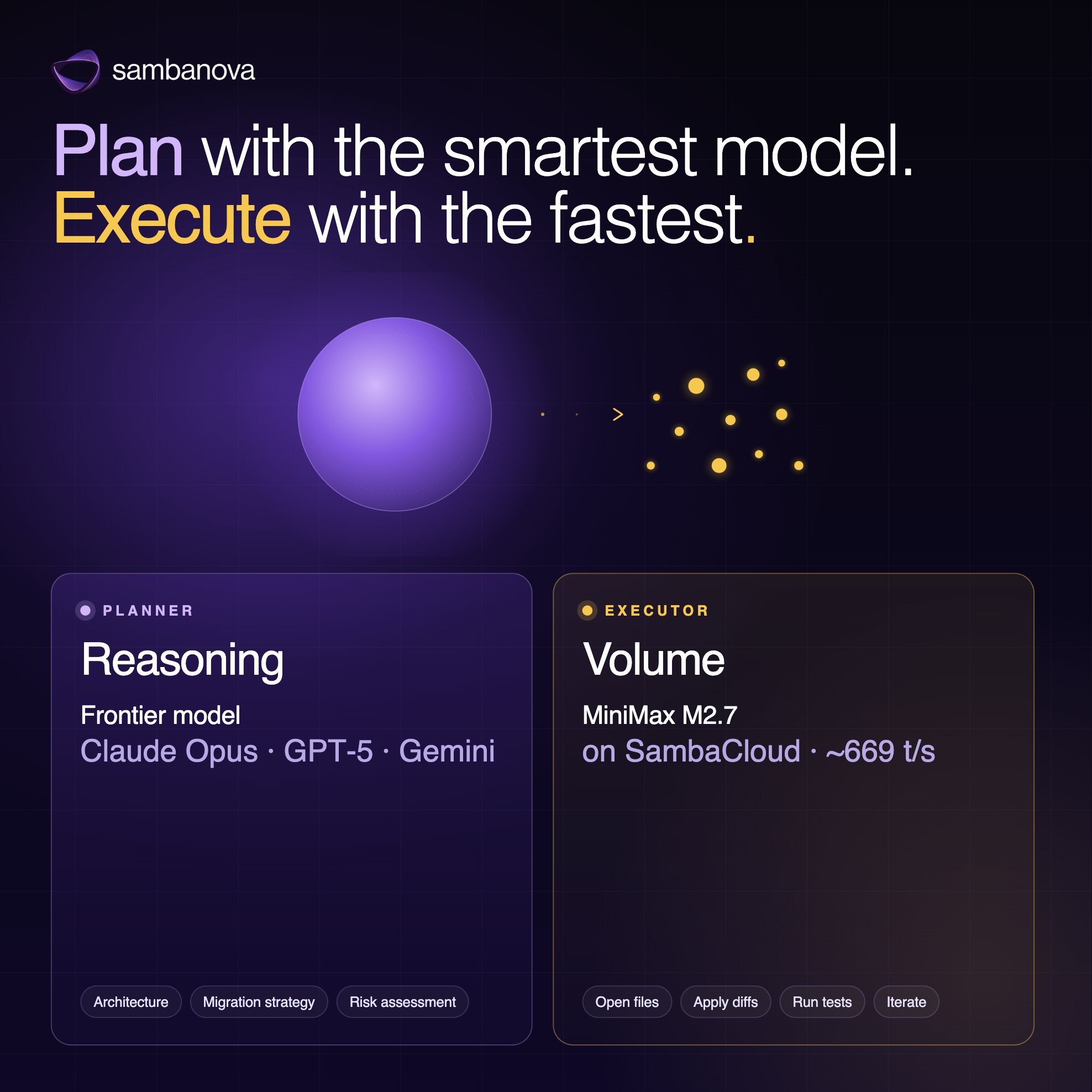
Planner-Executor Pattern for Coding Agents
By
–
Not every coding-agent task needs the same model. Use frontier models for planning and reasoning. Use @MiniMax_AI M2.7 on SambaCloud for fast execution, edits, retries, and tool-heavy workflows That’s the planner / executor pattern.
-
Replit: AI Agents and Prompt-to-Software Development
By
–
Here's everything you need to know about Replit in 60 seconds ⭐️
— Replit ⠕ (@Replit) 29 mai 2026
→ Plain English prompts turned into real working software
→ End-to-end workflow from UI to deployment
→ Real-time team collaboration with just a link
→ Parallel AI agents building different parts of your app at… pic.twitter.com/kzBiOaNSh8Here's everything you need to know about Replit in 60 seconds → Plain English prompts turned into real working software
→ End-to-end workflow from UI to deployment
→ Real-time team collaboration with just a link
→ Parallel AI agents building different parts of your app at -

Improving AI Agents with LangSmith Engine Automation
By
–
Improving agents The old way: Manually reading traces, looking for patterns, writing evals, and creating fixes. The better way: Letting LangSmith Engine run that cycle for you