Check this out: http://
ig.ft.com/generative-ai/
@sumanth_077
-
How Large Language Models Work: Visual Explanation
By
–
How LLMs work, clearly explained with visuals: pic.twitter.com/ujKeJrw5Lf
— Sumanth (@Sumanth_077) 3 mai 2024How LLMs work, clearly explained with visuals:
-
Daily Content on Python, Data Science, and Machine Learning
By
–
That's a wrap! If you are interested in any of these below topics: – Python – Data Science – Machine Learning – Data Analysis – LLMs – MLOps Find me → @Sumanth_077 I'm sharing daily content over here.
-
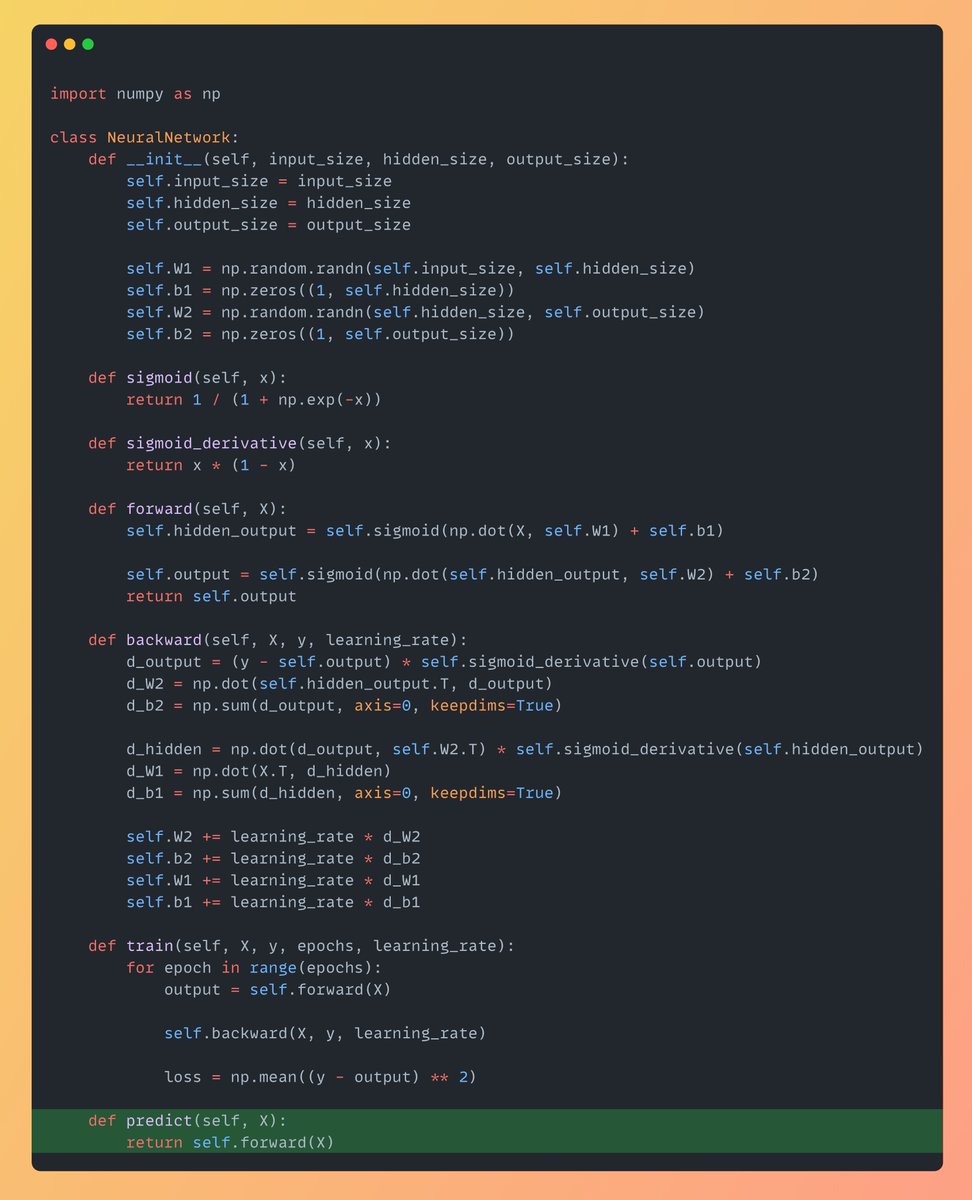
Single Forward Pass Network Prediction Implementation
By
–
Finally the Predict Function Now to predict on any new data all we need to do is a single Forward Pass through the Network:
-

Method to Train Neural Networks: Forward Pass, Backward Pass, Weight Updates
By
–
Now a method to train the neural network using both the forward and backward passes. The function will run for specified no of epochs, calculating: 1. The Forward Pass
2. Backward Pass
3. Updating the Weights -
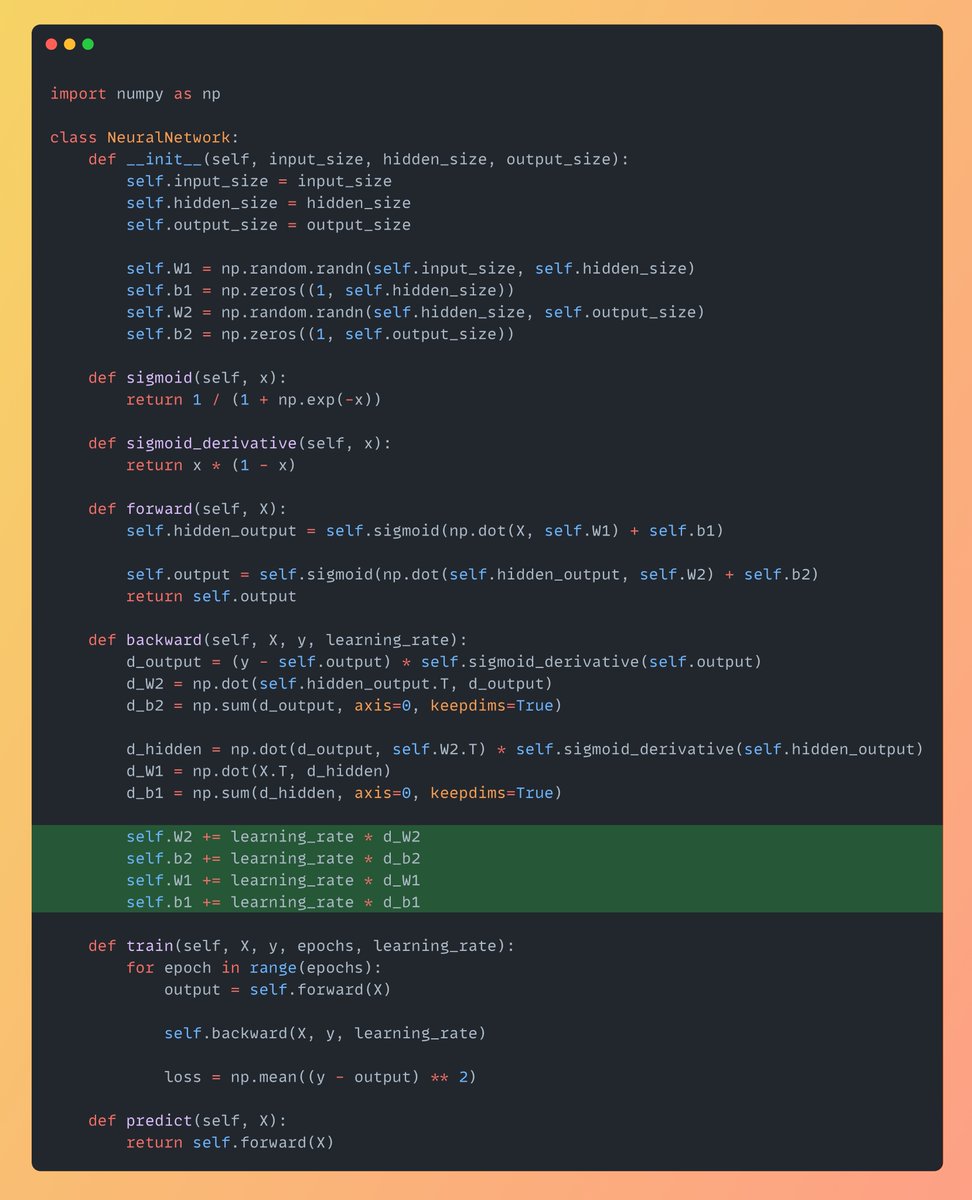
Learning Rate Impact on Weight Updates in Neural Networks
By
–
Now Update the Weights: Here learning rate is the hyper parameter! A low learning rate can cause the model getting caught in local optima, while the high learning rate can cause the model to overshoot the general solution W1 += learning_rate * d_W1
b1 += learning_rate * d_b1 -
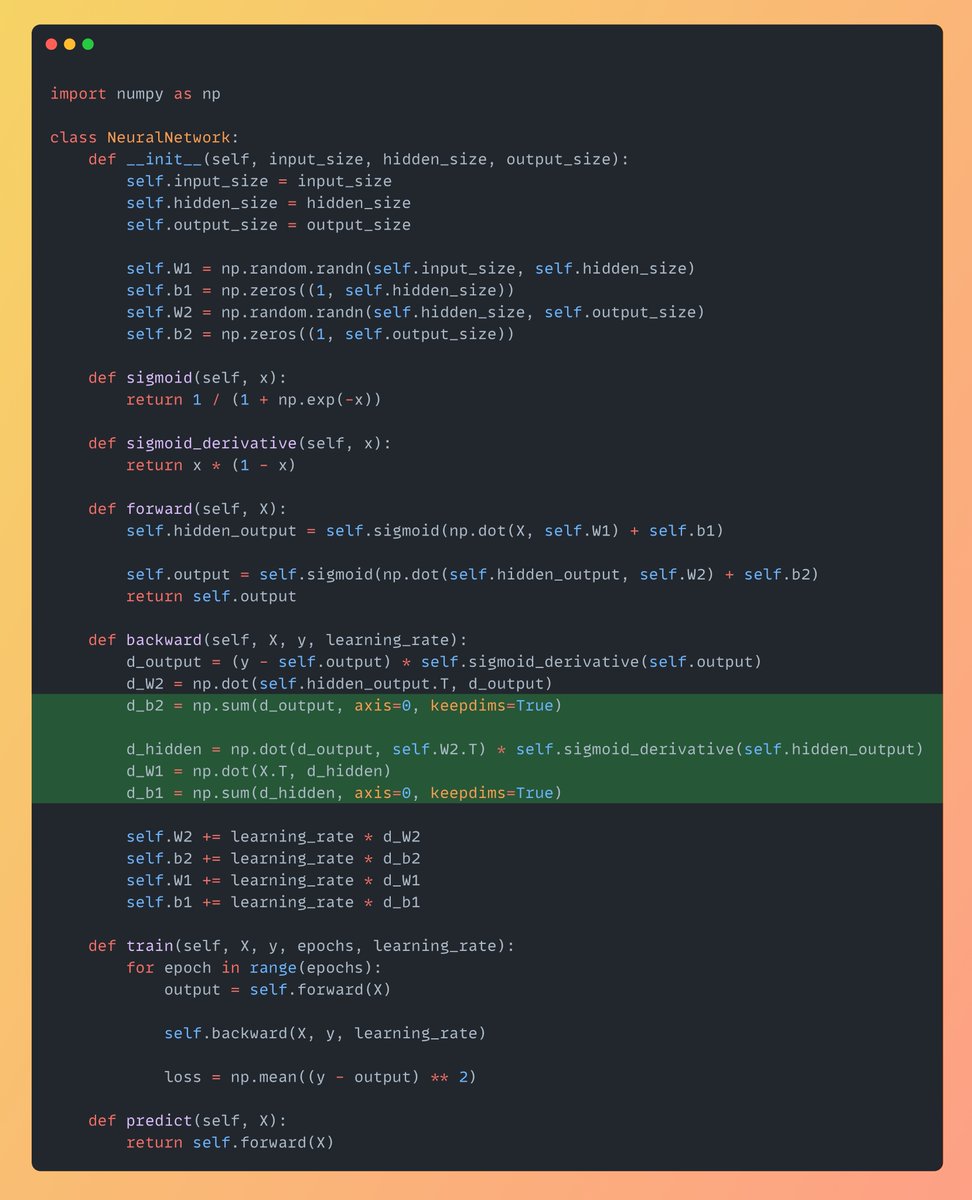
Calculate Gradients dW1 d_b2 d_b1 for Neural Network Backpropagation
By
–
Similarly calculate d_W1, d_b2 & d_b1 dW1: Gradient of the loss function wrt W1 d_b2: Gradient of the loss function wrt b2(bias of neuron in output layer) d_b1: Gradient of the loss function wrt b1(bias of neuron in hidden layer)
-
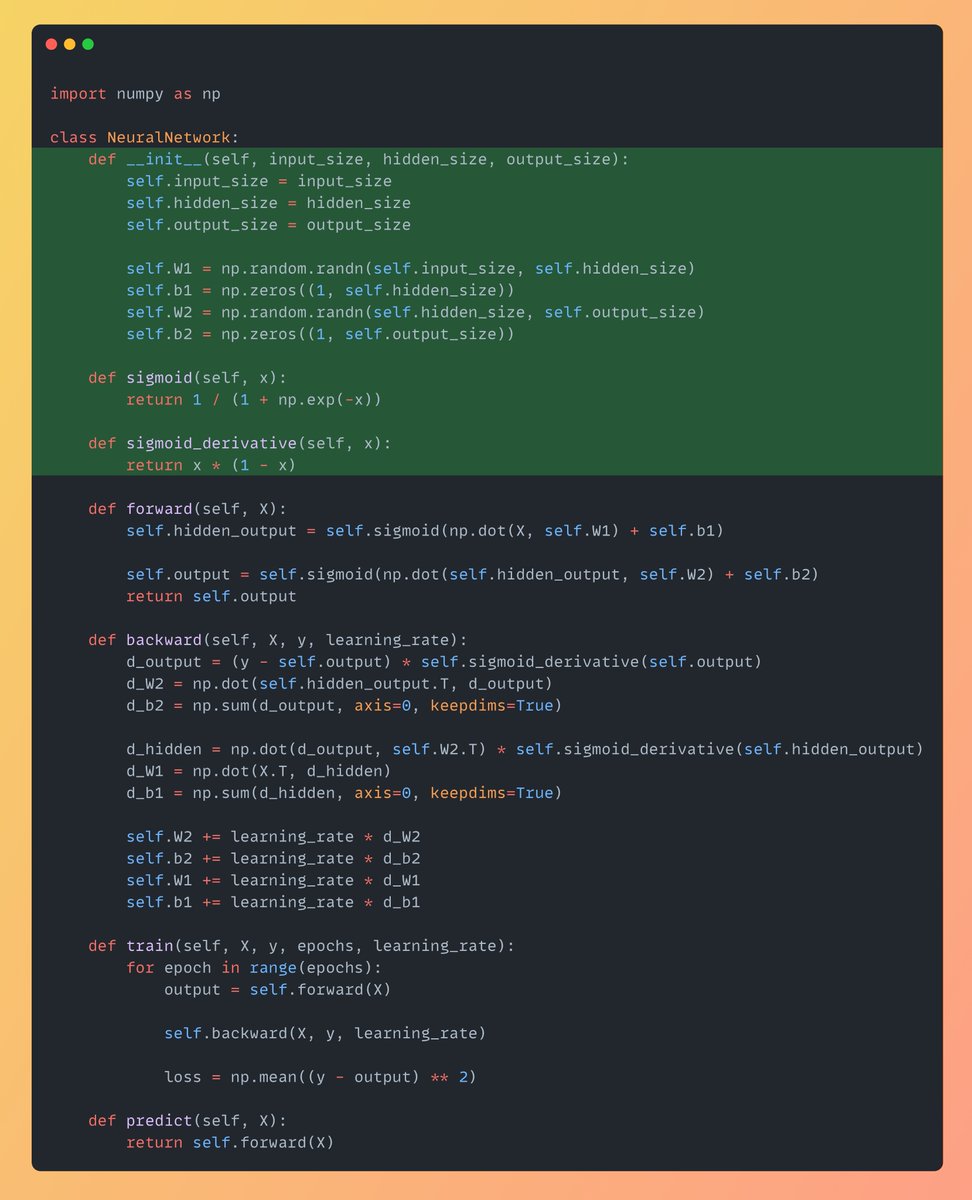
Building a Simple 2-Layer Neural Network with Sigmoid Activation
By
–
Below is the simple Neural Network consists of 2 layers: – Hidden Layer
– Output Layer First Initialize the size of layers along with the weights & biases. And also define the sigmoid activation function & it's derivative which is really key to introduce non-linearity. -
Neural Network Implementation From Scratch in Python
By
–
Neural Network implemented from scratch in Python (step-by-step explanation with code):
-
Daily Content Sharing on Python, Data Science, and Machine Learning
By
–
That's a wrap! If you are interested in any of these below topics: – Python – Data Science – Machine Learning – Data Analysis – LLMs – MLOps Find me →
@Sumanth_077 I'm sharing daily content over here.