Infographics are where weak models get exposed. Tiny labels break.
Layouts collapse.
Text turns into alien noodles.
The message gets lost. SenseNova U1 is built for dense visual communication: posters, PPTs, knowledge maps, comics, diagrams, explainers.
@godofprompt
-
SenseNova U1 positioned for dense visual communication
By
–
-
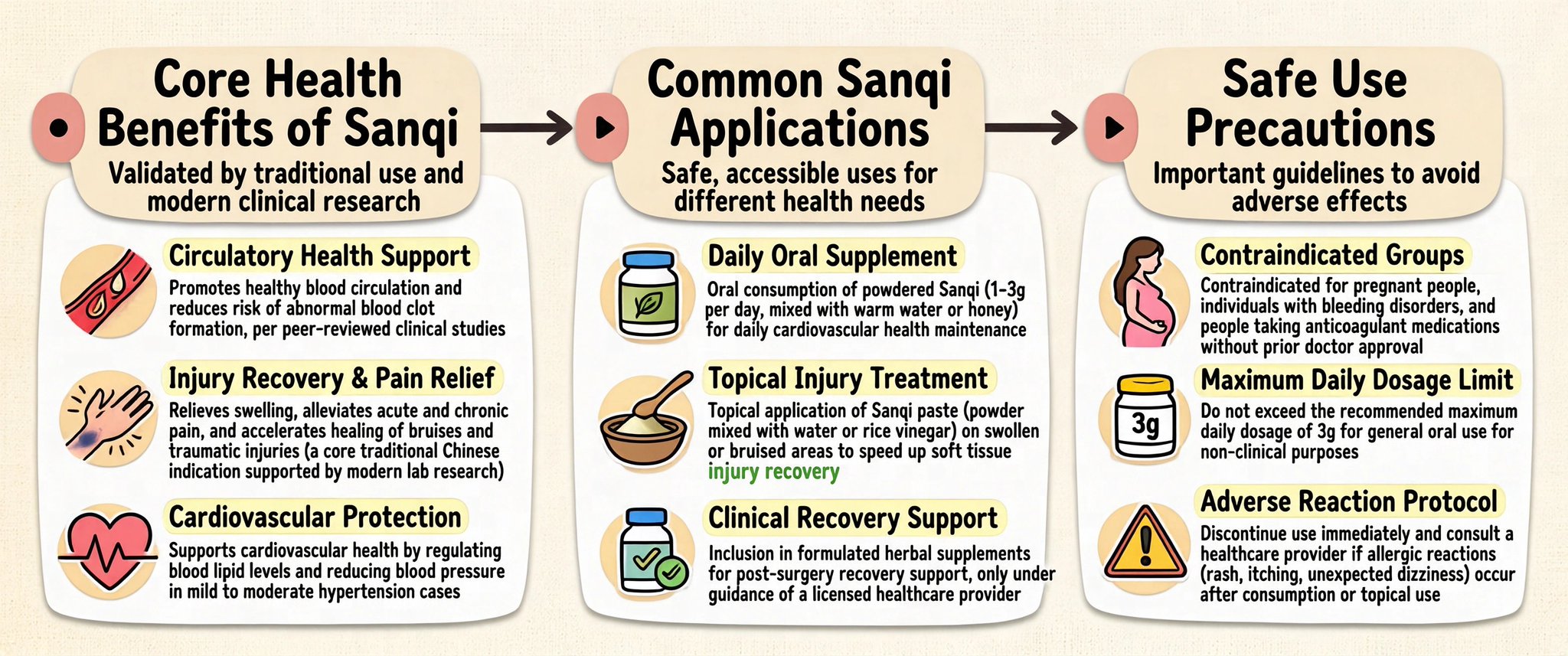
SenseNova model improves infographic generation benchmarks
By
–
Pretty image models die when structure shows up. Posters. Charts. Recipe cards. Postcards.
Even arXiv-style pages. SenseNova-U1-8B-MoT-Infographic was built for that. > +6.8 on BizGenEval hard
> +18.2 on IGenBench Q-ACC
> 100+ showcases Less “make it pretty.”
More “make it -
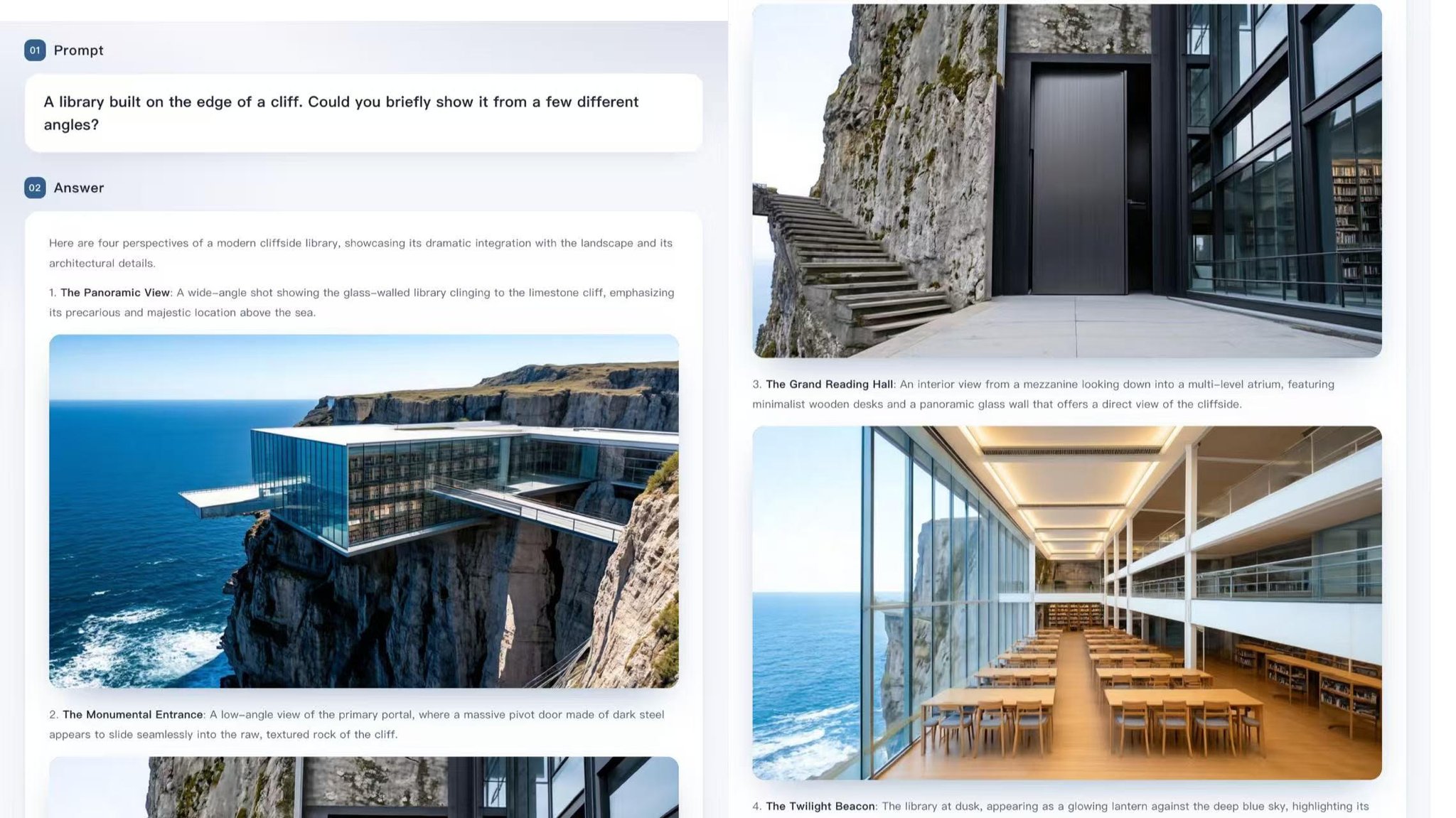
SenseNova U1 generates interleaved text and image outputs
By
–
Here’s the feature that deserves more attention: SenseNova U1 can generate interleaved text + image outputs in one response. Not just an image.
Not just an explanation.
A full structured flow that combines both. Think step-by-step tutorials, cooking guides, how-tos, lesson -
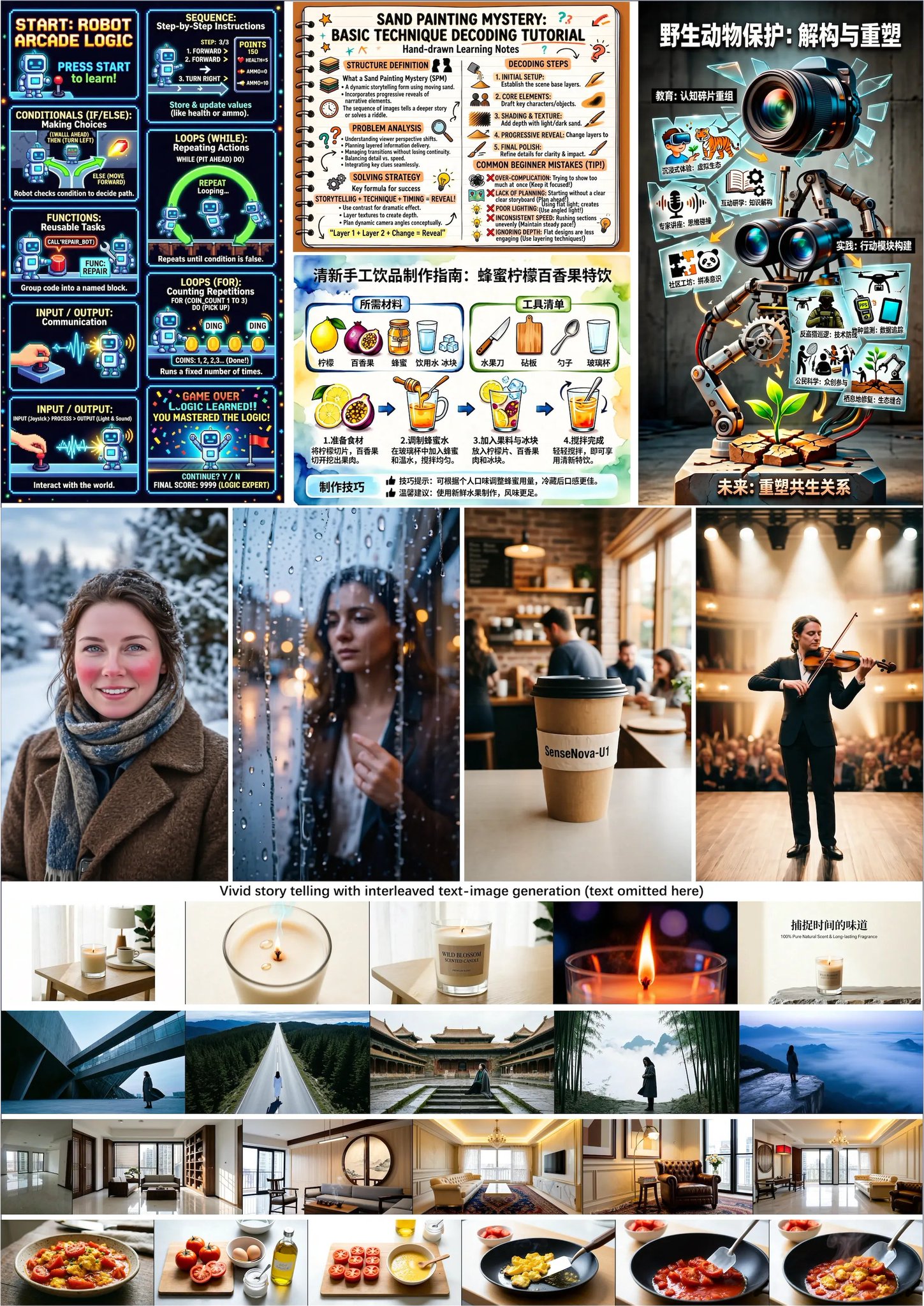
SenseNova U1 Enables Interleaved Image+Text Multimodal Outputs
By
–
This is the part most people will miss: SenseNova U1 doesn’t just “look at images” or “generate images.” It can create interleaved image + text outputs in one flow. Guides. Tutorials. Visual explainers. Workflows. Comics. Recipes. Not a chatbot with pictures taped on.
-
Sonnet vs Opus: speed, cost, and when to switch
By
–
4. Sonnet 4.6 handles most tasks faster than Opus 4.7 at a fraction of the cost. Opus is the heavy lifter for complex reasoning, long code sessions, and deep analysis. But for everyday work? Sonnet gets it done in half the time. Default to Sonnet. Switch to Opus when the task
-
Claude features: Memory plus Search Past Chats
By
–
3. Memory + Search Past Chats work together. Memory lets Claude remember your preferences, projects, and context across conversations. Search Past Chats lets you ask "what was the pricing model I finalized last Wednesday?" and Claude pulls the actual conversation. Turn both on
-
Custom Claude style improved output quality
By
–
2. Custom Styles change output quality more than any prompt tweak. I have one called "skeptical senior operator" that pushes back on weak logic instead of agreeing with everything I say. Took 3 minutes to create. Single biggest quality jump I've gotten from Claude. Settings >
-
Persistent project context for AI chats
By
–
1. Projects hold your entire context permanently. Your brand guidelines. Your writing samples. Your past deliverables. Drop them in once. Every new chat inside that Project starts with full context. Stop re-explaining who you are and what you need in every conversation.
-
7 Claude features you should configure
By
–
BREAKING: Claude has 7 built-in features that most users never configure. Each one takes under 5 minutes to set up and permanently changes how Claude works for you. Here's the full list:
-
Frameworks and Prompts to Validate an AI MVP
By
–
7 prompts. 3 frameworks. One Perplexity deep research session. You go from "what should I build?" to validated MVP scope with a launch plan. Before writing a single line of code. I built these from Christensen's Jobs-to-Be-Done and Kim & Mauborgne's Blue Ocean Strategy. The