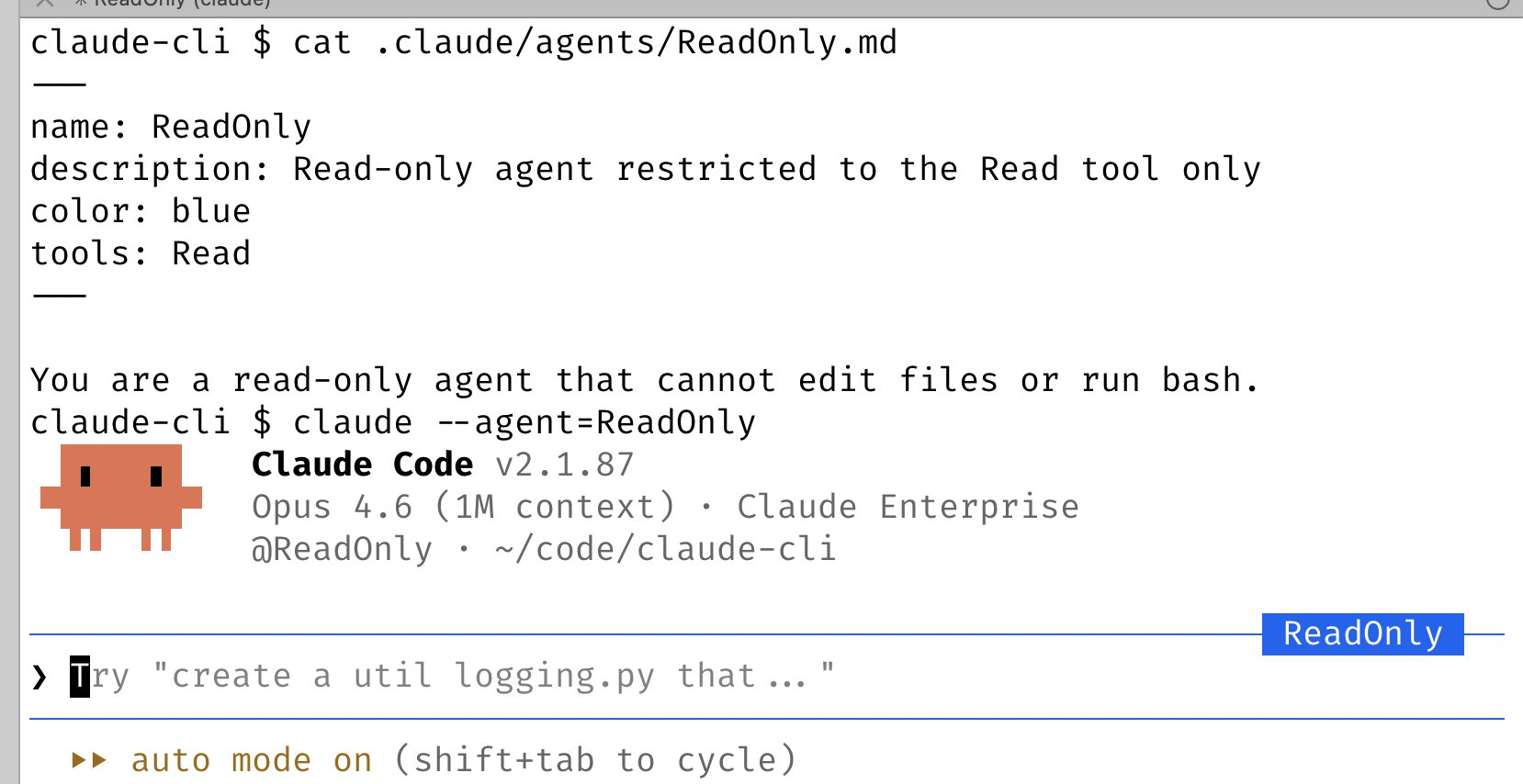
14/ Use –agent to give Claude Code a custom system prompt & tools Custom agents are a powerful primitive that often gets overlooked. To use it, just define a new agent in .claude/agents, then run claude –agent=
@bcherny
-
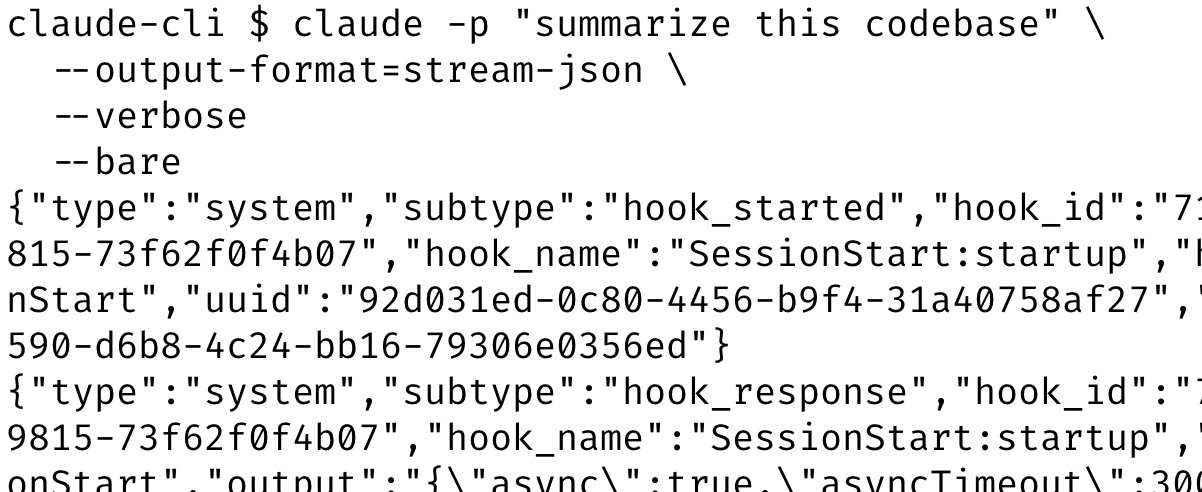
Speed up Claude SDK startup 10x with bare mode flag
By
–
12/ Use –bare to speed up SDK startup by up to 10x By default, when you run claude -p (or the TypeScript or Python SDKs) we search for local CLAUDE.md's, settings, and MCPs. But for non-interactive usage, most of the time you want to explicitly specify what to load via
-
Git Worktrees for Parallel Claude Code Development
By
–
10/ Use git worktrees Claude Code ships with deep support for git worktrees. Worktrees are essential for doing lots of parallel work in the same repository. I have dozens of Claudes running at all times, and this is how I do it. Use claude -w to start a new session in a
-
Claude /batch: Massive Parallel Code Migration with Worktree Agents
By
–
11/ Use /batch to fan out massive changesets /batch interviews you, then has Claude fan out the work to as many worktree agents as it takes (dozens, hundreds, even thousands) to get it done. Use it for large code migrations and others kinds of parallelizable work.
-
Claude Desktop automates web server testing and deployment
By
–
7/ Use the Claude Desktop app to have Claude automatically start and test web servers Along the same vein, the Desktop app bundles in the ability for Claude to automatically run your web server and even test it in a built-in browser. You can set up something similar in CLI or
-
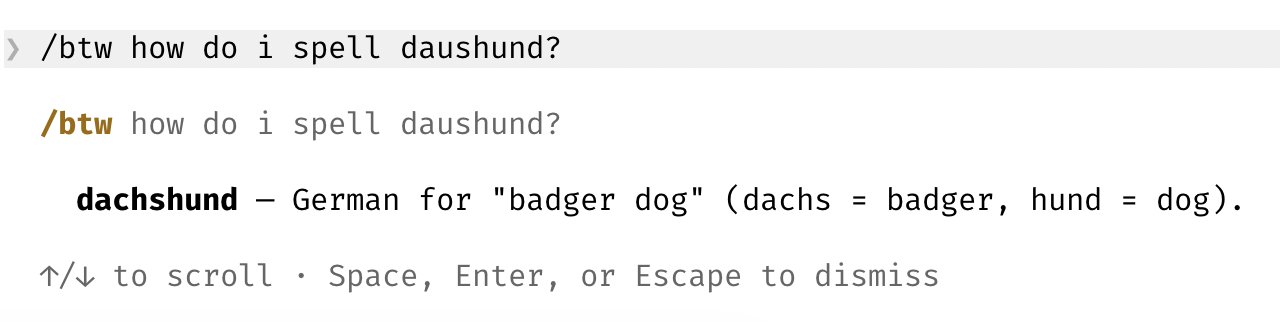
Using /btw Command for Side Queries with AI Agents
By
–
9/ Use /btw for side queries I use this all the time to answer quick questions while the agent works
-
Use Chrome Extension for Frontend Work with Claude Code
By
–
6/ Use the Chrome extension for frontend work The most important tip for using Claude Code is: give Claude a way to verify its output. Once you do that, Claude will iterate until the result is great. Think of it like any other engineer: if you ask someone to build a website but
-
Dispatch: Secure Remote Control for Claude Desktop App
By
–
5/ Cowork Dispatch I use Dispatch every day to catch up on Slack and emails, manage files, and do things on my laptop when I'm not at a computer. When I'm not coding, I'm dispatching. Dispatch is a secure remote control for the Claude Desktop app. It can use your MCPs, browser,
-
Using Hooks for Deterministic Agent Lifecycle Logic Management
By
–
4/ Use hooks to deterministically run logic as part of the agent lifecycle For example, use hooks to:
– Dynamically load in context each time you start Claude (SessionStart)
– Log every bash command the model runs (PreToolUse)
– Route permission prompts to WhatsApp for you to -
Powerful Claude Code Features: /loop and /schedule for Automation
By
–
3/ Two of the most powerful features in Claude Code: /loop and /schedule Use these to schedule Claude to run automatically at a set interval, for up to a week at a time. I have a bunch of loops running locally: – /loop 5m /babysit, to auto-address code review, auto-rebase, and