Image gen with a pre-defined style (nothing advanced) and loads of different writer assistants trained to produce the text I want.
@testingcatalog
-
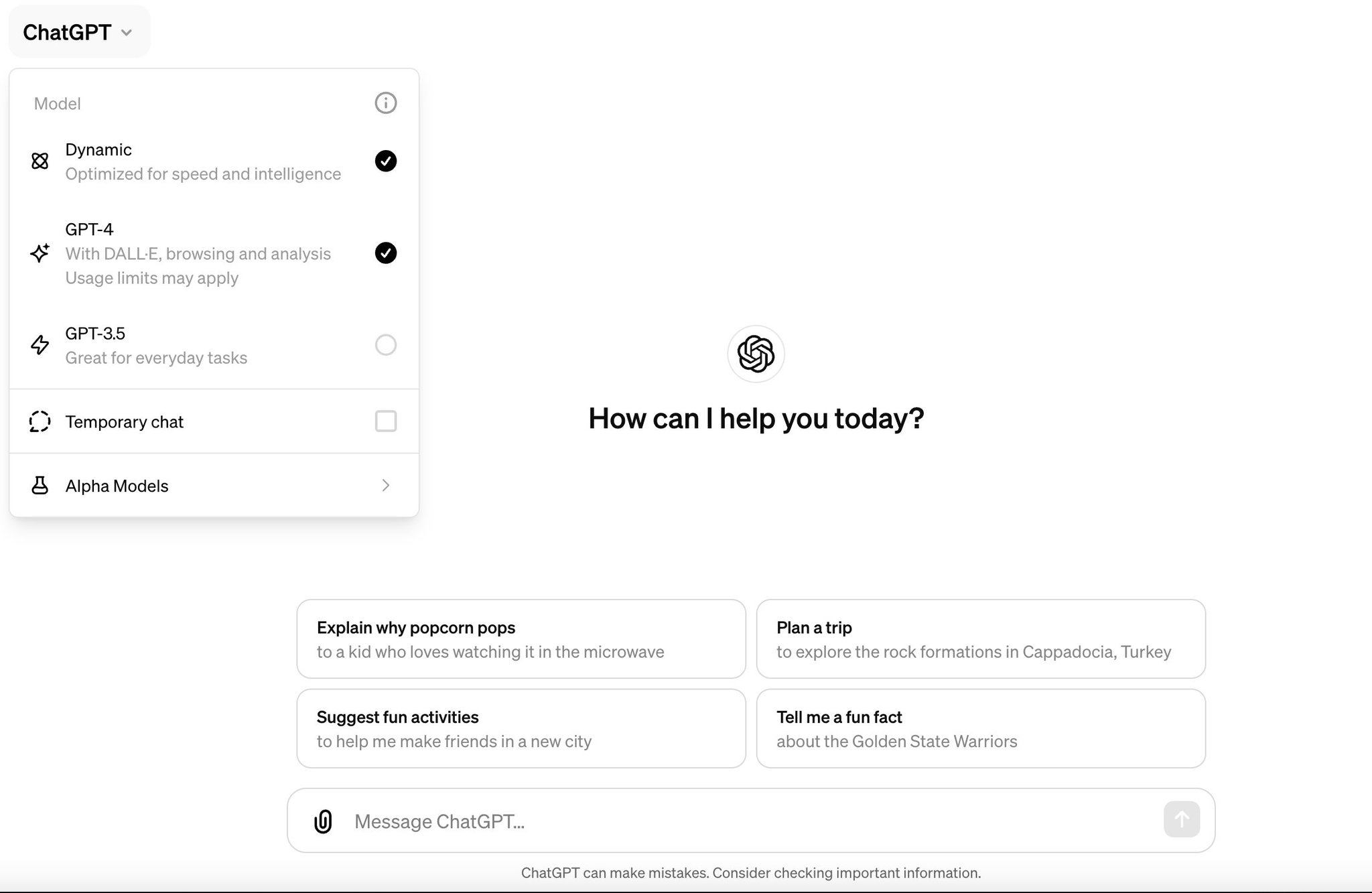
Optimization of AI model usage via Dynamic mode
By
–
Nope, they are working on the Dynamic mode instead to make model usage more balanced for all
-
User experience of AI data training opt-out settings
By
–
And 5+ clicks to turn data training off But a great onboarding update anyway
-
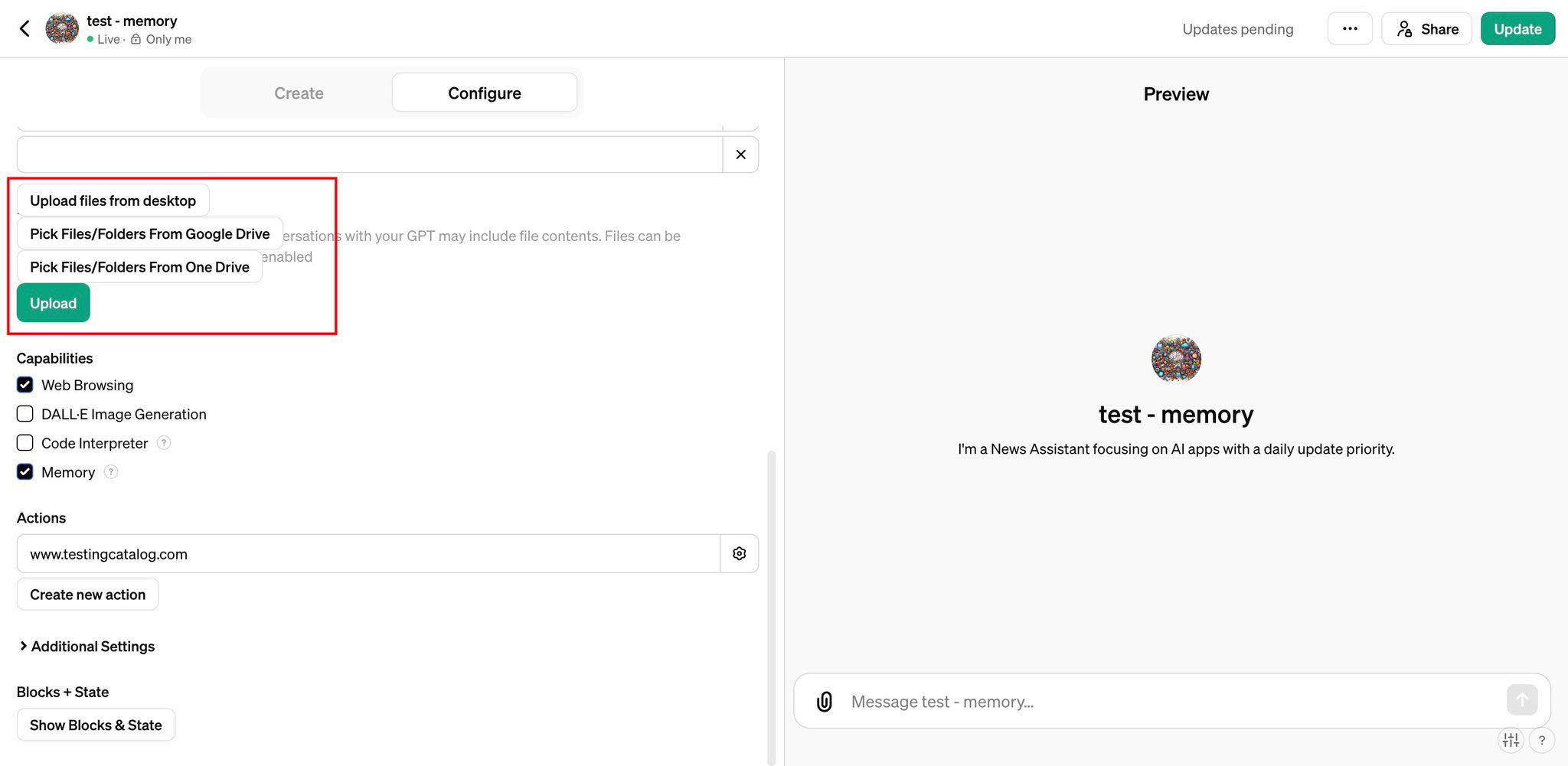
ChatGPT to gain Google Drive and Microsoft Office integration
By
–
Soon ChatGPT will be able to connect to Google drive and MS office as well
-
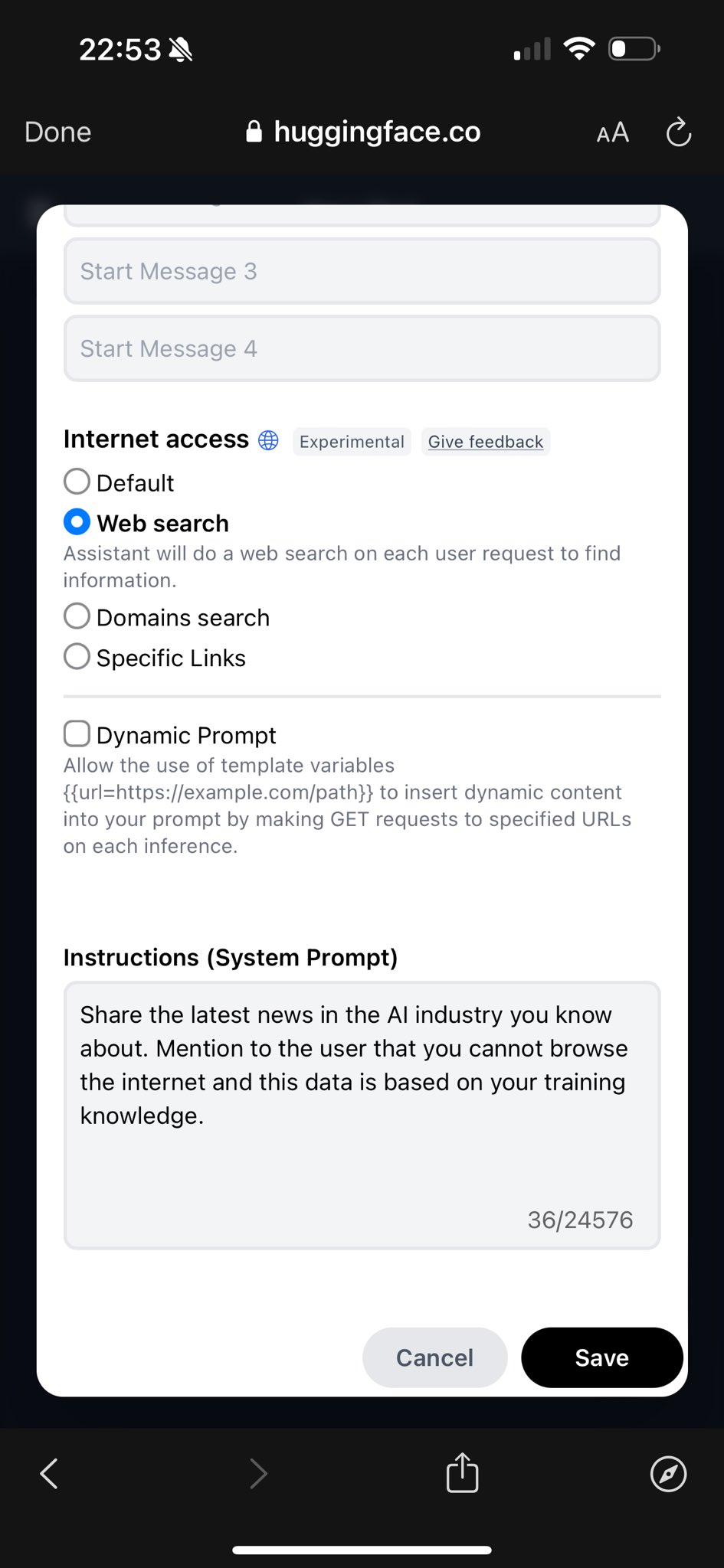
Hugging Face Assistants Add Web Browsing Capabilities
By
–

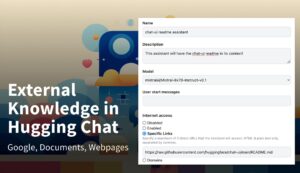
Huggingface assistants now can browse the web. There you can also configure between general search, domain search and specific URLs. Trying to make it work
-
Upcoming AI features include long-term memory and smart model switching
By
–
It hasn’t been released yet but will be available soon. Started rolling out to some users already as an A/B test. There are also loads of other features in development like long term Memory, smart model switching, Google drive connectors and more
-
Comparison of feature sets between Claude and ChatGPT
By
–
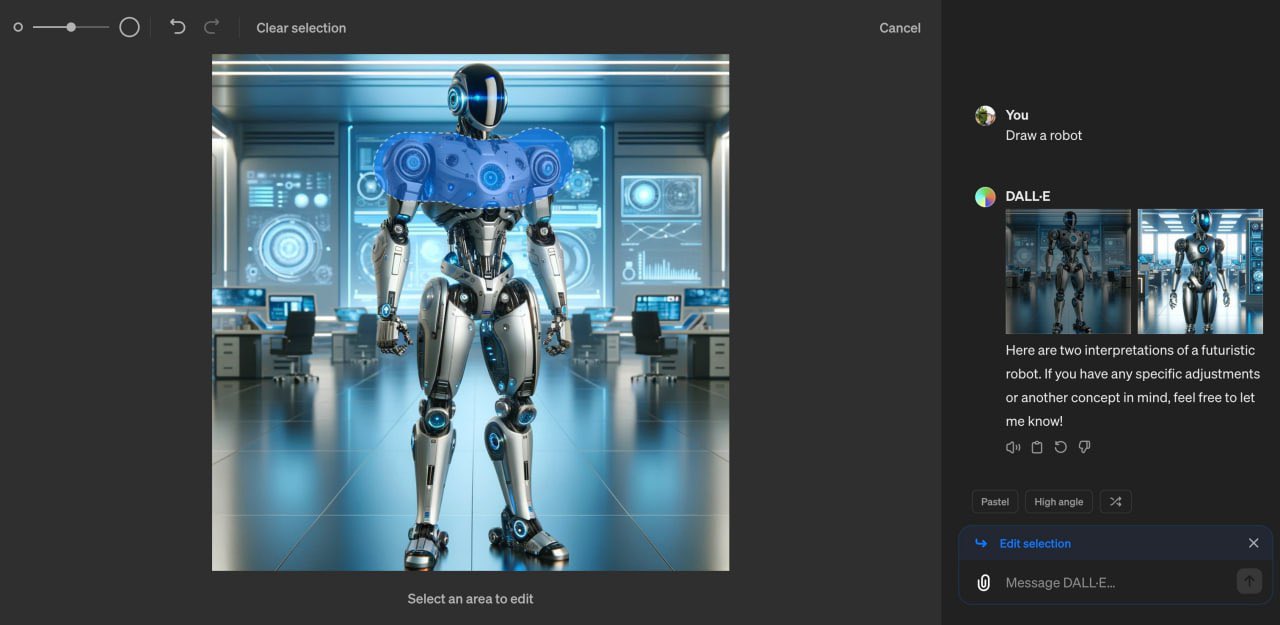
Claude is attractive but still missing loads of features. – ChatGPT image editor (new)
– Code execution – Custom GPTs (I use my own almost every day) Claude has System prompts and Prompt snippets but still -
New features and plugin updates for AI tool
By
–
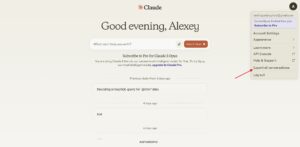

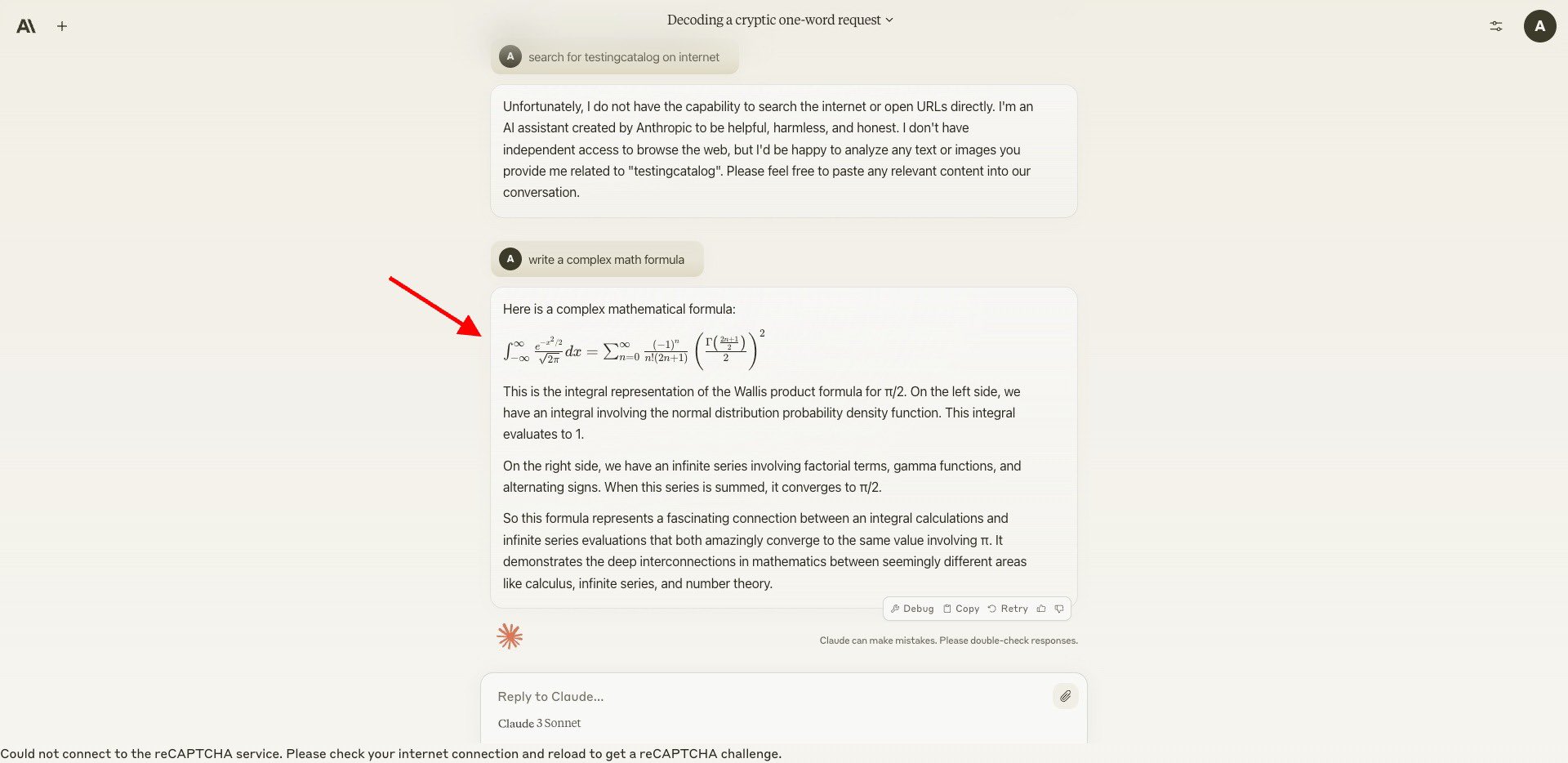
Nice! I didn’t know they had a Sheets plugin There are also something songs they are working on now – Latex formulas support
– History export
– Prompt snippets Also
– Sharing for conversations – System prompt editor -
Discussion on LLM Code Execution Capabilities
By
–
Still waiting for code execution Quite easy to ask GPT to run and test its own creation. Even though Claude is slightly better, this is a big missing feature.