Check out the cool LLM Apps with RAG and AI agents in this GitHub Repo. P.S: Don't forget to star the repo to show your support and get future updates
@saboo_shubham_
-

Ollama and Open WebUI: Offline LLM Chat Interface
By
–
3. Ollama + Open WebUI
— Shubham Saboo (@Saboo_Shubham_) 13 mai 2024
Combine Ollama with Open WebUI for a smooth, offline experience with a ChatGPT-like interface.
It works with various LLM runners and OpenAI-compatible APIs, all without needing the internet. pic.twitter.com/F7g1lNp1Xw3. Ollama + Open WebUI Combine Ollama with Open WebUI for a smooth, offline experience with a ChatGPT-like interface. It works with various LLM runners and OpenAI-compatible APIs, all without needing the internet.
-
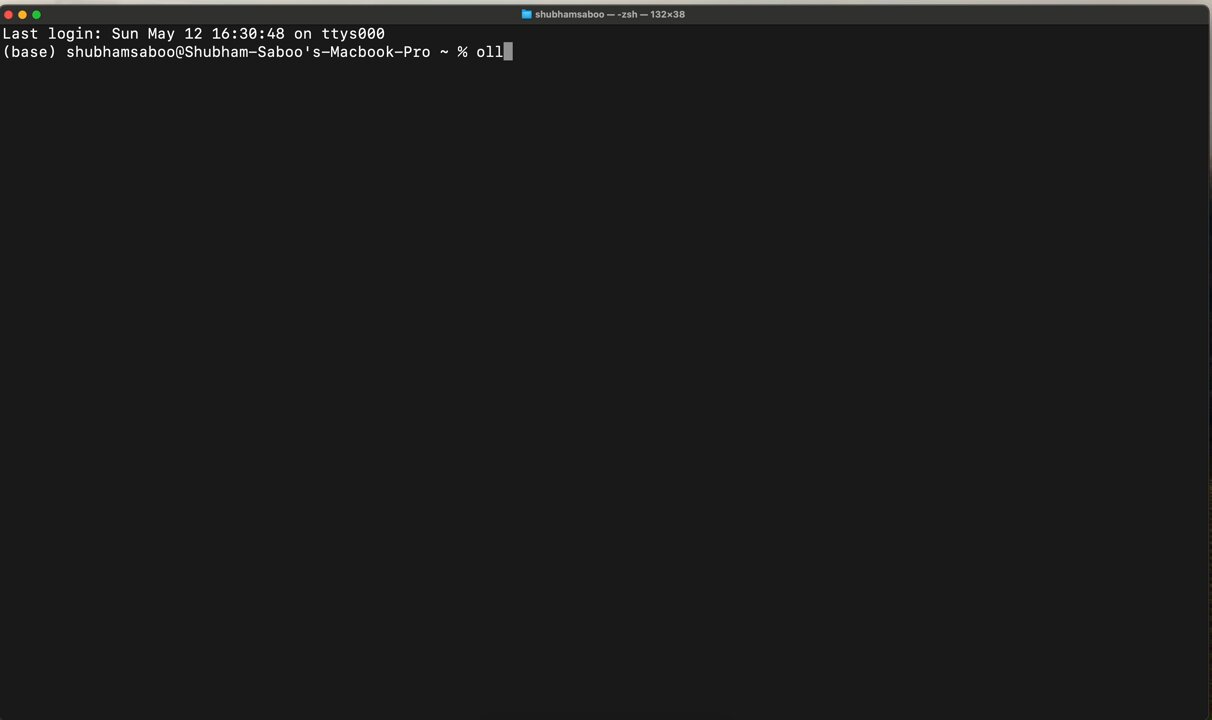
Ollama: Run Multimodal AI Models Locally on Your Computer
By
–
2. Ollama
— Shubham Saboo (@Saboo_Shubham_) 13 mai 2024
Ollama is an open-source project that offers an easy way to download and run multimodal AI models such as llava and bakllava on your computer.
To get started, install Ollama and run this command in your terminal: 'ollama run llava' pic.twitter.com/wiRoxwgnbD2. Ollama Ollama is an open-source project that offers an easy way to download and run multimodal AI models such as llava and bakllava on your computer. To get started, install Ollama and run this command in your terminal: 'ollama run llava'
-
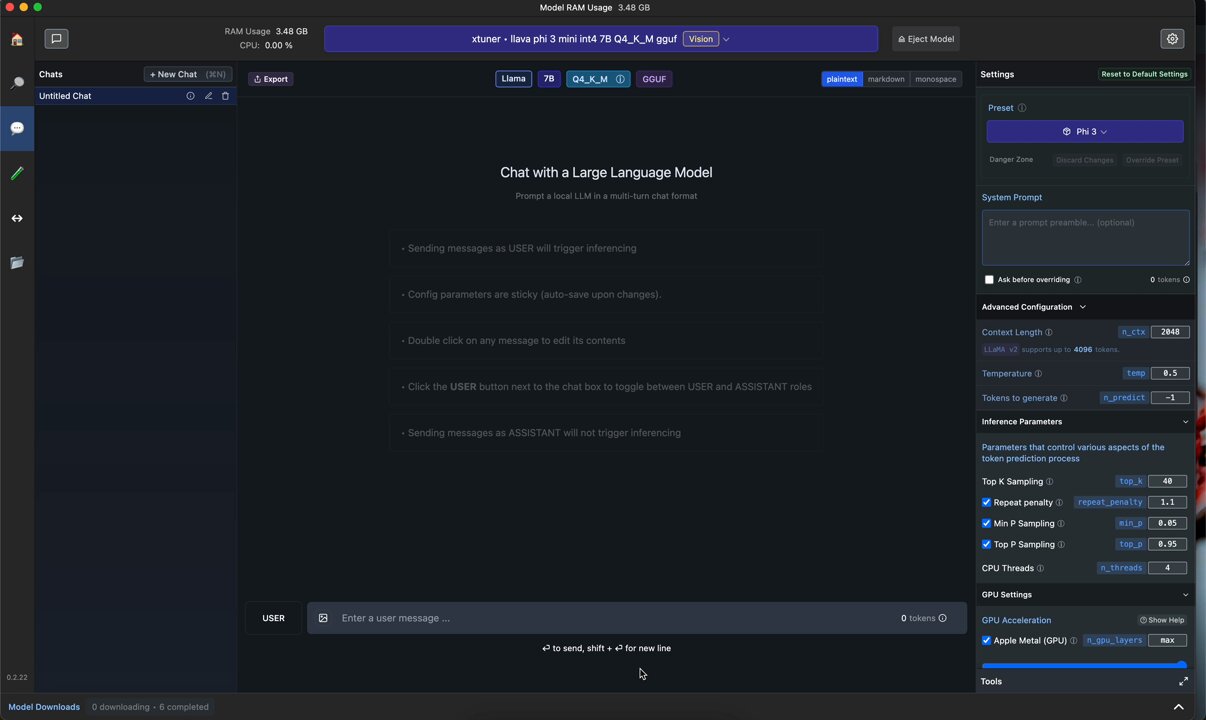
LM Studio: Run Multimodal AI Models Offline Locally
By
–
1. LM Studio
— Shubham Saboo (@Saboo_Shubham_) 13 mai 2024
LM Studio lets you operate multimodal AI models offline right on your desktop. It has a chat interface too.
Just download LM Studio, install it, and you're set to run any open-source multimodal model without an internet connection. pic.twitter.com/UozjDIDSqK1. LM Studio LM Studio lets you operate multimodal AI models offline right on your desktop. It has a chat interface too. Just download LM Studio, install it, and you're set to run any open-source multimodal model without an internet connection.
-
Run Multimodal AI Models Locally Free Without Internet
By
–
3 ways to run Multimodal AI models like GPT-4 Vision locally on your computer (100% free and without internet):
-
AI Agents Democratization Unlocking Access for Everyone
By
–
This is amazing, would unlock AI agents for everyone!
-
Running LLMs on MacBook M1 Pro with Ollama
By
–
Running on Macbook M1 pro (16GB RAM) using the @ollama
. If you find this useful, RT to share it with your friends. Don't forget to follow me @Saboo_Shubham_ for more such LLMs tips and tutorials. -
LLM Apps Demo with RAG and AI Agents GitHub Repository
By
–
Find all the awesome LLM Apps demo with RAG and AI agents in the following Github Repo. P.S: Don't forget to star the repo to show your support
-
Streamlit AI Scraper App Demo with Setup Instructions
By
–
Working Application demo using Streamlit
— Shubham Saboo (@Saboo_Shubham_) 12 mai 2024
Paste the above code in vscode or pycharm and run the following command: 'streamlit run ai_scrapper.py' pic.twitter.com/EAD4Iu9AmsWorking Application demo using Streamlit Paste the above code in vscode or pycharm and run the following command: 'streamlit run ai_scrapper.py'
-
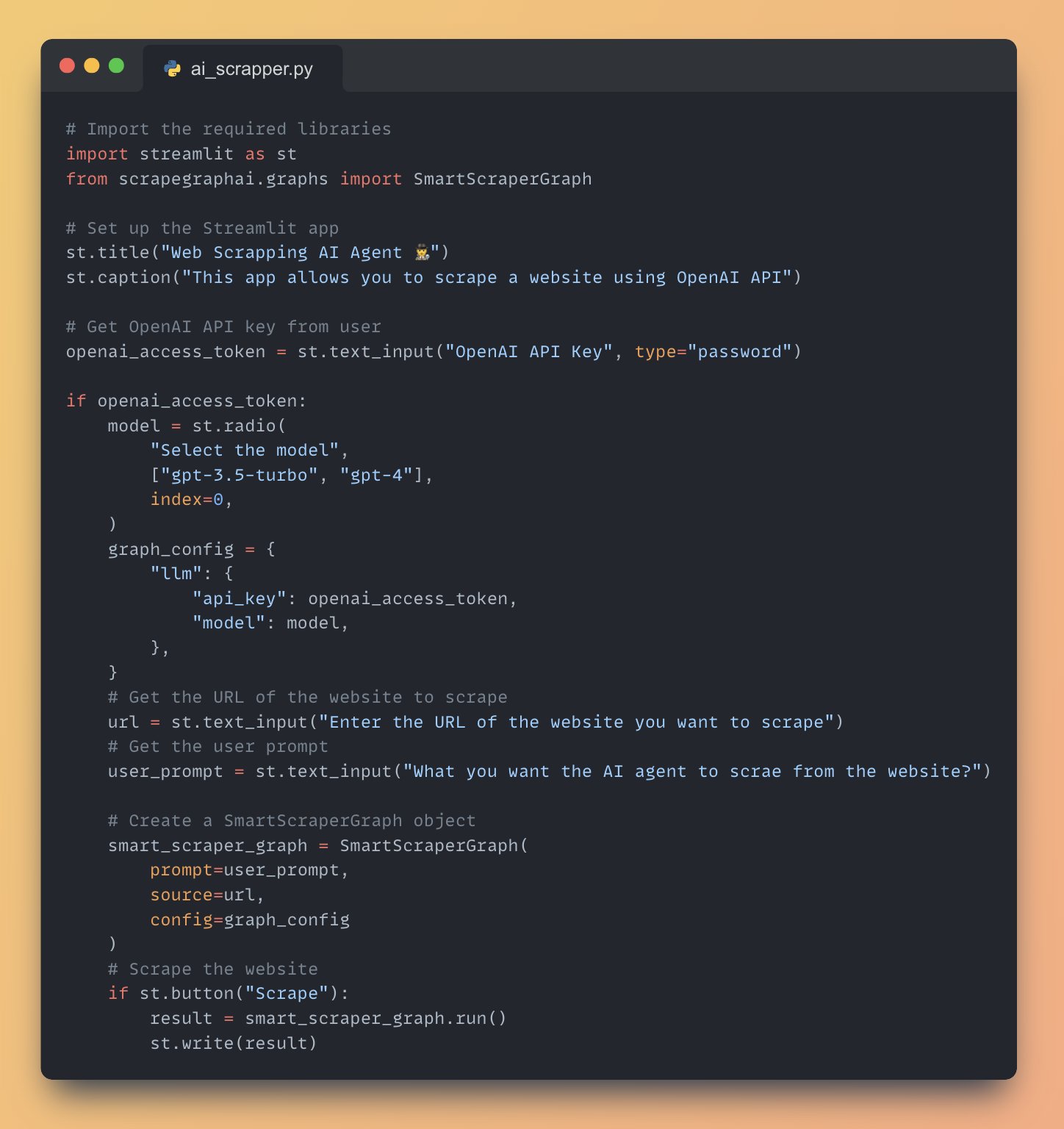
Full AI Agent Application Code for Internet Data Scraping
By
–
Full AI agent Application Code to Scrape data from Internet