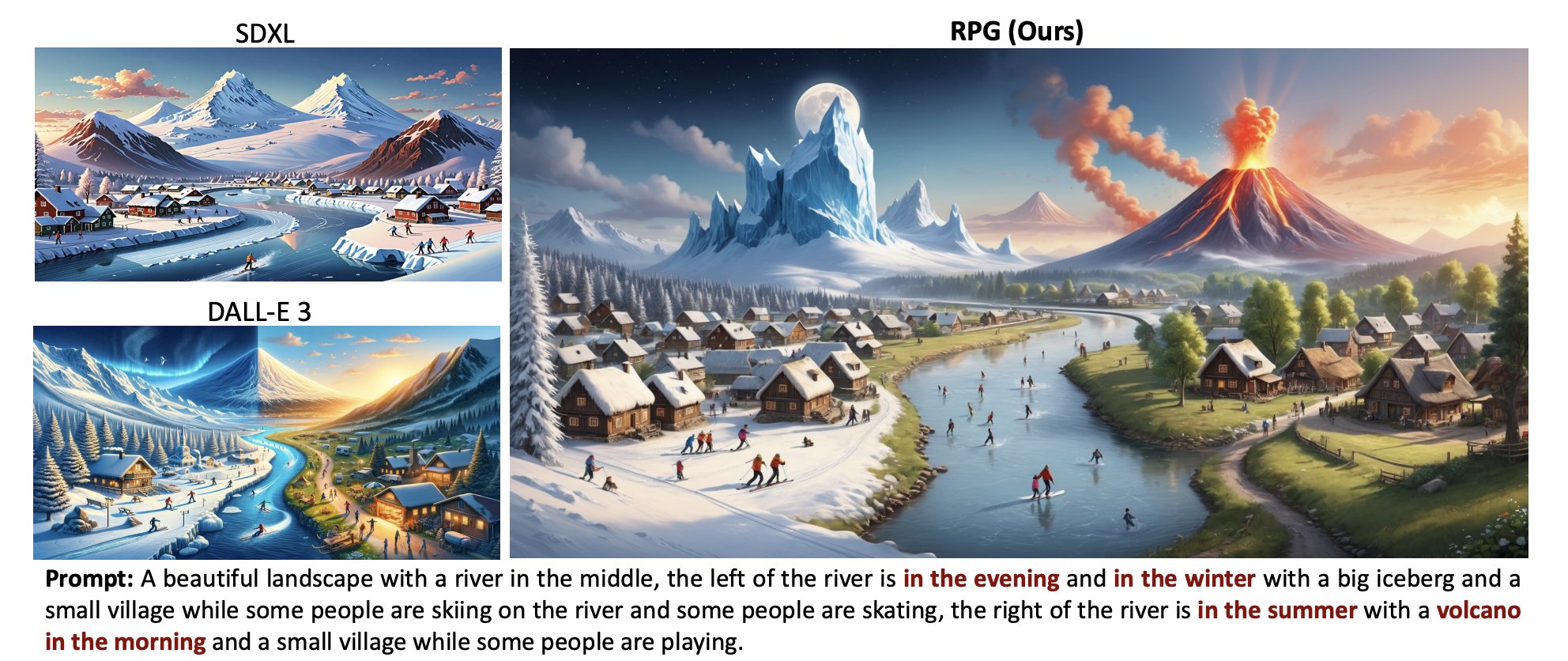
With Pika 1.0, you can generate videos that are up to 15 seconds long.
Most of today’s AI films are actually collages of multiple shorter clips as it’s still pretty challenging to extend the length without sacrificing consistency and quality.
@pika_labs
-
Pika 1.0 Achieves 15-Second Video Generation with AI
By
–
-

Kansas City Chiefs: Anime AI Halftime Show Concept Imagined
By
–
Congrats, Kansas City Chiefs! 🏆
— Pika (@pika_labs) 12 février 2024
But imagine Travis would’ve come to Tokyo instead…
Anime AI halftime showdown by @lazy_literatus – enjoy! pic.twitter.com/kCoRIaaZaZCongrats, Kansas City Chiefs! But imagine Travis would’ve come to Tokyo instead… Anime AI halftime showdown by @lazy_literatus – enjoy!
-
Pika’s Hybrid Animal Feature Lets You Swap Creative Elements
By
–
So here's a weird thing you can make with Pika: Hybrid Animals. Use Modify Region to swap in an owl face, a webbed foot, or whatever strikes your fancy.
— Pika (@pika_labs) 5 février 2024
Try it at https://t.co/EOjBvnv59L and share yours below 👇 pic.twitter.com/isJiZVw6owSo here's a weird thing you can make with Pika: Hybrid Animals. Use Modify Region to swap in an owl face, a webbed foot, or whatever strikes your fancy. Try it at http://
Pika.art and share yours below -
Using Negative Prompts to Control AI Video Generation
By
–
Sometimes you don't want the people in your videos to look like they're talking. In this case, Negative Prompts (in parameters) are your best friend. Try "talking, mouth moving" for a less chatty result. pic.twitter.com/f4E0NGXKEc
— Pika (@pika_labs) 2 février 2024Sometimes you don't want the people in your videos to look like they're talking. In this case, Negative Prompts (in parameters) are your best friend. Try "talking, mouth moving" for a less chatty result.
-
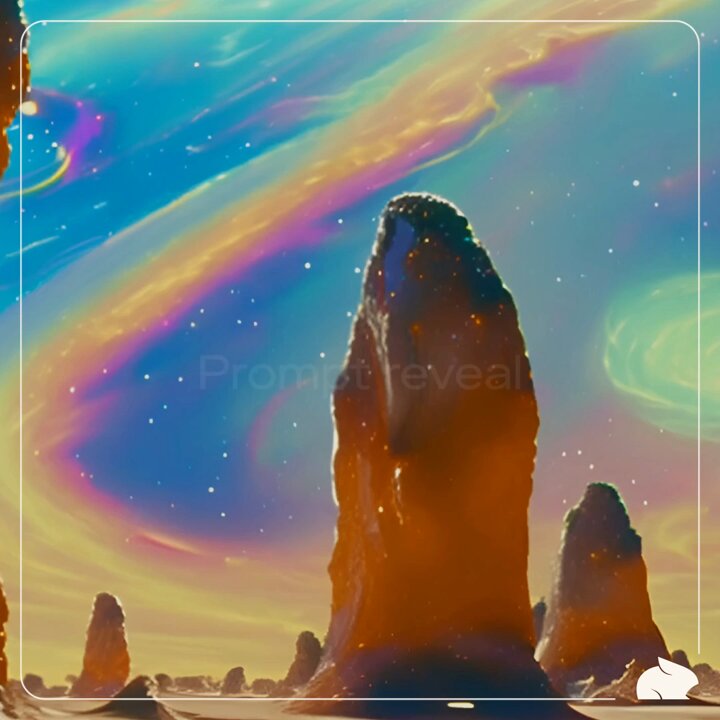
Galaxy Video Creation: AI Prompt Parameters and Creative Applications
By
–
🪐 Star-struck by this dreamy galaxy video by @ZaneAustin1122? Take a look at the prompt and parameters behind it, and apply them to your own creations. pic.twitter.com/4oU4JWT9g9
— Pika (@pika_labs) 31 janvier 2024Star-struck by this dreamy galaxy video by @ZaneAustin1122
? Take a look at the prompt and parameters behind it, and apply them to your own creations. -
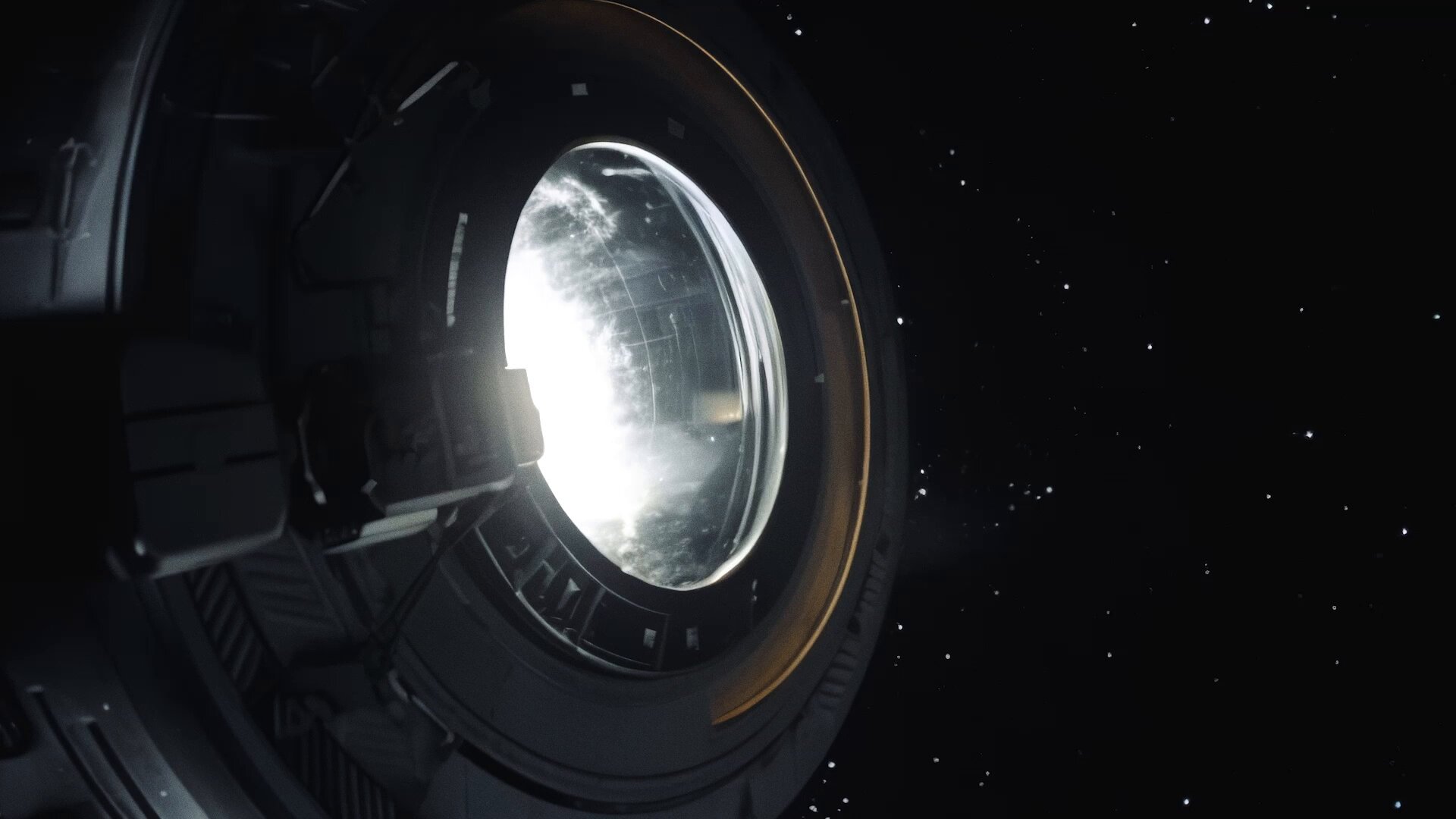
AI Storytelling Masterclass with Renowned Director Diesol
By
–
🔥 Pika Live Masterclass alert 🔥Join us tomorrow from 10-11am PT to learn about AI storytelling with your host @Diesol – renowned director, AI content creator, and Pika Super Collaborator.
— Pika (@pika_labs) 26 janvier 2024
Sign up here: https://t.co/AuIaSxoHom pic.twitter.com/ZcSoxlKL7oPika Live Masterclass alert Join us tomorrow from 10-11am PT to learn about AI storytelling with your host @Diesol – renowned director, AI content creator, and Pika Super Collaborator. Sign up here: https://
discordapp.com/events/1123665
496148017235/1197984652879724634/1200500401766400000
… -
Extend Feature Now Supports Variable Camera Motions for Videos
By
–
Looks great! Also feel free to add different camera motions when using ‘extend’, that way you can direct your camera movements for up to 11 extra seconds!
-
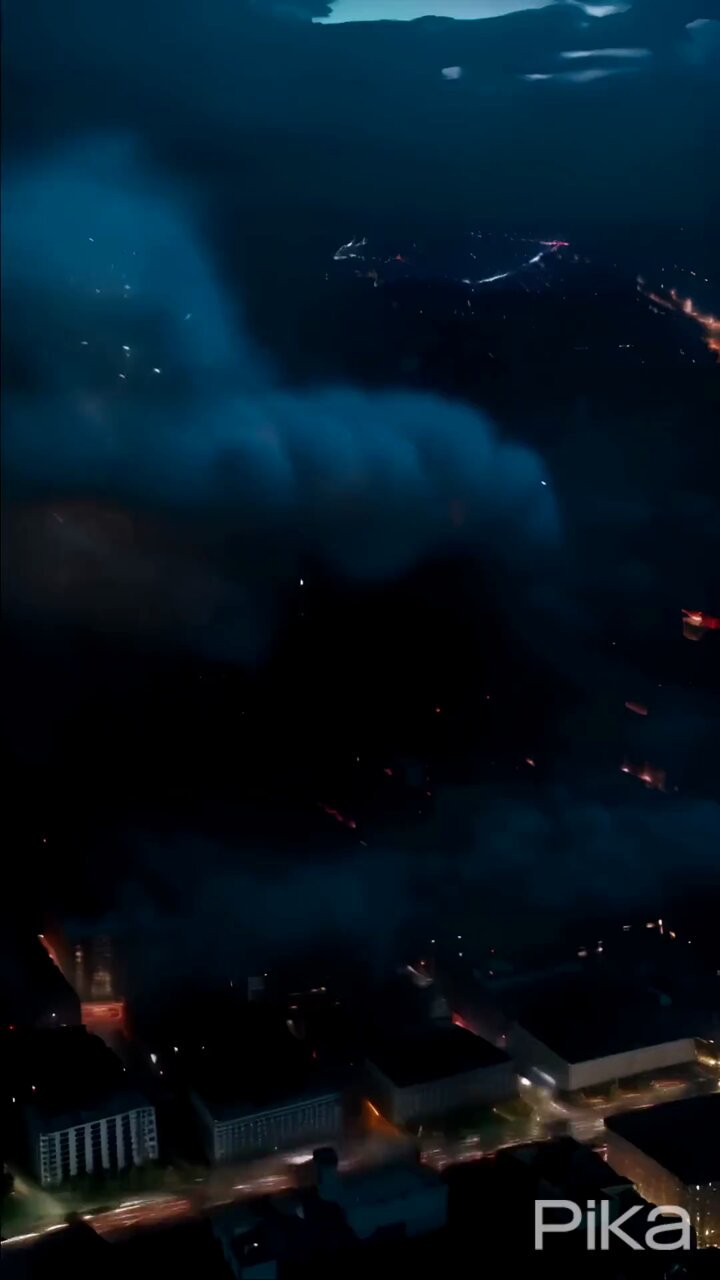
Stormy Weather Video Created with Pika 1.0 AI
By
–
🌩️ Stormy weather 🌩️ Stirred up by @amelicaotica with Pika 1.0. pic.twitter.com/VkKg6pUJXu
— Pika (@pika_labs) 17 janvier 2024Stormy weather Stirred up by @amelicaotica with Pika 1.0.
-
Expand Canvas and Video-to-Video AI Features
By
–
Sometimes your scene could use a little extra space—or an extra horse🐴. Expand Canvas is here for you.
— Pika (@pika_labs) 11 janvier 2024
And when that horse isn't quite 🦄 magically cute 🦄 enough, adjust the style with Video-to-Video. pic.twitter.com/l80eWpfEEtSometimes your scene could use a little extra space—or an extra horse. Expand Canvas is here for you. And when that horse isn't quite magically cute enough, adjust the style with Video-to-Video.