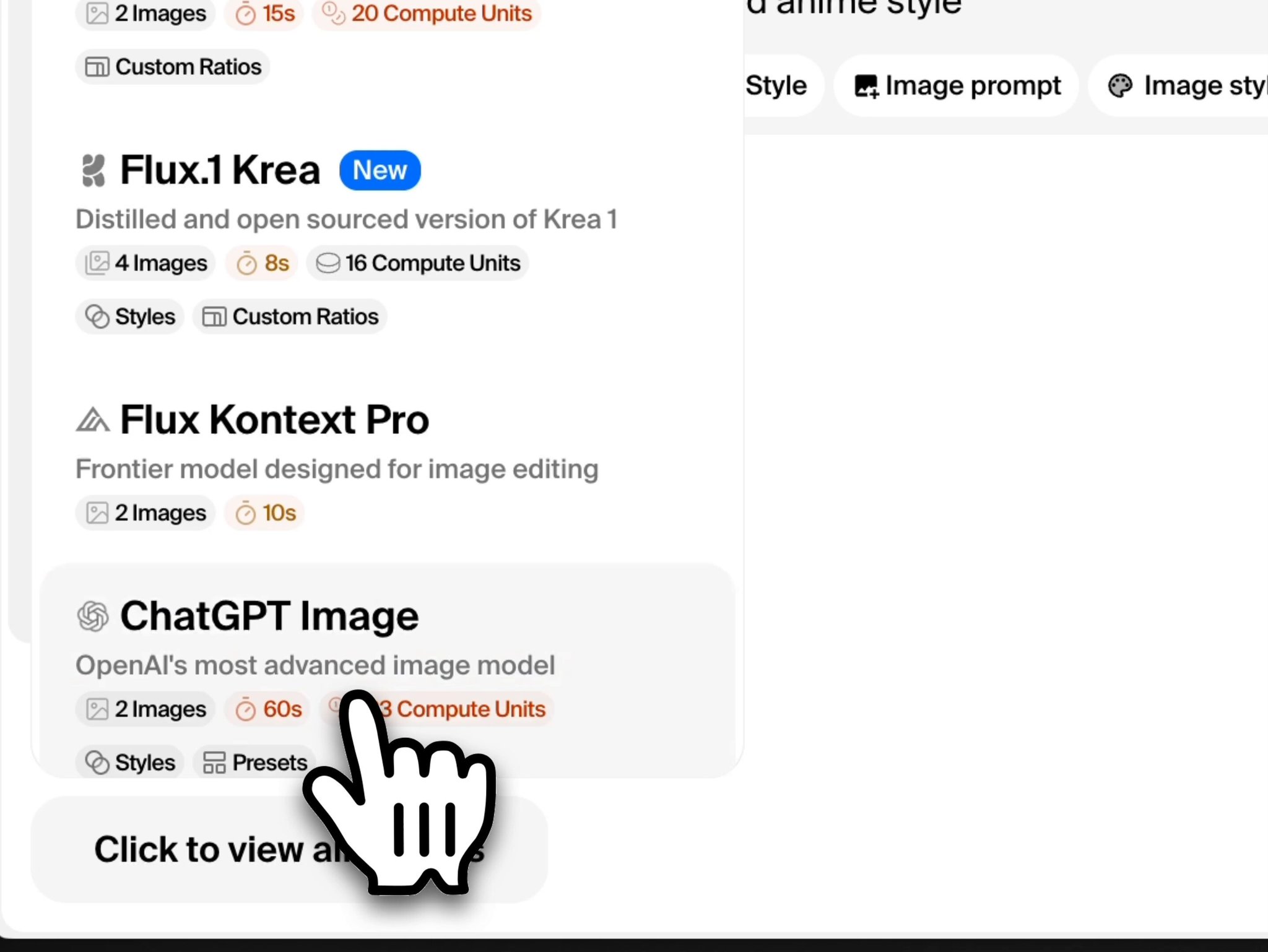
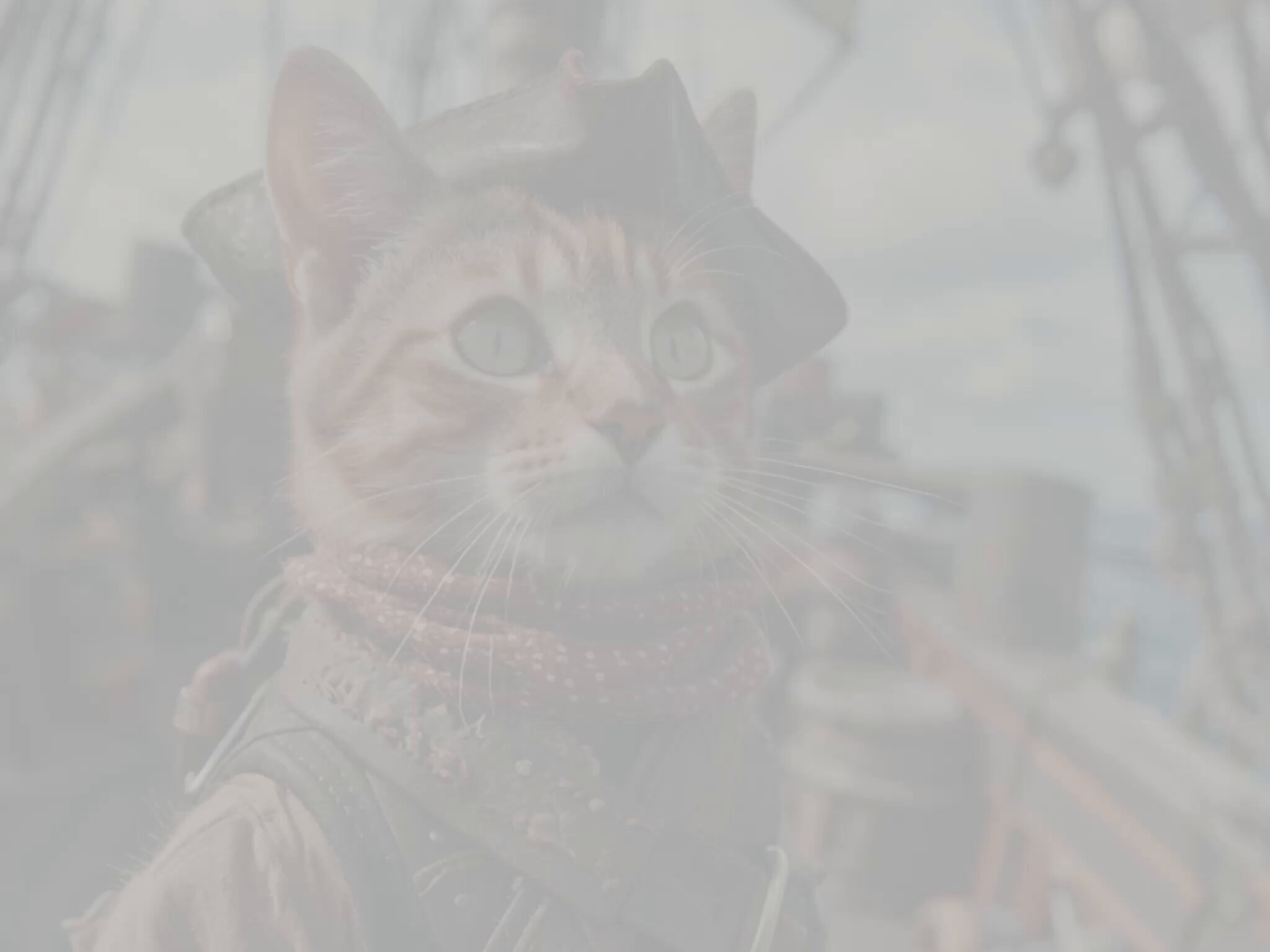
if you want to learn about how we trained KREA Flux, we prepared a detailed blog in the link below:
@krea_ai
-
FLUX Krea Open-Weight Model Approaches FLUX Pro Quality
By
–
FLUX Krea ranks higher than previous open-weights FLUX models and gets close to FLUX Pro quality.
— KREA AI (@krea_ai) 31 juillet 2025
(results from internal evals, soon in @ArtificialAnlys) pic.twitter.com/Bwg1ySRic0FLUX Krea ranks higher than previous open-weights FLUX models and gets close to FLUX Pro quality. (results from internal evals, soon in @ArtificialAnlys
) -
FLUX Krea: Open-Source Image Generation Model Without AI Look
By
–
FLUX Krea is a distilled version of Krea-1 fully compatible with the open-source FLUX ecosystem. the model has been trained with aesthetics in mind to fix the common "AI look" problem. you can try it for free (no sign up required) from the link below:
-
Krea-1 Open-Source Image Model Released with SOTA Realism
By
–
today, we're releasing an open version of Krea-1.
— KREA AI (@krea_ai) 31 juillet 2025
FLUX Krea is a new SOTA open-source image model with incredible realism and aesthetics.
try it for free 👇 pic.twitter.com/OpqLFkygwTtoday, we're releasing an open version of Krea-1. FLUX Krea is a new SOTA open-source image model with incredible realism and aesthetics. try it for free
-

Wan 2.2 Open-Source Model Generates High Quality Videos Rapidly
By
–
introducing Wan 2.2
— KREA AI (@krea_ai) 29 juillet 2025
this new open-source model can generate high quality videos in less than a minute and it will soon support custom styles!
try it now in Krea Video. pic.twitter.com/FewcE9ksKSintroducing Wan 2.2 this new open-source model can generate high quality videos in less than a minute and it will soon support custom styles! try it now in Krea Video.
-

Krea AI Motion Transfer: Animate Characters with Video Movements
By
–
1) go to https://t.co/c5t8Ykbhtu.
— KREA AI (@krea_ai) 25 juillet 2025
2) upload an image or video of a character.
3) upload a video with the movements you want in the character.
4) generate! pic.twitter.com/HPCe6HMkpg1) go to http://
krea.ai/motion-transfer.
2) upload an image or video of a character.
3) upload a video with the movements you want in the character.
4) generate! -

Motion Transfer: Runway ML Act-2 Precision Character Animation Tool
By
–
introducing Motion Transfer.
— KREA AI (@krea_ai) 25 juillet 2025
this new tool powered by @runwayml's Act-2 lets you control the movements of any character with precision.
tutorial below 👇 pic.twitter.com/zlEtJAOiM7introducing Motion Transfer. this new tool powered by @runwayml
's Act-2 lets you control the movements of any character with precision. tutorial below -
ChatGPT’s improved image consistency model now available
By
–
new ChatGPT Image with improved consistency.
— KREA AI (@krea_ai) 17 juillet 2025
this new model from @OpenAI keeps input images way more consistent than its previous version.
try it now! pic.twitter.com/at1qjuWDjunew ChatGPT Image with improved consistency. this new model from @OpenAI keeps input images way more consistent than its previous version. try it now!
-

Veo 3 Adds Start Frame Support for Video Generation
By
–
Veo 3 now supports start frames.
— KREA AI (@krea_ai) 10 juillet 2025
now you can create Veo 3 videos using any image as the starting frame!
try it now in Krea Video. pic.twitter.com/1ANQjRY2RnVeo 3 now supports start frames. now you can create Veo 3 videos using any image as the starting frame! try it now in Krea Video.