Which is why we validate on the validation set.
@jeremyphoward
-
Training on Training Set, Testing on Test Set Valid
By
–
Controversial opinion: it's actually ok to train on the training set, and test with the test set.
-
Optional Dependencies in Open Source Python Projects
By
–
It’s pretty close to that actually. Since that blog we’ve added OAuth – optional if you don’t want it. fastlite is optional if you don’t want it. Date parser is optional. Bs4 optional. So I think the only other required dep is fastcore
-
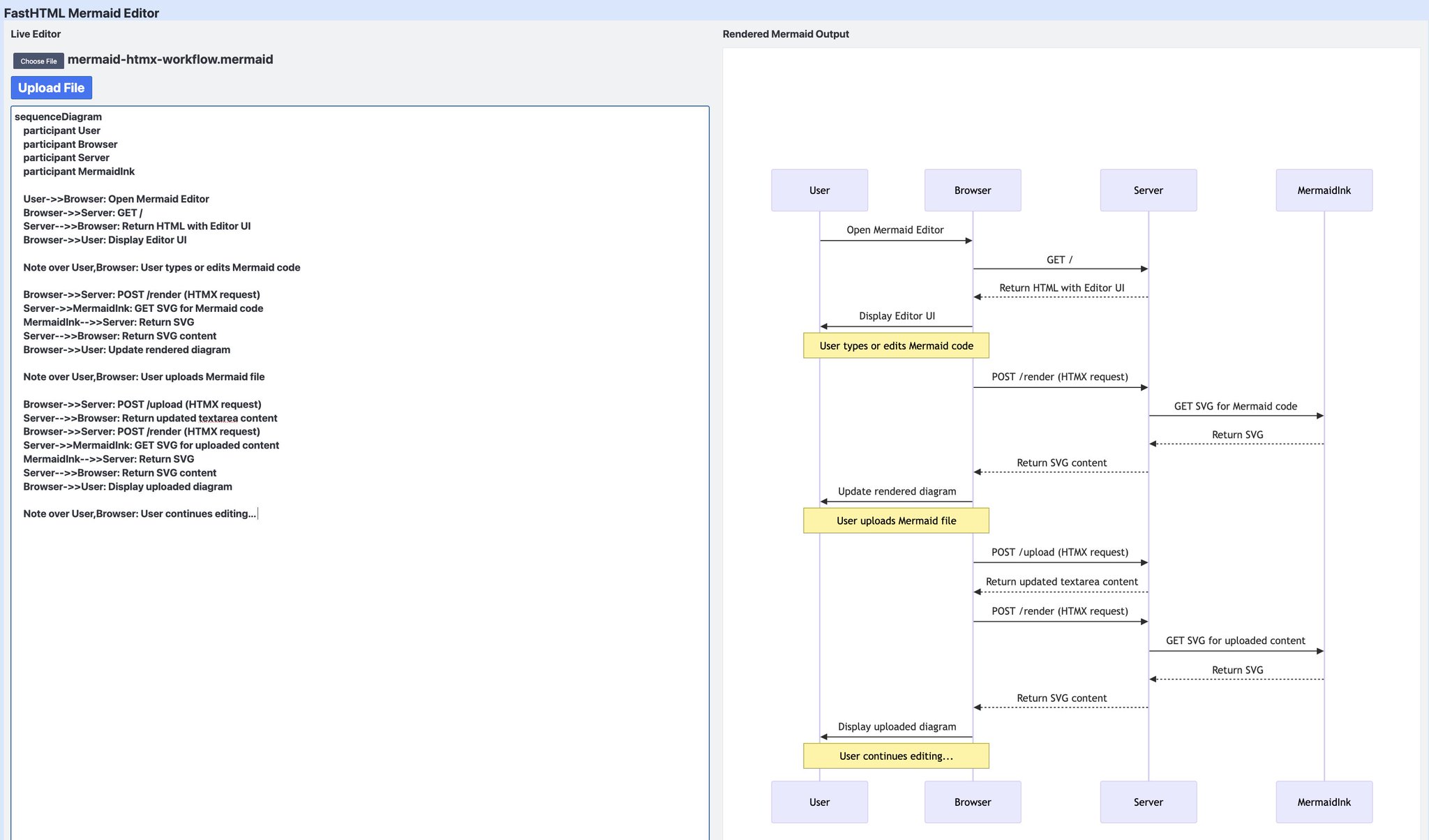
FastHTML Enables Rapid Mermaid Editor Development
By
–
Wow only took a few hours from releasing the SVG support for someone on our Discord to create a Mermaid editor with FastHTML! :O
-
Minimal ASGI Python Dependencies for Web Serving
By
–
This is a pretty minimal set of deps that nearly any python ASGI webserver will use. So if you want to fully understand web serving in Python, that's your platform.
-
FastHTML: Powerful Web Framework Under 1000 Lines
By
–
And fasthtml is <1000 lines of code (excluding auto-generated typemaps and indexes).
-
Lightweight Web Framework with Comprehensive Features and Dependencies
By
–
Seriously? You know of a web server with websockets, oauth, database, signed sessions, live reloading, a test client, date parsing, automatic form filling, functional components, HTMX and SVG support, and much more, with fewer deps than that? (All those deps are small BTW.)
-
Getting Started with FastHTML Framework Today
By
–
And if you *still* haven't gotten started with FastHTML, today is a great day to get into it! Start here: https://
docs.fastht.ml -
FastHTML SVG Documentation Guide Released
By
–
If you want to see the full details of fasthtml.svg, check out the docs here: https://
docs.fastht.ml/api/svg.html -
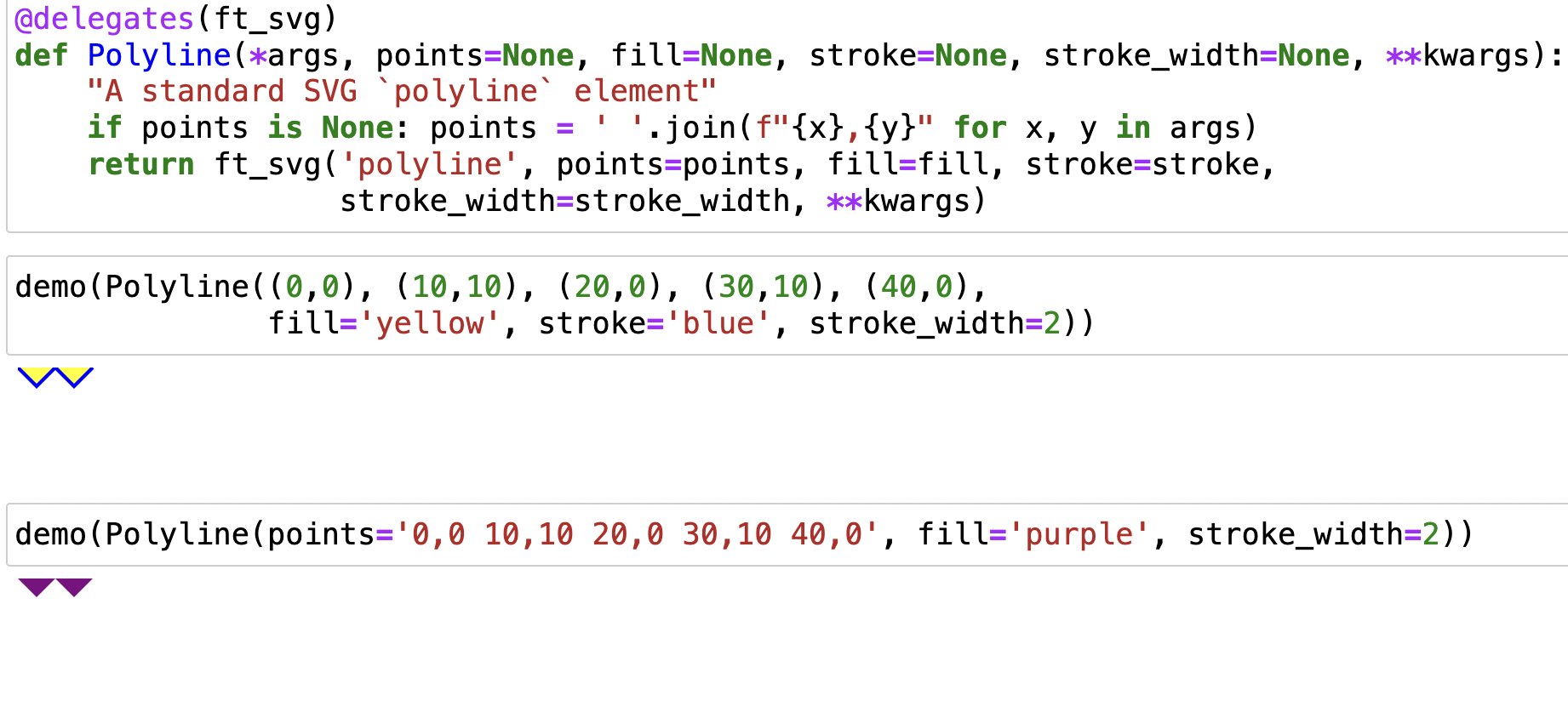
FastHTML SVG docs: Interactive notebook-based source exploration
By
–
And of course because FastHTML is an nbdev project, the fasthtml.svg docs and source is actually a notebook you can experiment in to see what's possible and how it all works!