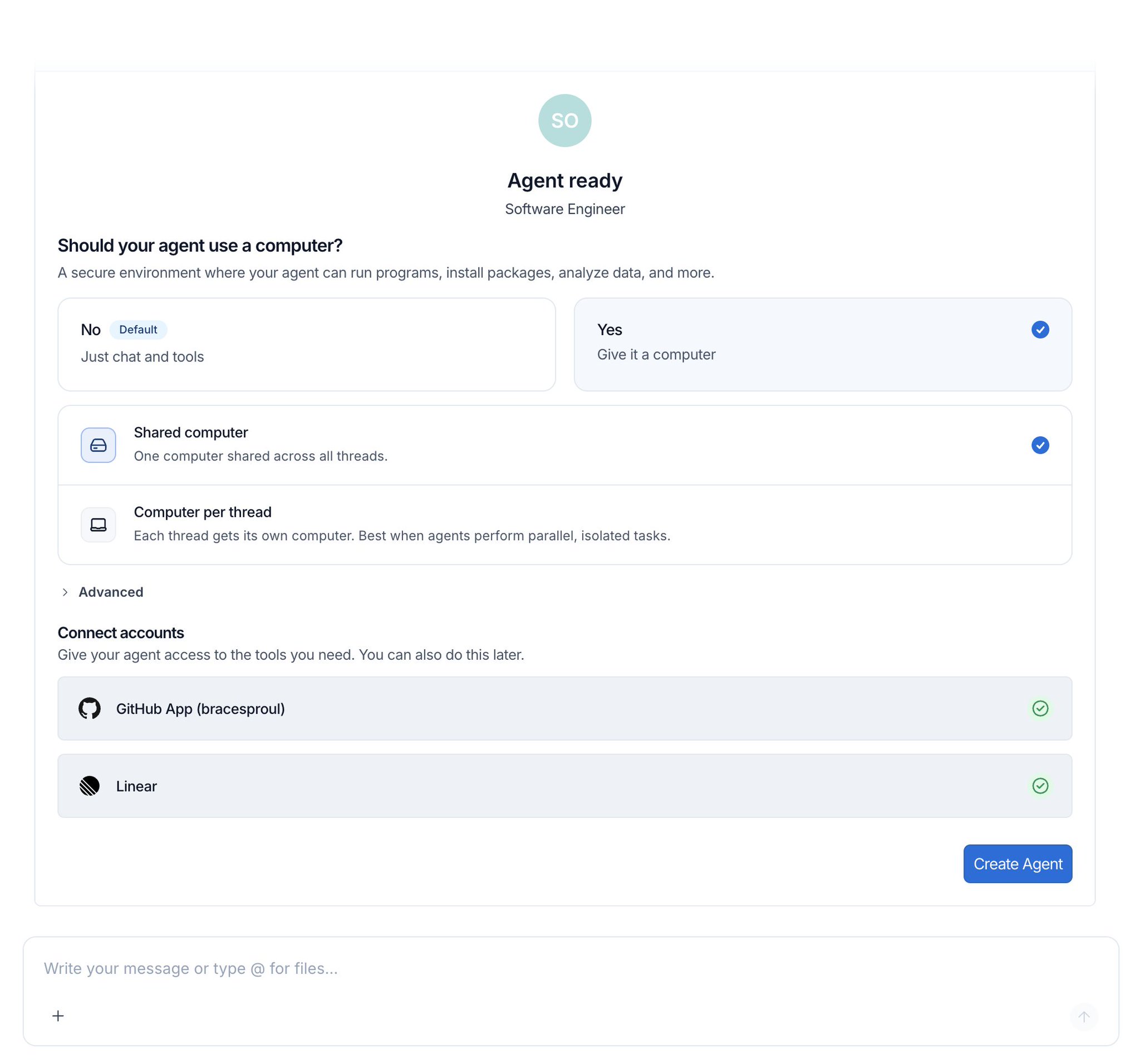
Fleet agents now come with a computer! They can write and execute code, which is helpful for general purpose tasks beyond coding
@hwchase17
-

Context Hub Launched for AI Agent Context Management
By
–
We launched Context Hub as a way to manage skills, AGENTS.md files, and other context files an agent might need You can easily use it as a virtual filesystem in deepagents See this video for more info!
-

Benefits of Lightweight Code Interpreter Environments for AI Development
By
–
code interpreter is a light weight code execution environment lets you do:
– RLMs
– programmatic tool calling
– more! without having to spin up a full sandbox we'll be writing a lot more about the use cases here, but check it out! -
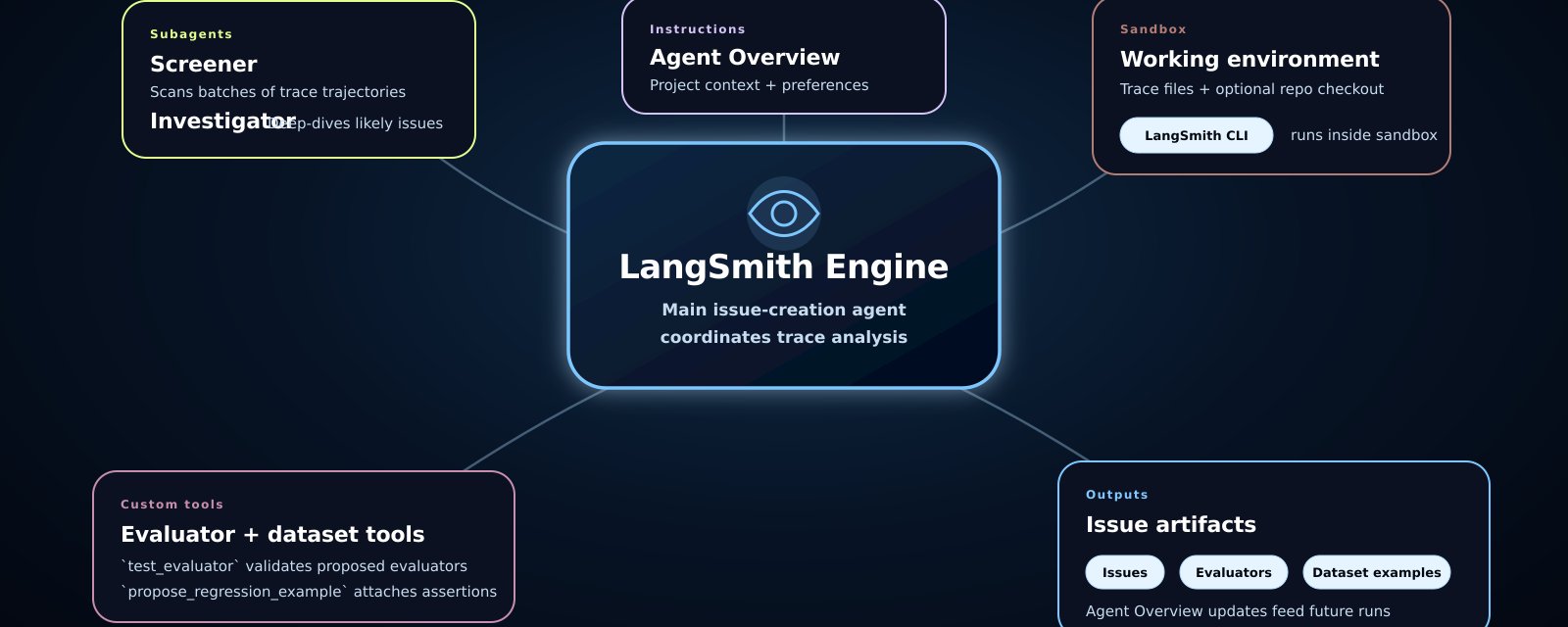
Technical deep dive into the architecture of LangSmith Engine
By
–
great deep dive into how we built LangSmith Engine lots of fun learnings and tips and tricks
-
Job opportunity in continual learning research
By
–
Jake will be working with a lot of folks on continual learning – if that’s interesting, reach out to him!
-
Integrating LangSmith and OTEL for AI application observability
By
–
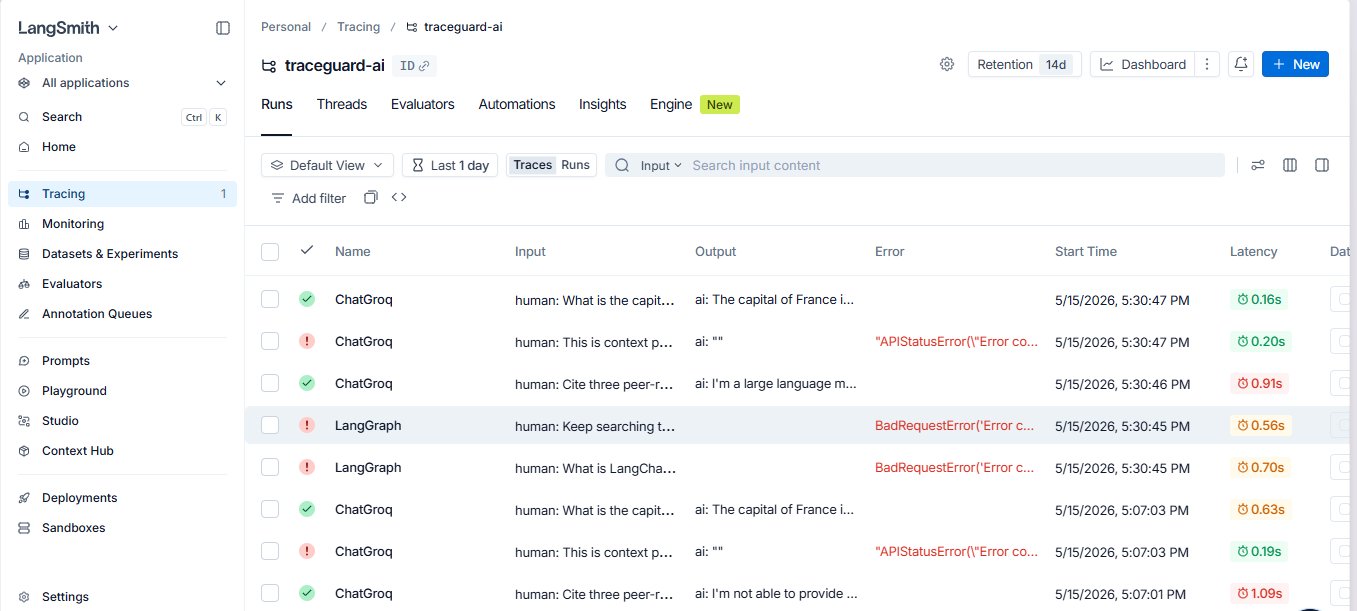
right now Engine only works with LangSmith traces but it's super easy to trace to LangSmith, we accept OTEL and integrate with 30+ frameworks! if you want to migrate to LangSmith to try out Engine, we will help as well!
-
Decoupling AI Trace Observability from LangChain Ecosystem
By
–
right now its tightly coupled to LangSmith traces, but not to the rest of the LangChain ecosystem eg you can use this on claude code traces, crewai traces, any traces!
-
Proposing support for custom MCP servers in AI workflows
By
–
thats a good idea, cc @bentannyhill we should probably make it possible to bring your own mcp server?