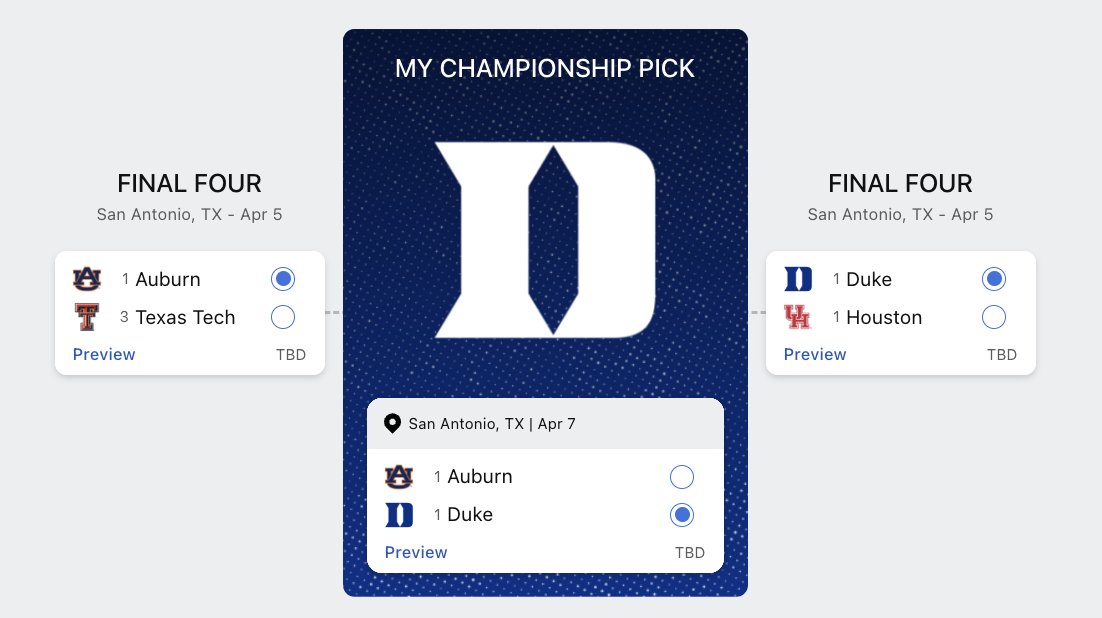
I used Claude Code to make an agentic march madness bracket picker in <20 minutes. Here's the final four that Claude picked:
@alexalbert__
-
Claude AI Workflow: Outlining Projects and Code Generation
By
–
My workflow for every project now is to chat in claude dot ai about what I want to do and create a detailed outline of the project together, and then pass that doc into claude code. It's amazing how much claude code can do in a single shot with some well written instructions.
-
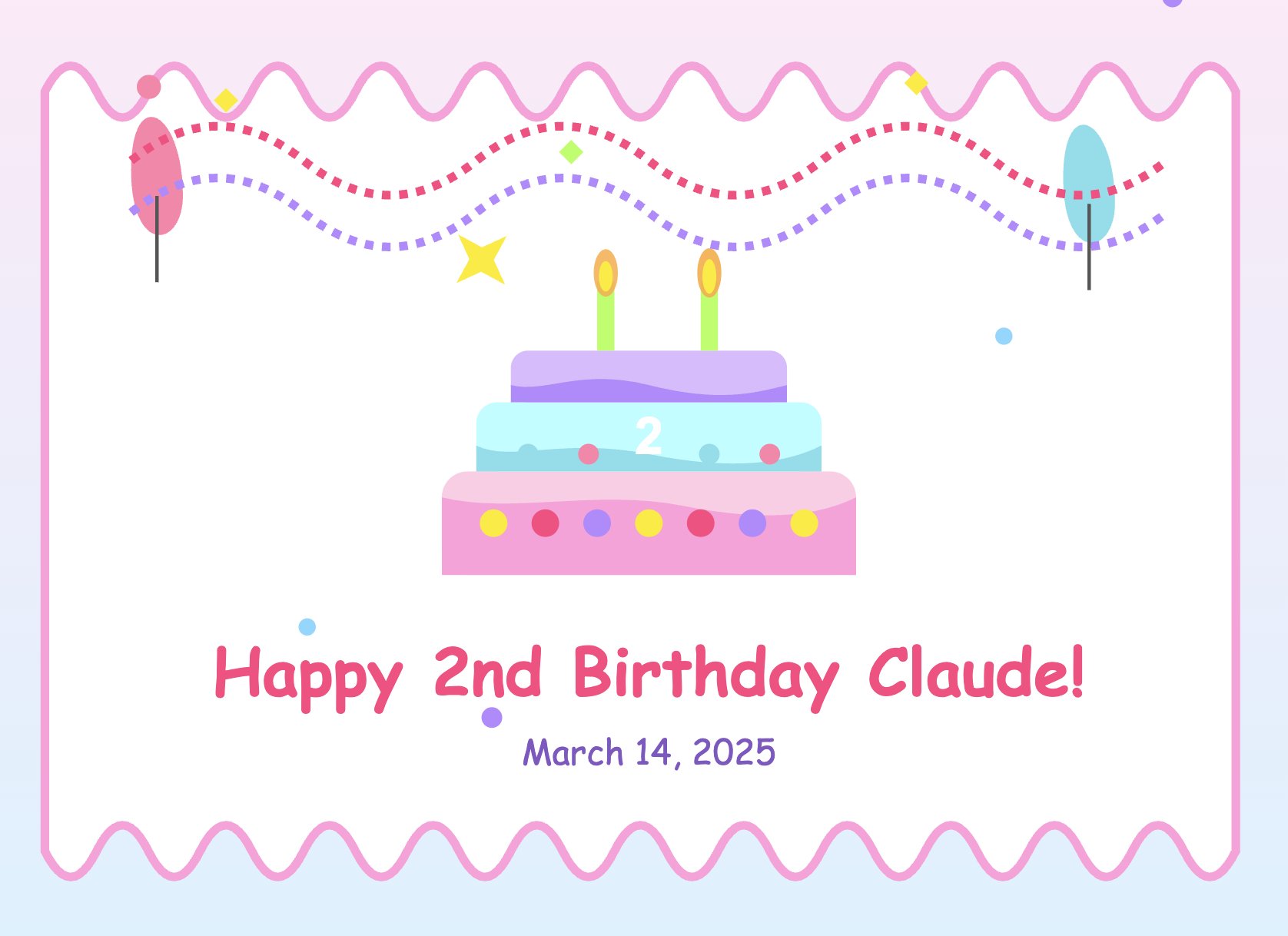
Claude Celebrates Second Anniversary Since Public Announcement
By
–
Two years ago today we announced Claude to the world. Happy second birthday, Claude!
-

Anthropic API Introduces Cache-Aware Rate Limits for Prompt Cache
By
–
We've rolled out cache-aware rate limits in the Anthropic API. This means that prompt cache read tokens will no longer count against your input token per minute rate limits.
-

Anthropic Introduces Text Editor Tool for Efficient Claude API Integration
By
–
We've introduced a new text_editor tool in the Anthropic API. It's designed for apps where Claude works with text files. With the new tool, Claude can make targeted edits to specific portions of text. This reduces token consumption and latency, all while increasing accuracy.
-
Try out Anthropic Console Workbench tool
By
–
Go try it out: https://
console.anthropic.com/workbench -
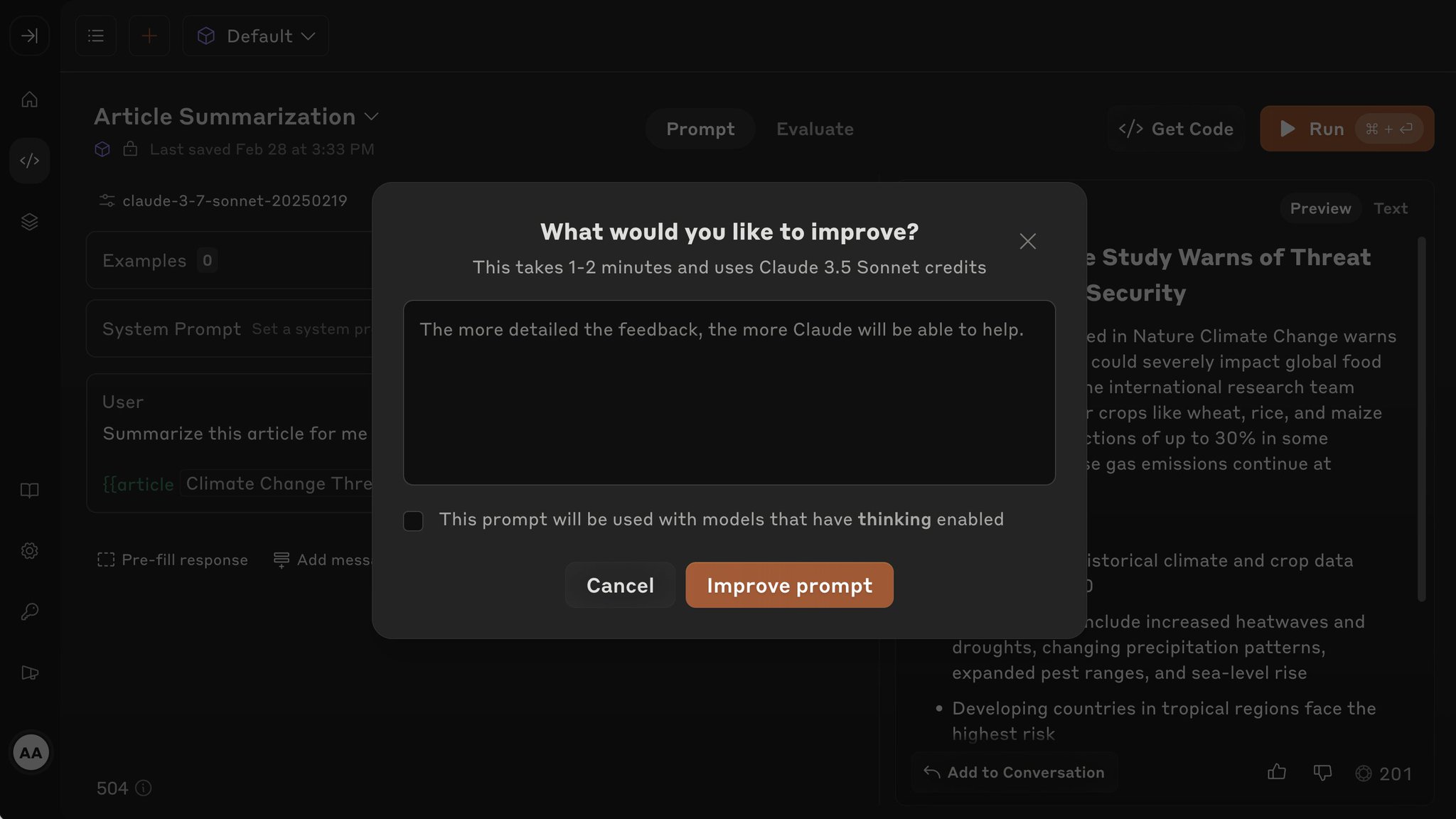
Claude as Expert Prompt Engineer for Optimization
By
–
Claude can also write and improve your prompts for you. I’ve found Claude to be an excellent prompt engineer.
-
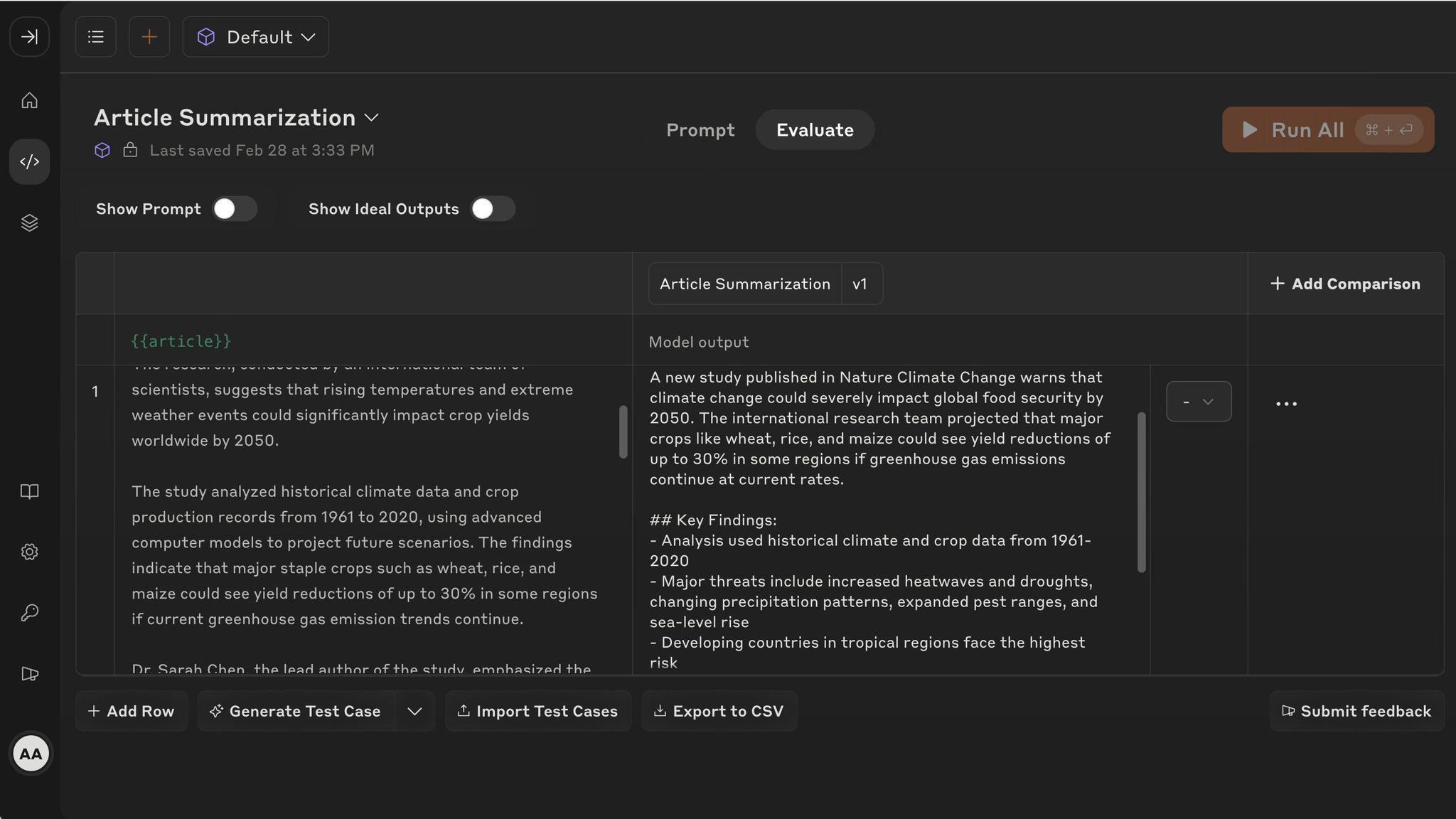
Evaluate Prompts with Automated Testing and Output Comparison
By
–
Once you have your prompts, switch over to the evaluate tab to run them against real-world scenarios with automatic test case generation and side-by-side output comparison.
-

Workbench: Prompt Playground for Testing AI Features
By
–
The workbench is our prompt playground. Iterate on your prompts and test features like tool use, extended thinking, and much more.