
Did you know you dont need to install any requirements or cuda stuff to setup and run AutoTrain Advanced?!! Yeap, you can just use the docker image: `huggingface/autotrain-advanced:latest`
@abhi1thakur
-
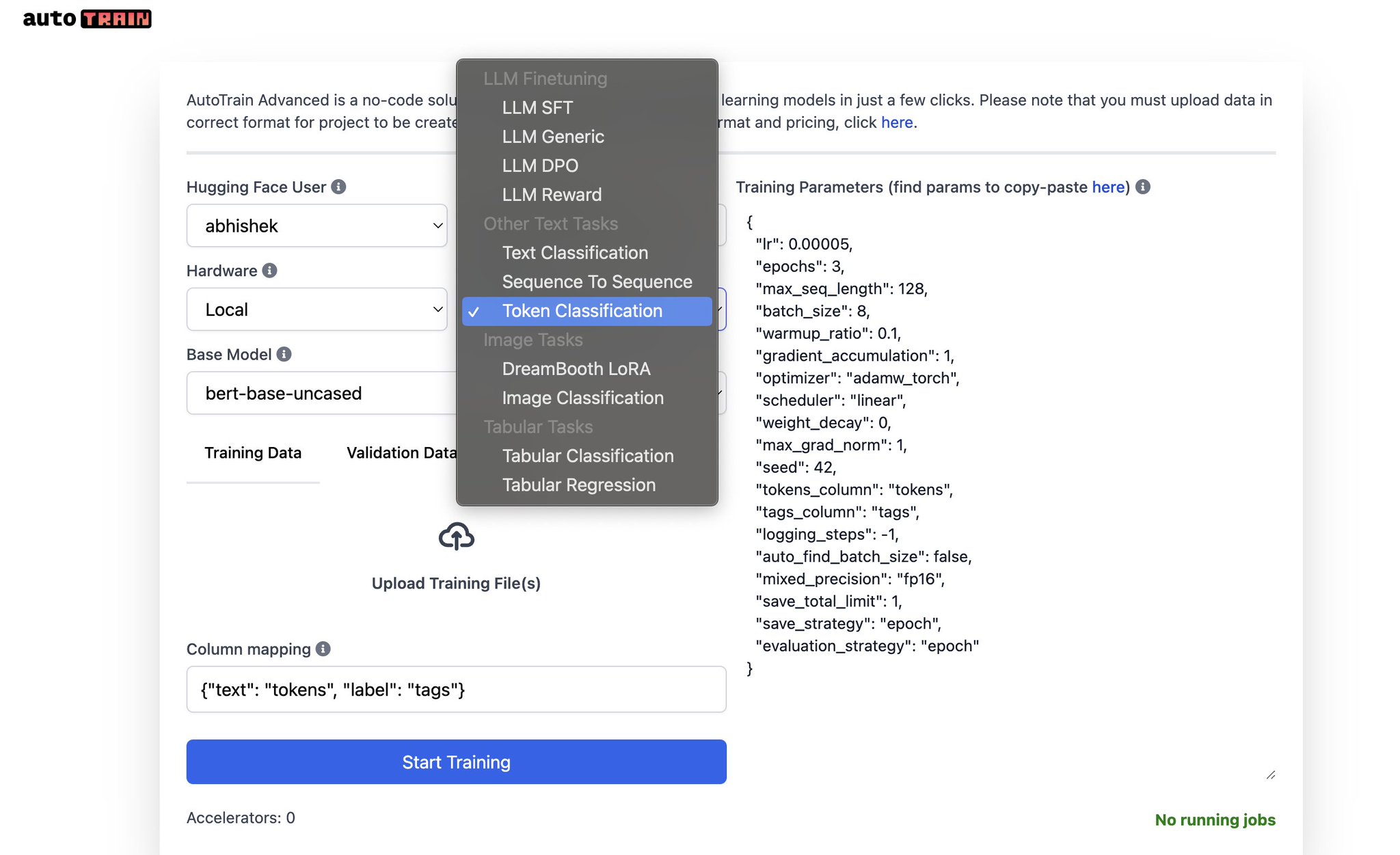
AutoTrain Now Supports Token Classification Task
By
–
NEW TASK ALERT Token Classification is now available in AutoTrain
-

Hugging Face Competitions: New Features and Enhanced Customization Options
By
–
New Features in Hugging Face Competitions – support for multiple metrics
– custom metrics
– fully hidden test set
– custom hardware support: CPU, A10g, A100
– custom requirements support
– custom time-limit for submission runs
– support for not just submission.csv but any -
Run UI and Model Training Locally with AutoTrain Advanced
By
–
Run UI & Trainings locally NOW! No-code, state of the art model training. “`
$ pip install autotrain-advanced
$ export HF_TOKEN=your_hf_write_token
$ autotrain app
“` -
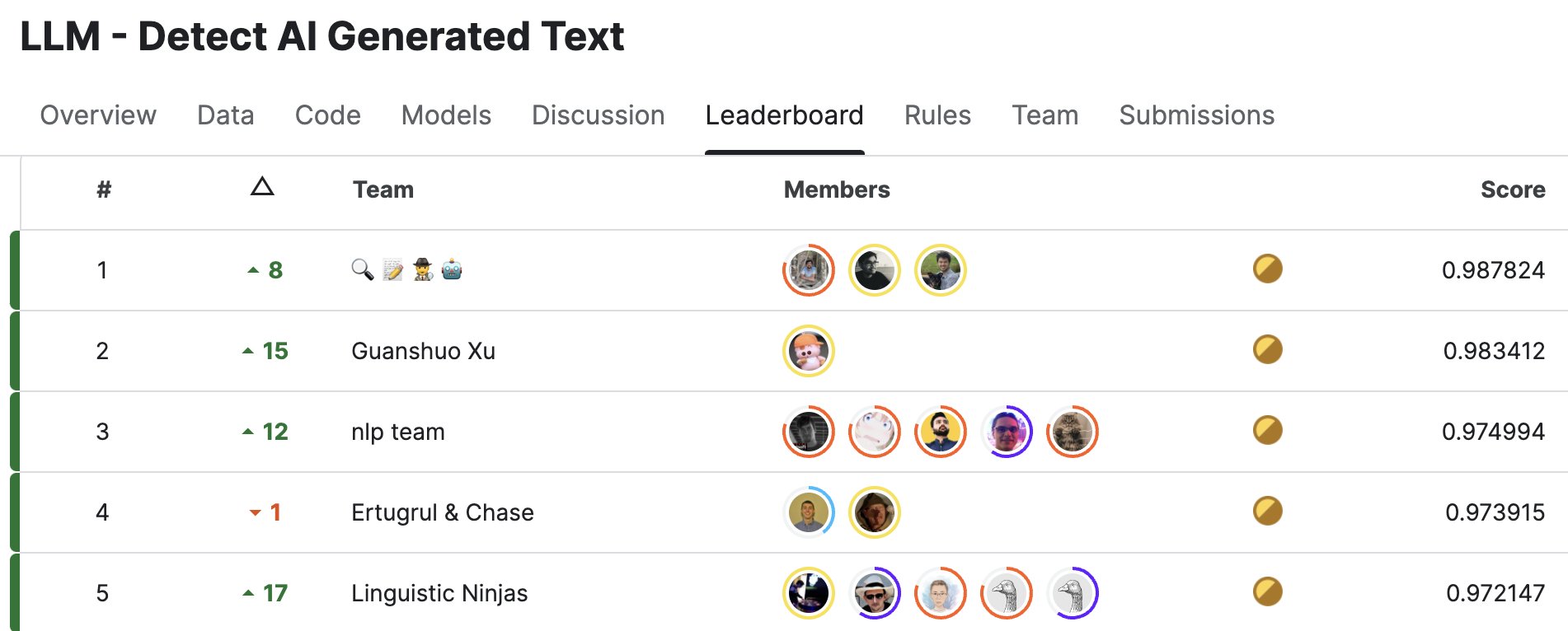
AutoTrain Wins #1 in Latest Kaggle LLM Competition
By
–
Its awesome to know that the #1 winning solution in latest LLM competition on Kaggle used AutoTrain as a part of their solution. If you haven't tried AutoTrain yet, you can do so by installing it from pip: `pip install autotrain-advanced` and then running `autotrain app`. You can
-
AutoTrain CSV Format Guide: JSON Conversion and Data Structuring
By
–
autotrain supports csv only. you can always convert json to csv. csv can also have json inside it. if you end up using no_robots format, you have to use stringified json inside the csv. best is to add the prompts yourself and use csv as provided in the example.
-
Adding System Messages to CSV Rows for Model Training
By
–
you can add system message manually in each row of the csv. if you use a format like https://
huggingface.co/datasets/Huggi
ngFaceH4/no_robots
…, you can set apply_chat_template to True to make it automatically. however, many models dont support this. -
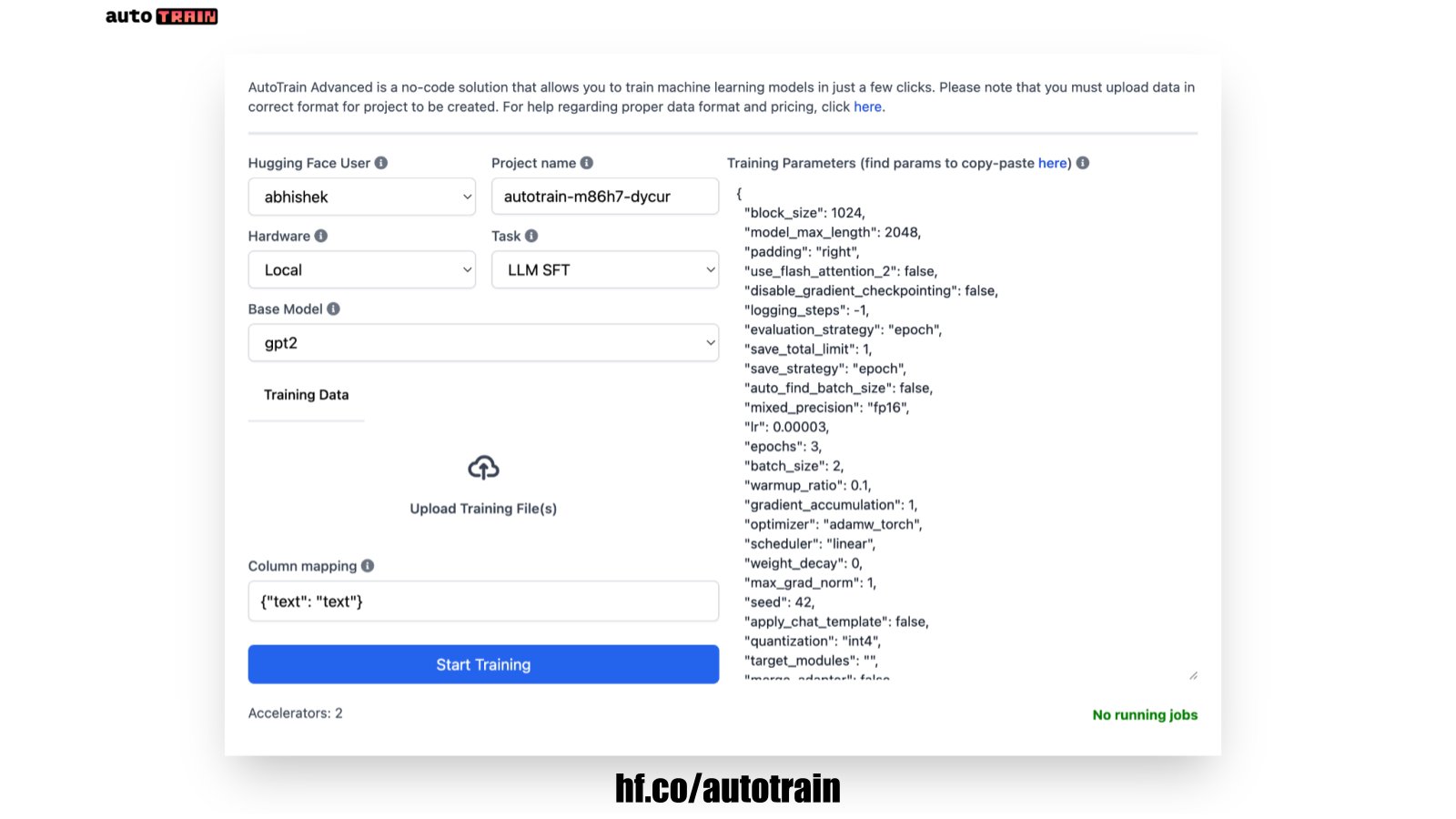
AutoTrain Now Local-First: Install via pip and Train Models Locally
By
–
AutoTrain is now local-first! This means you can install autotrain-advanced using pip and run trainings using the UI locally In Hugging Face Spaces, just attach the GPU you like to your AutoTrain space and it will train the models right there and pause itself when done $