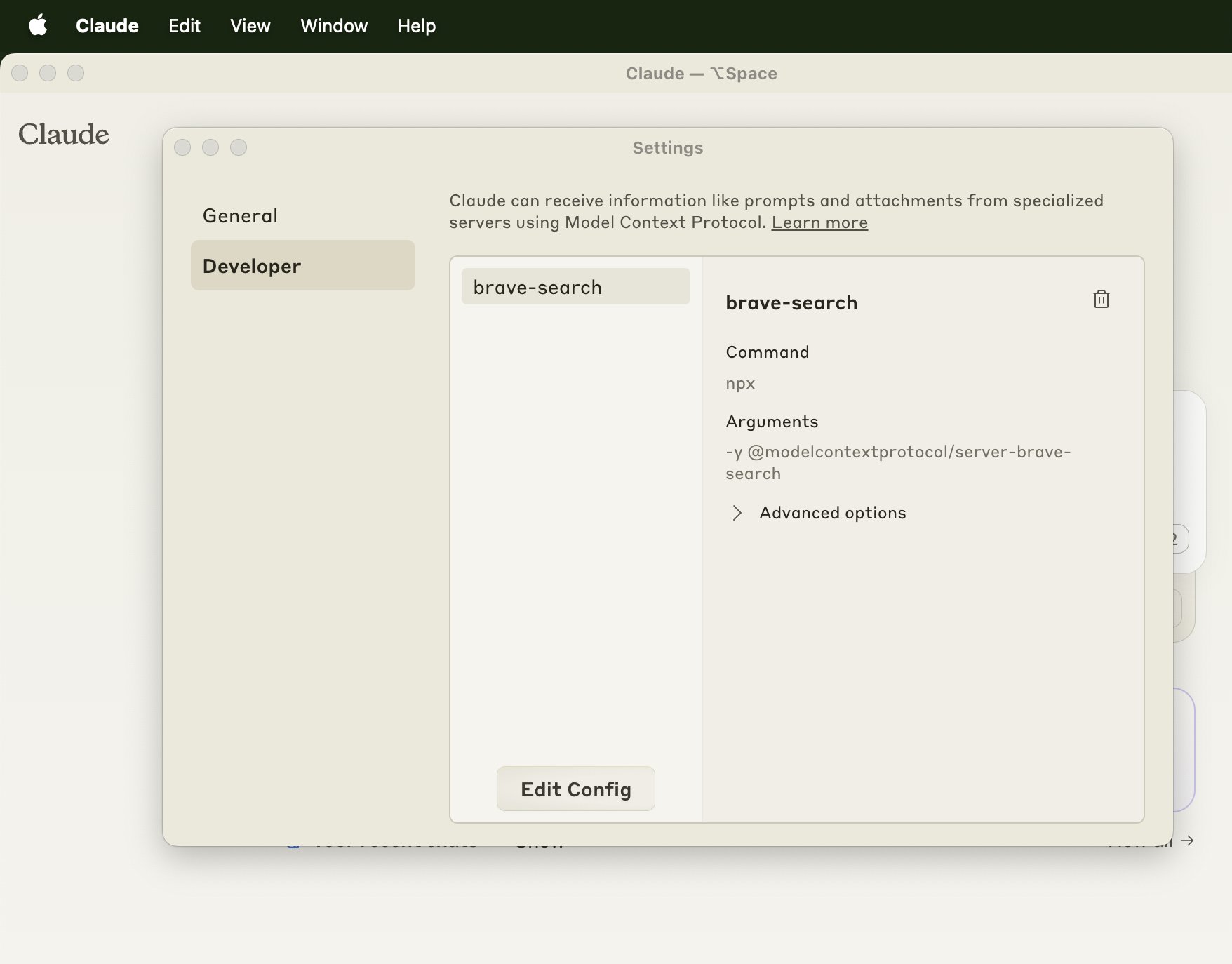
Restart your Claude desktop app for the changes to load. You can check that the server has been configured properly if you navigate to "Claude" > "Settings" in the top bar and check the Developer tab in this window that pops up
By
–
Restart your Claude desktop app for the changes to load. You can check that the server has been configured properly if you navigate to "Claude" > "Settings" in the top bar and check the Developer tab in this window that pops up