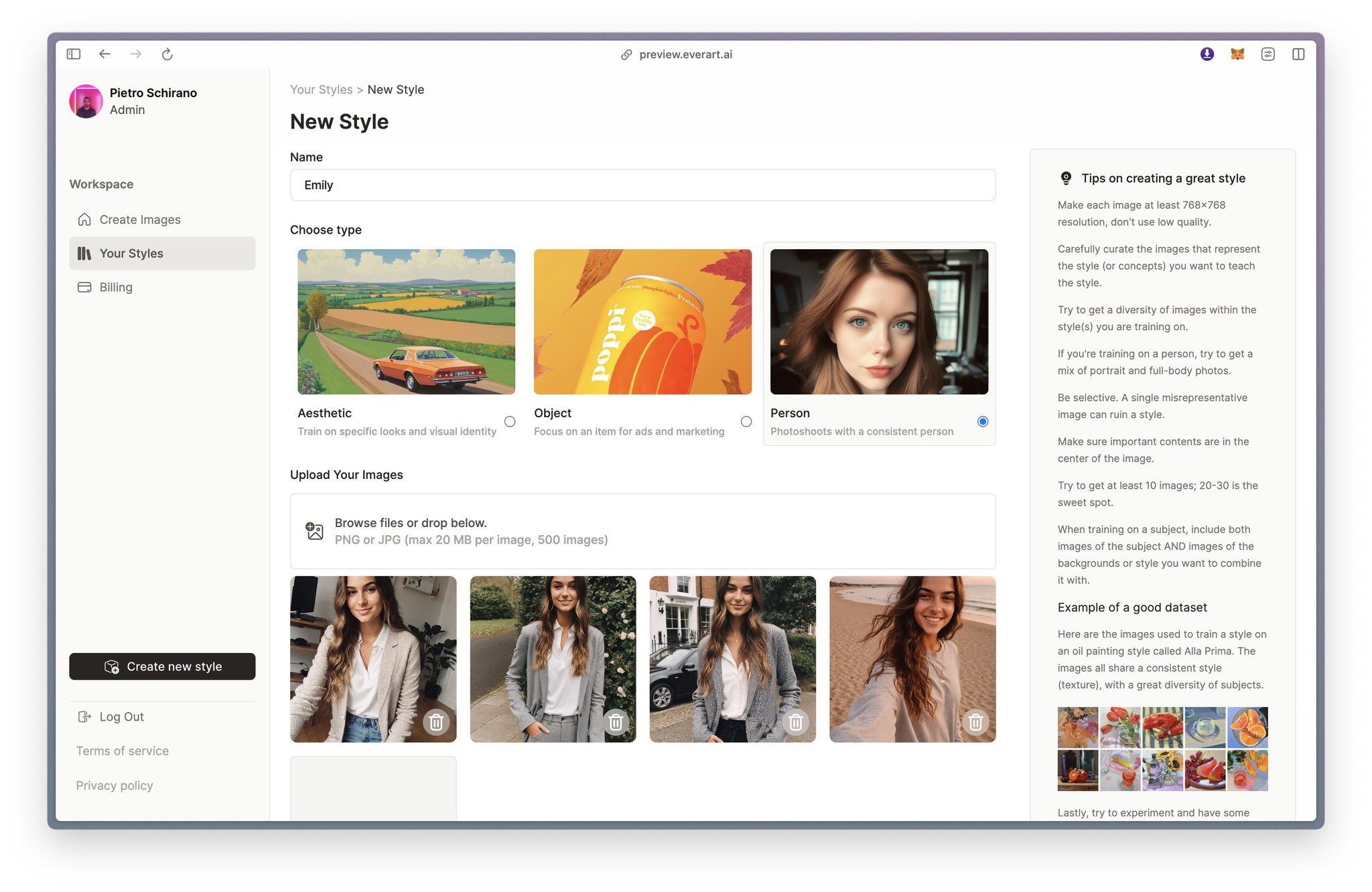
Then, drag and drop the images you've curated into the designated area. For this example we are only going to use 4. That's all it takes! You also have the option to set your model as public or private, based on your preference. Save the model and you are done!